 Lighthouse Mage: Idle Defense
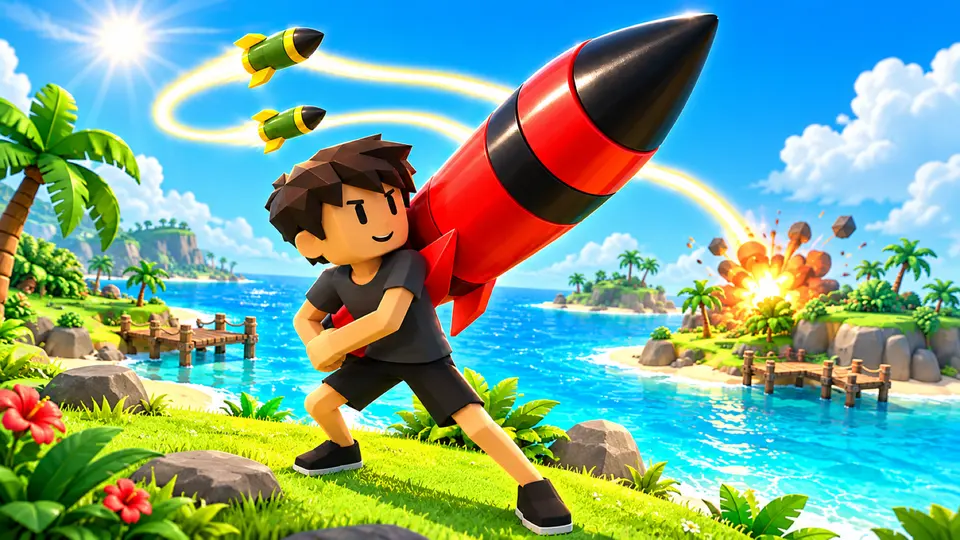
Rocket Islands
Provided by Playgama

Rocket Islandsvia Playgama



 +1 Damage Evolution
 Stickman Night Defense
 Break the Wall: Prison Escape
 Obby: Build a Car Farm
 Heroes Shop Battlers
 +1 Smash Monsters Evolution
 +1 Black Slime Evolution
 Lap Money: Merge Cars
 Egg Empire
 Steal a Weapon!
 Sprunki Craft - Sandbox 3D
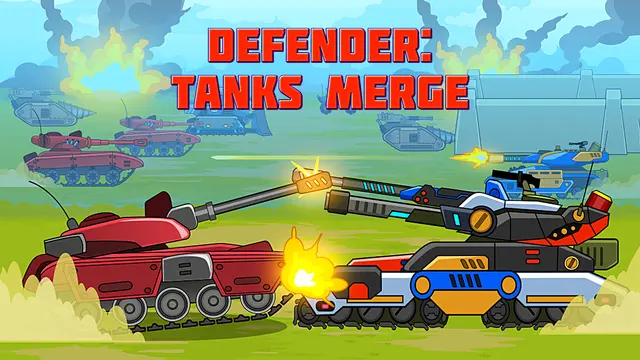 Defender: Tanks Merge
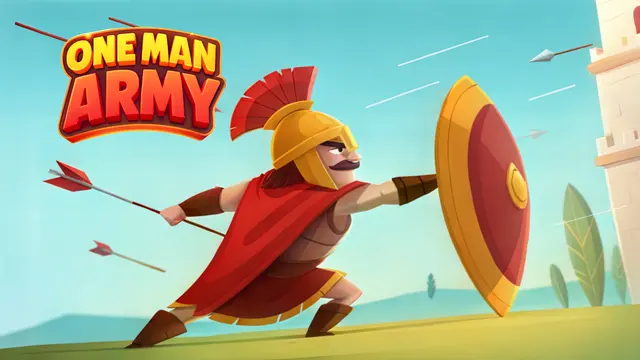 One Man Army: Battle Game
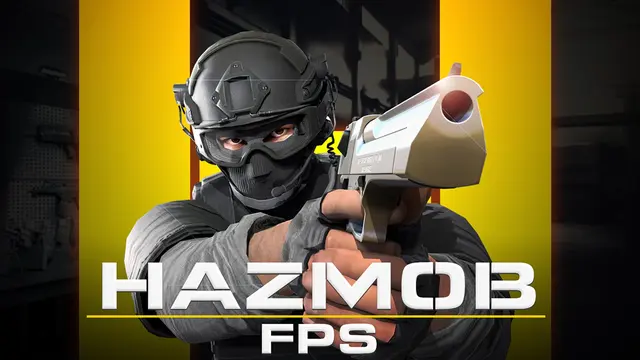 Hazmob FPS: Online Shooter
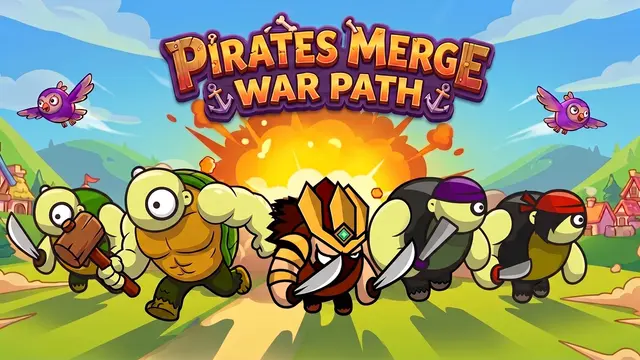 Pirates Merge: War Path
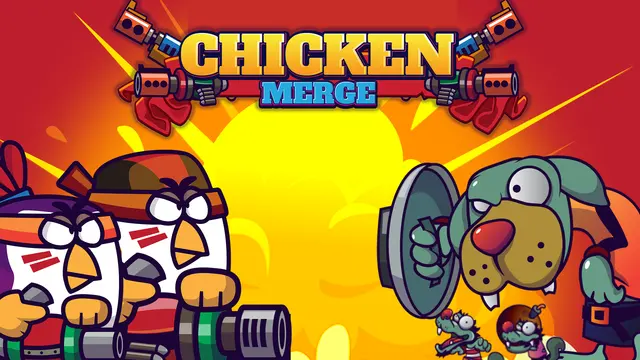 Chicken Merge
 Grow a Garden 3D
 Far Orion: New worlds
 Special Ops: GO
 Revoxel 3D - Voxel RPG Shooter
 Dead Land: Survival
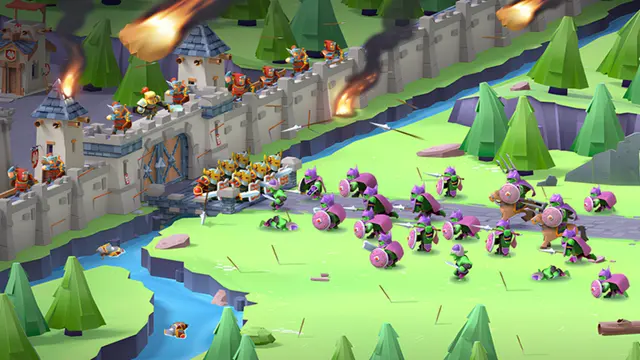 Game of Warrior
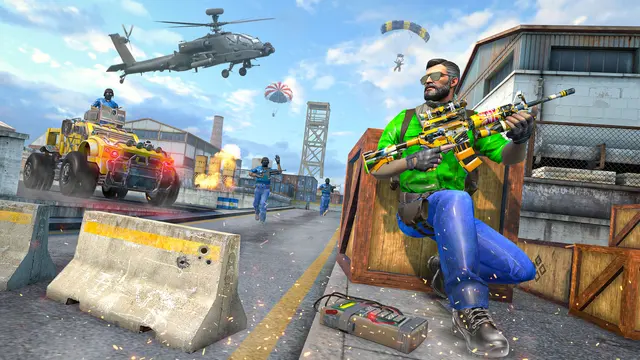 FPS Gun Shooting Game 3D
 Money Factory - Earn a Billion
 Left 4 Die
 Stalker 2033: The Path of the Survivor
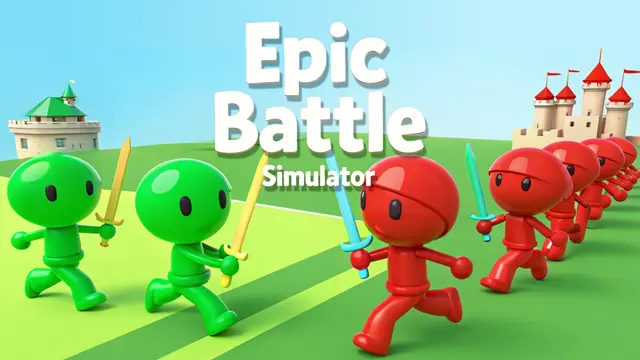 Epic Battle Simulator
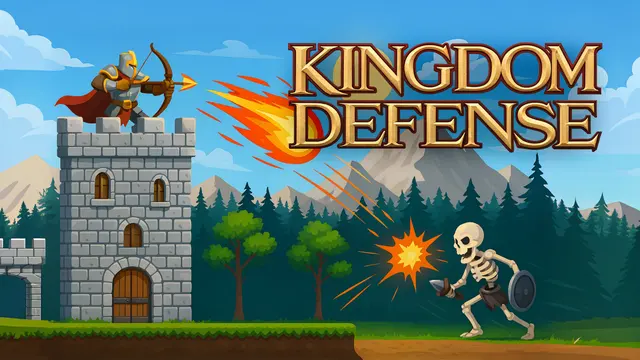 Kingdom Defense
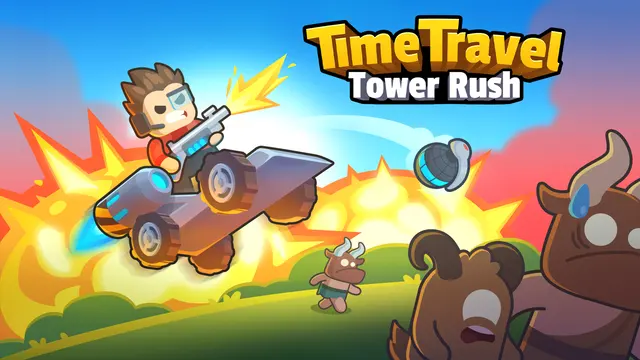 Time Travel: Tower Rush - TD
 Wednesday’s Battle: Monster Symphony
 Get Off My Farm!
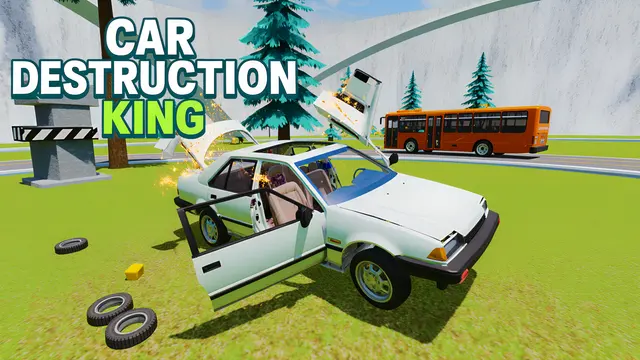 Car Destruction King
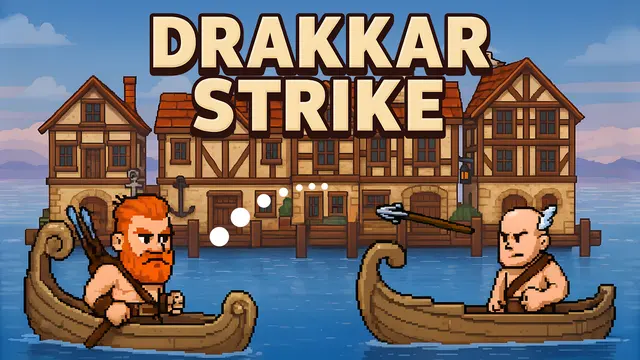 Drakkar Strike
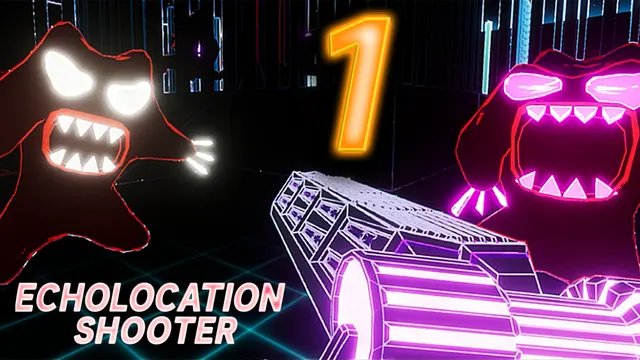 Echolocation Shooter
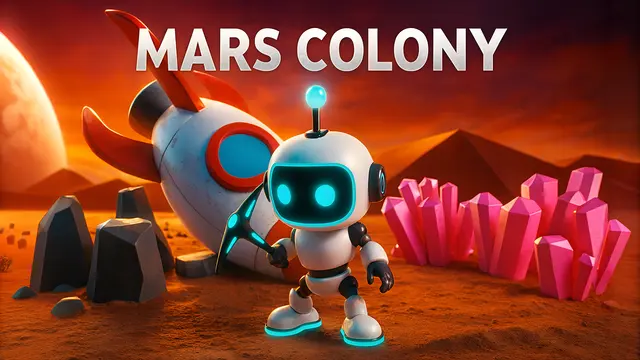 Mars Colony
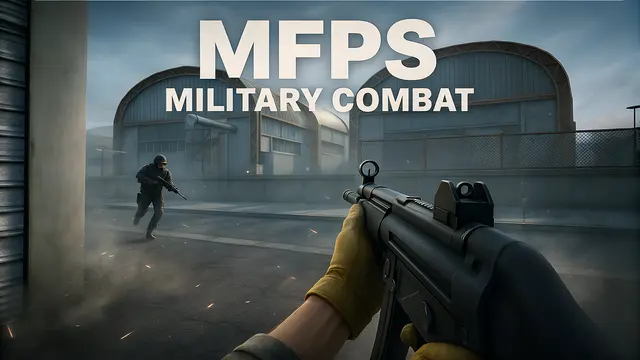 MFPS:Military Combat
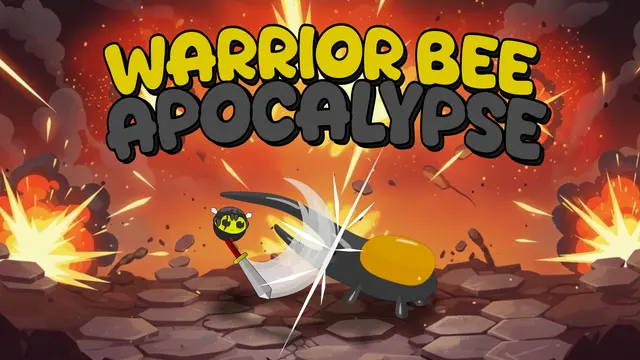 Warrior Bee Apocalypse
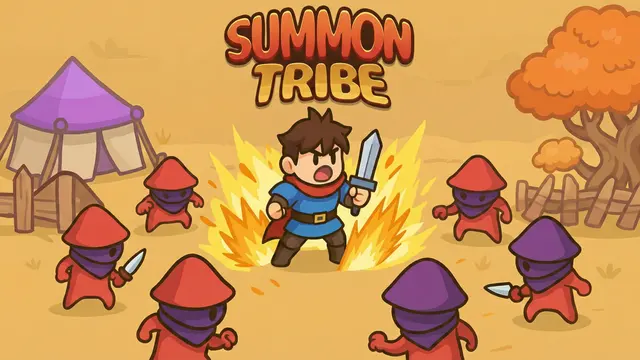 Summon Tribe
 Blocks Shooter 3D! Run, Shoot, Merge Weapons!
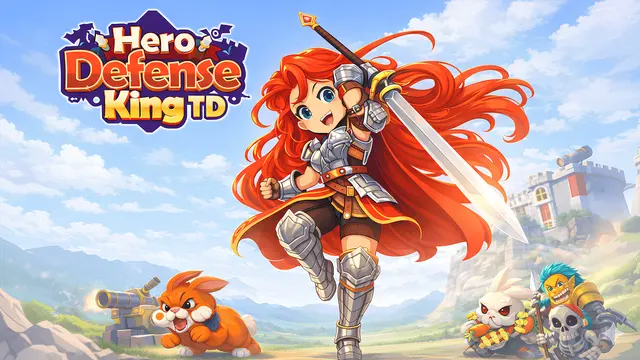 Hero Defense King
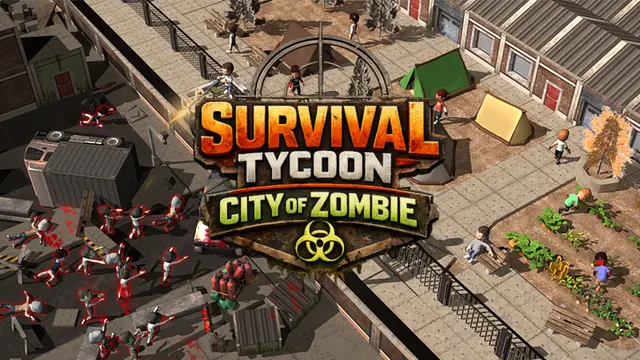 Survival Tycoon: City of Zombie
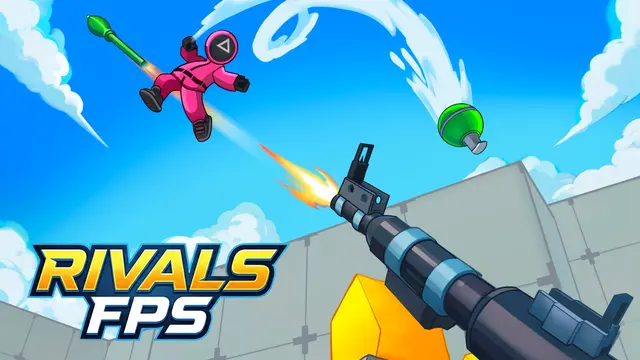 RIVALS FPS: Online Shooter
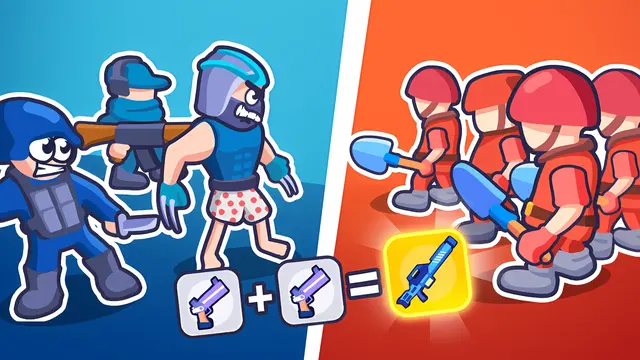 Squad Assembler: Merge
 Chicken Merge 2
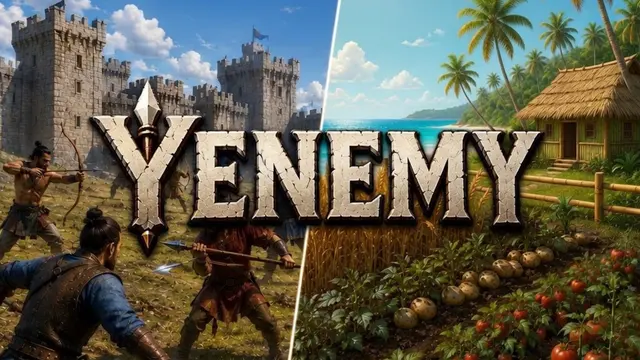 Yenemy
 SlowMo Sniper
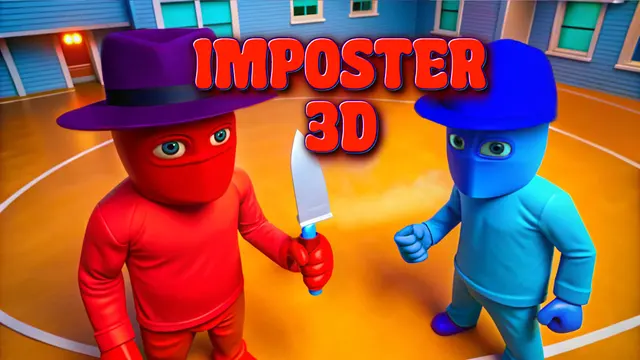 Imposter 3D
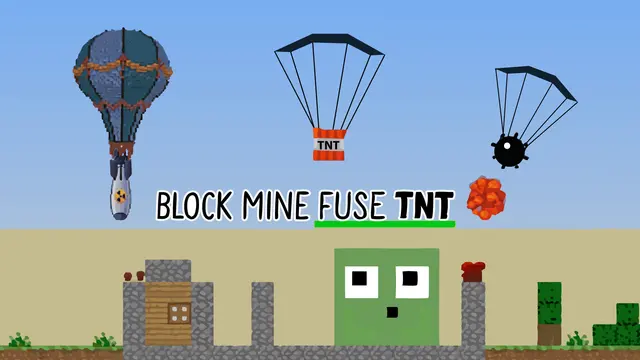 Block Mine Fuse TNT
 Rift of Hell - Demons War
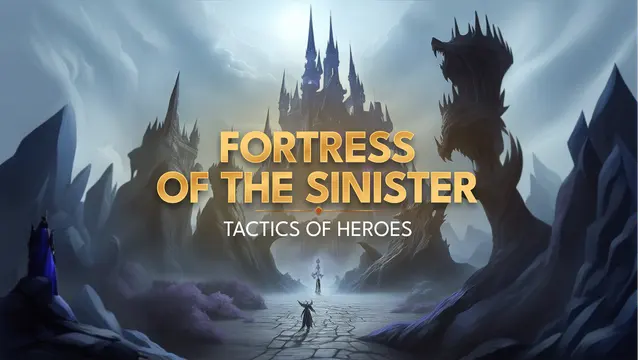 Fortress of the Sinister
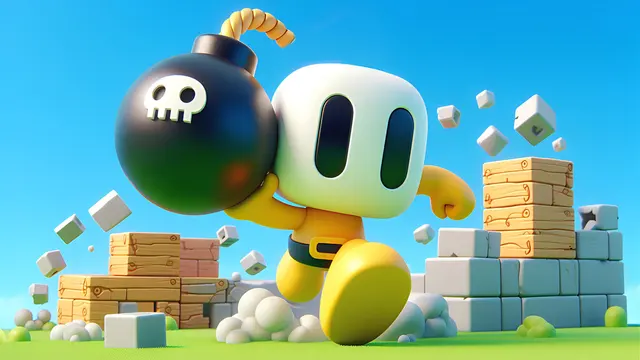 BOMBAMAN 3D
 Russian Drift: Overtaking in the City
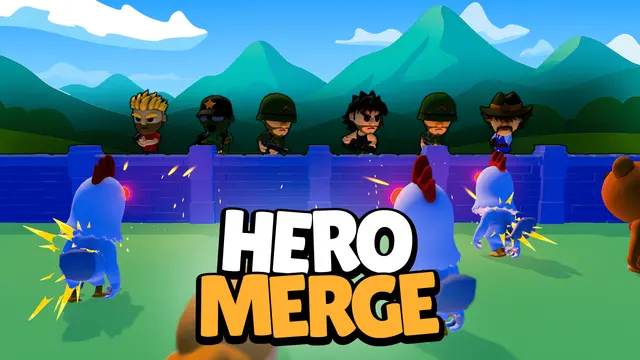 Hero Merge
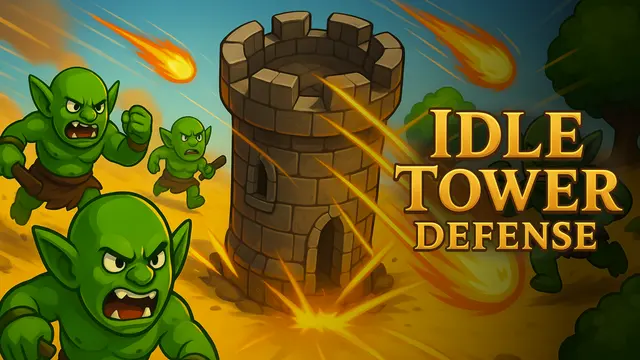 Idle Tower Defense
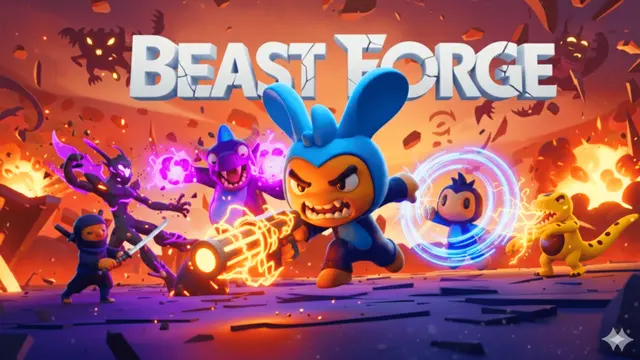 BeastForge Rival
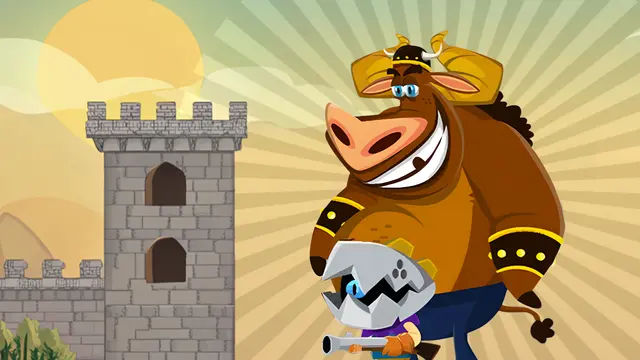 Archery Master - Castle Battle
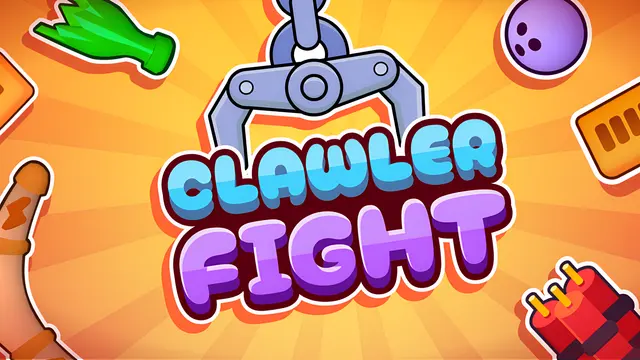 Clawler Fight
 Madness: Ward number 6
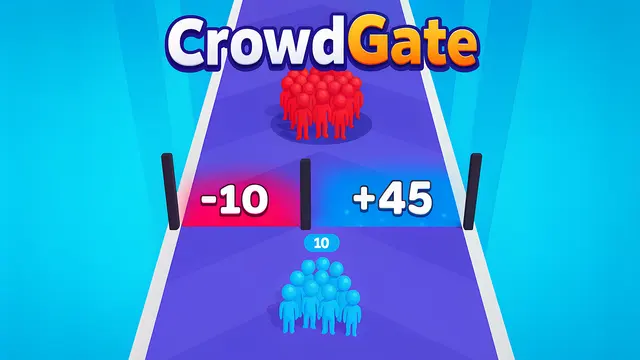 CrowdGate
 Escape from School 3D
 Grand Shift Auto
 Money Maker
 Racing: Destruction and Chase
 Clash of Cars: Arena
Play Rocket Islands online
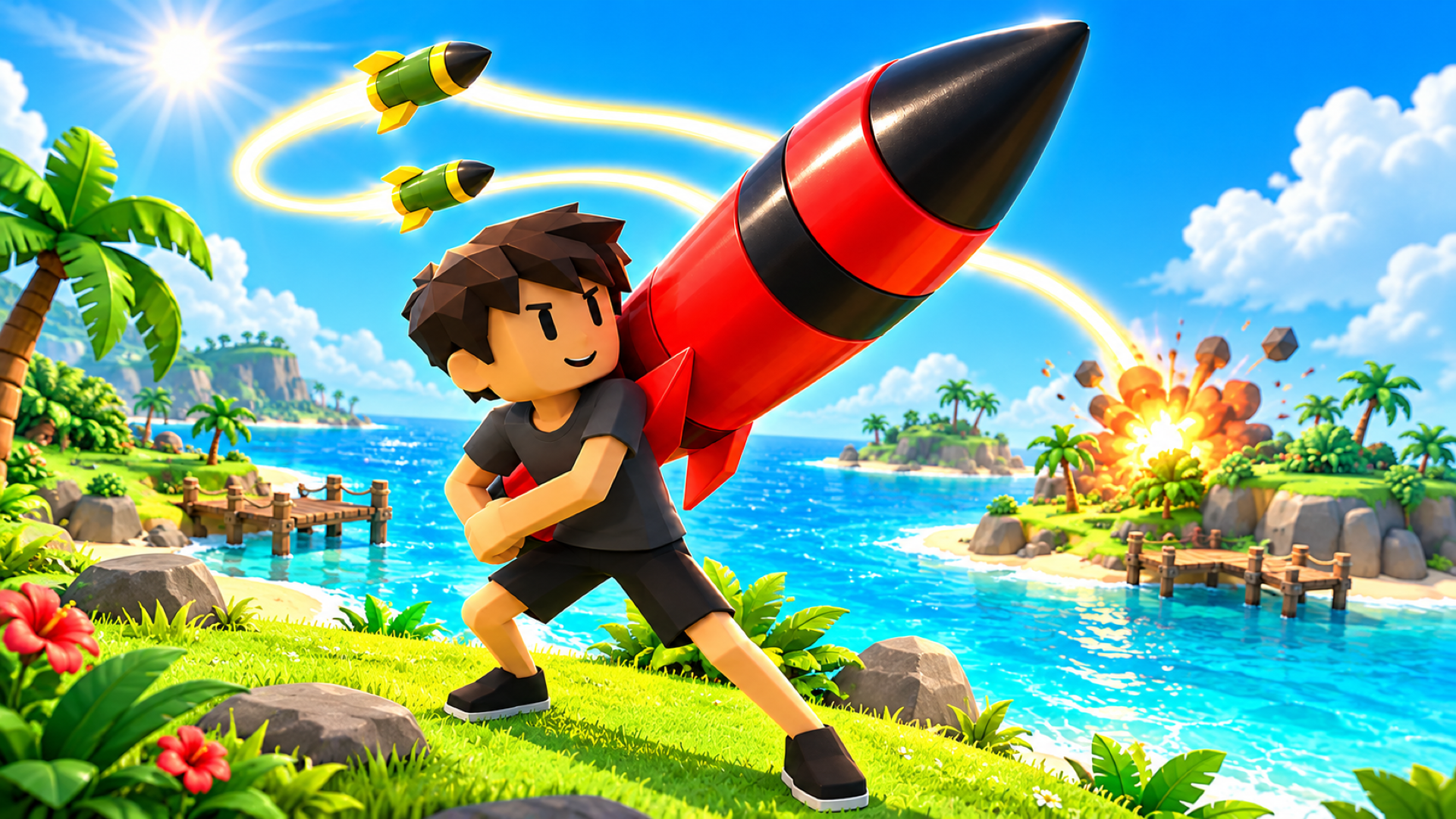
Build a rocket-powered island base! Pick up matching rockets and merge them into stronger models, grow your income, and unlock useful upgrades. Choose a rival island, launch your rocket, and follow its flight to the impact.
Bring matching pieces together and consider how each combination changes your available space or resources. The instructions explain which items can be combined. Upgrades are part of the progression described by the provider. The listed controls include WASD input.
How to play Rocket Islands
Controls and instructions
Desktop: Move with WASD or the arrow keys. Drag to rotate the camera and scroll to zoom. Press E to pick up a nearby rocket or merge matching rockets. Press Q to put a rocket down, Space to jump, and B to activate your base shield. While carrying a ready rocket, press F, then click an enemy island to launch. Escape cancels targeting or opens the pause menu.
Mobile: Drag on the left side to move and on the right side to rotate the camera. Use the on-screen action buttons to pick up, merge, drop, jump, and launch. Tap an enemy island when choosing a target.
Merge two rockets of the same tier, spend your income on upgrades, and use shields to block incoming attacks. Progress saves automatically. Optional rewarded ads provide temporary bonuses.
Getting started with Rocket Islands
- Check the matching requirements before combining pieces.
- Compare the upgrade description with your next objective before choosing it.
- Check the action mappings as well as movement; extra actions may use different keys.
About this game
- Platform
- Web browser
- Supported devices
- Android, iOS, Desktop
- Screen orientation
- Landscape and Portrait
- Languages
- American English, Turkish (Türkiye)
- Genres
- Action, Strategy, 3d, Merge, Idle
- In-game purchases
- None listed by the provider
- Provider
- Playgama
- Provider audience
- Male, Female
Game features and tags
- Casual
- Rocket
- Webgl
- Defense
- 1 Player
- Incremental
Rocket Islands images

Questions about Rocket Islands
How do I start playing?
Choose Play now in the game window above to load Rocket Islands through Playgama. Read the controls and instructions above before you start.
Which devices can I play on?
The provider lists support for Android, iOS, Desktop. Play in your web browser using the controls described above.
Which languages does the game support?
American English, Turkish (Türkiye).
Does the game have in-game purchases?
The provider lists no in-game purchases for this game. Games may display advertisements.
Related game categories
Game facts and artwork supplied by Playgama. Descriptions adapted and getting-started guidance added by LookBear. Game content, ads and purchases are provided by Playgama and the game provider.