 Skyblock 3D: Survival
Mine - Survival & Creative
Provided by Playgama
Mine - Survival & Creativevia Playgama


 Car Destruction King
 Car Smash Simulator: Crash & Tune
 Burger Restaurant Simulator 3D
 Pregnant Mother Simulator
 Animal Evolution Simulator
 Field Master
 The Tall Man
 Block Mine Fuse TNT
 Rift of Hell - Demons War
 Destruction Simulator
 Mystical Blade 3D
 Steve parkour in mine
 Police Chase Simulator
 Buggy Simulator Sandbox 3D
 99 Nights In The Forest - Survival Simulator
 StreetRacer: Realistic Destruction
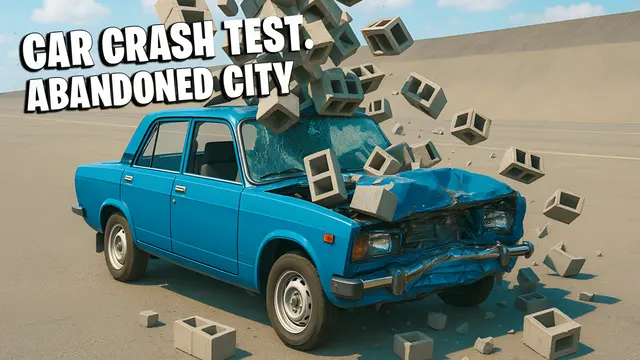 Car Crash Test: Abandoned City
 Pulse Of Fear
 Simulator GT Motorsport
 Gravity Shift Sky Racers GT
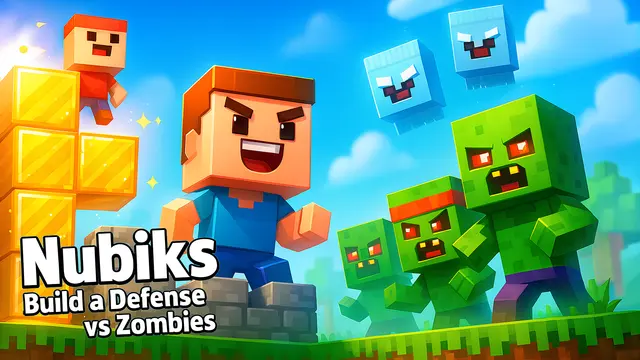 Nubiks build a defense vs zombies
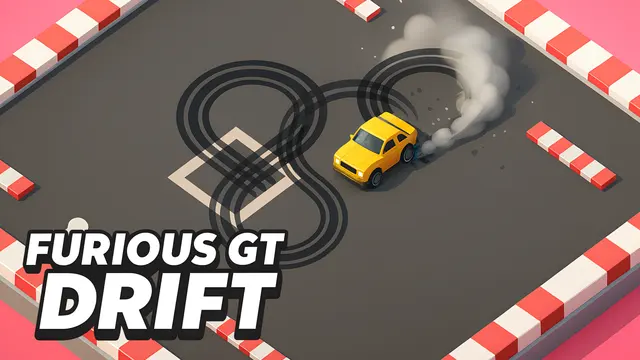 Furious GT Drift
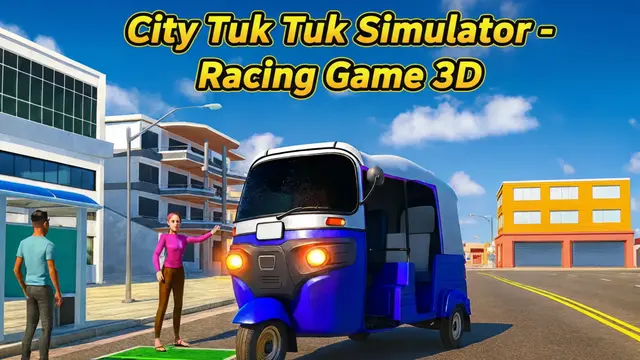 City Tuk Tuk Simulator: Racing Game 3D
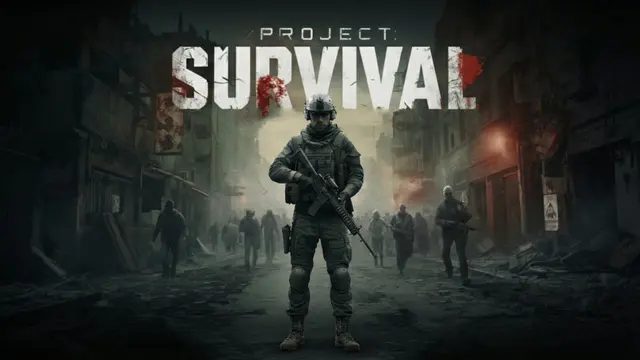 Project: Survival
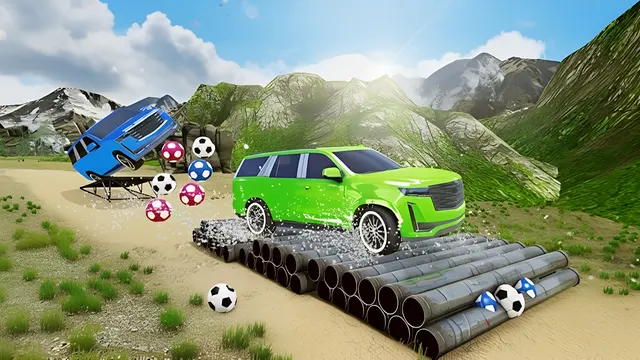 USA Luxury 4x4 SUV Offroad Driving Simulator
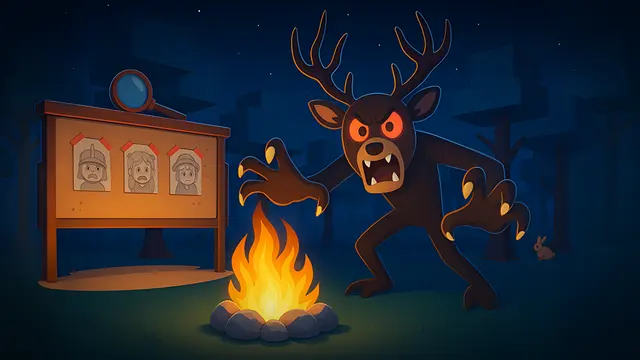 Survival Sandbox for 99 Nights
 Cube Island 3D
 Parkour World 2
 Crime and Vice City Police
 Big Boom! Building Smash!
 Noob Fuse
 Mine Fight! Cut Mob Army!
 99 Nights in the Forest with Noob and Pro!
 Ninja Survival Simulator
 Dream Supermarket: 3D Shop
 My Pet Care Salon: Obby Dress-Up 3D
 Crash Test Simulator 3d
 Mine Mining Islands 2: Skyblock City!
 Car Crash Sandbox
 Long Drive to Horizons Sim
 Soda Sandbox
 Survival Island
 Drive & Crash Sandbox
 Survival for 100 dollars
 Roll to Riches
 Shop Cashier Simulator 3D
 Mother Simulator Beach Party Games
 Dream Home
 Bad Cat Prankster - Mom's Return
 Mom Life Simulator Baby Care
 Mine Obby: +1 Dig Power per Hit
 Mine Obby 3D: Car Wash Tycoon
 Smash and Break
 Exploring the Galaxy 1: Andora
 TNT Sandbox
 Mine Blogger Simulator 3D
 The long way home
 Chop Up!
 Fishing: Catch the Moment!
 CrashDown Voxel Destruction
 Nexus Override
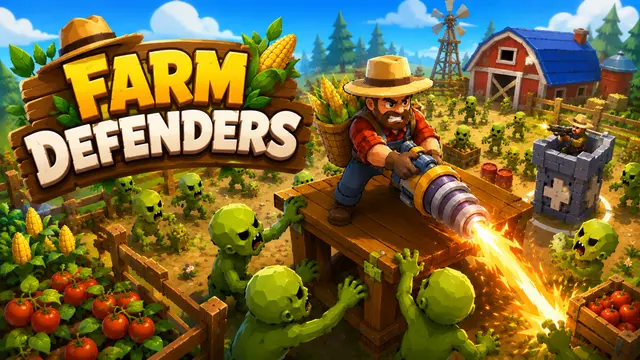 Farm Defenders
 Car Parking Driving School
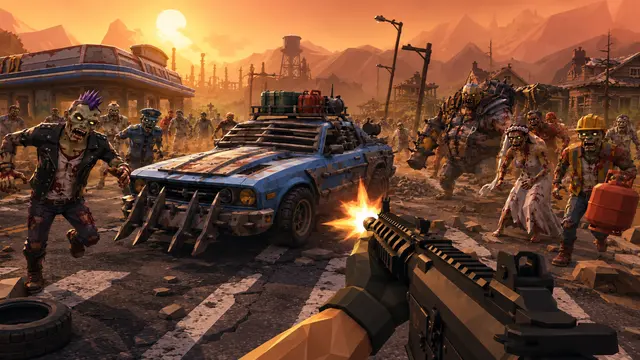 Zombie defence
Play Mine - Survival & Creative online
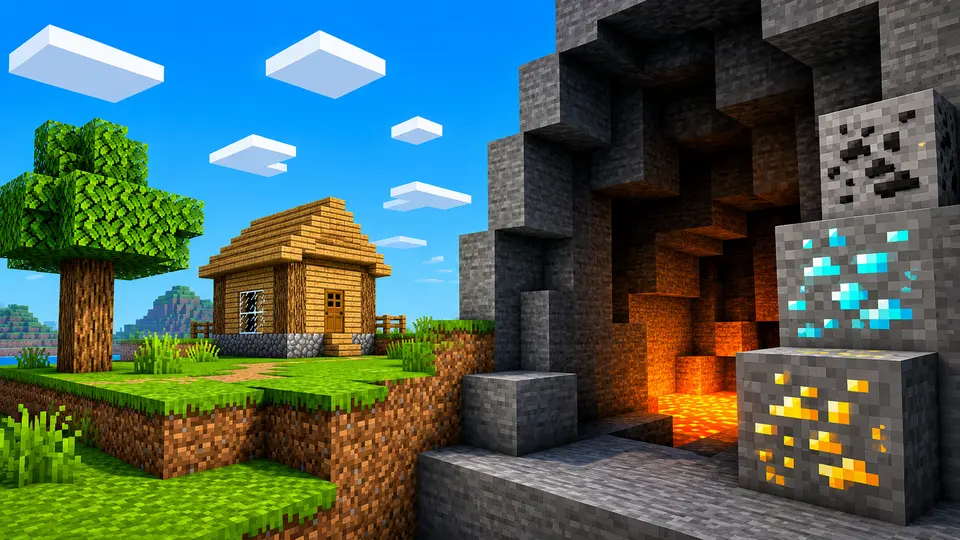
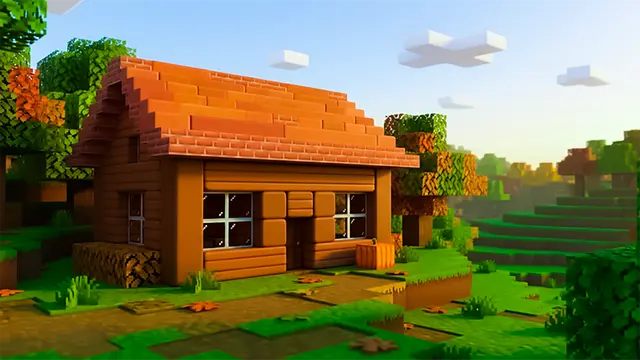
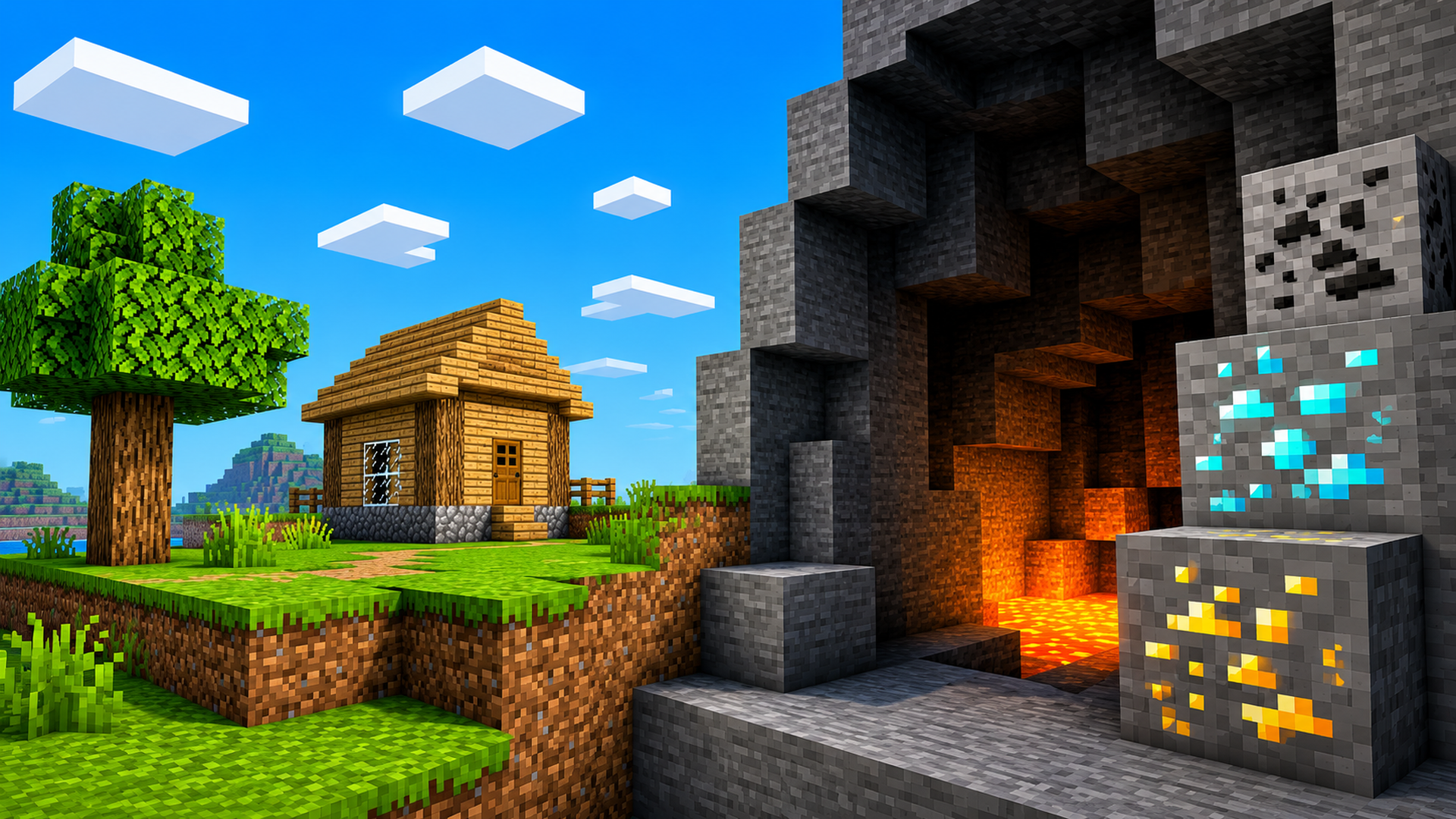
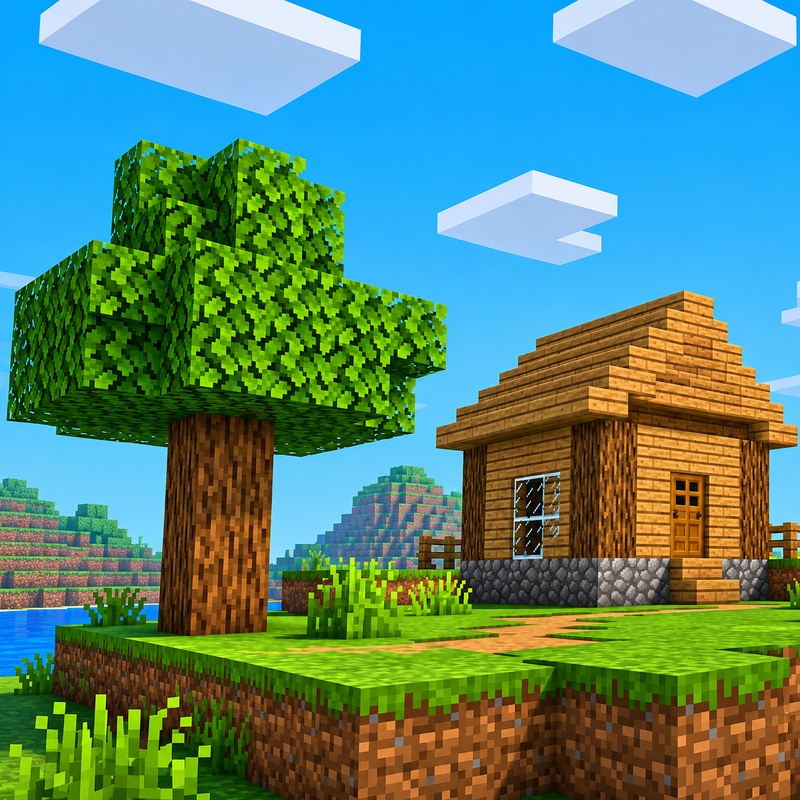
A free block-building sandbox right in your browser. Play Survival: gather wood and stone, craft tools and torches, grow a farm, raise animals and their babies, mine ores and build a shelter before night falls. Or switch to Creative and fly around building anything you imagine.
Work toward the survival objective while keeping track of the threats described in the game. Learn the movement and interaction controls before taking a risk. The controls include access to an inventory. The listed controls include WASD input.
How to play Mine - Survival & Creative
Controls and instructions
Desktop: WASD or the arrow keys to move, Space to jump, double-tap W or Alt+W to sprint, Shift to sneak. Left click breaks blocks and attacks, right click places blocks or uses items. 1-9 or the mouse wheel select a slot, E opens the inventory, Q drops an item, V switches to third-person view, M zooms the minimap, Esc pauses. In Creative, press F or double-tap Space to fly.
Mobile: the left stick moves, swipe to look around, the buttons on the right jump, act and open the inventory; the camera button switches to third-person view.
In Survival, collect wood and stone, make a crafting table, tools and torches, plant a garden, raise animals, mine ores and build a shelter for the night. Parkour and adventure maps are under Maps in the main menu — reach the finish of each one. Skins with the editor and the coloring mini-game are in the main menu too; shaders are turned on in the pause menu.
Getting started with Mine - Survival & Creative
- Check the current threat and available actions before moving into an unfamiliar area.
- Check the listed inventory input when you need to review what you are carrying.
- Check the action mappings as well as movement; extra actions may use different keys.
About this game
- Platform
- Web browser
- Supported devices
- Android, iOS, Desktop
- Screen orientation
- Landscape
- Languages
- American English, European Spanish, Russian (Russia), Turkish (Türkiye)
- Genres
- Simulation, 3d, Minecraft, Survival
- In-game purchases
- Available
- Provider
- Playgama
- Provider audience
- Male, Female
Game features and tags
- Games For Pc
- Mineblock
- Cube
- Casual
- Endless
- Webgl
- Desktop
- 1 Player
- Mine
- Sandbox
- Building
- Pixel
- Minecraft Survival
- Parkour Minecraft
- Ai
Mine - Survival & Creative images
Questions about Mine - Survival & Creative
How do I start playing?
Choose Play now in the game window above to load Mine - Survival & Creative through Playgama. Read the controls and instructions above before you start.
Which devices can I play on?
The provider lists support for Android, iOS, Desktop. Play in your web browser using the controls described above.
Which languages does the game support?
American English, European Spanish, Russian (Russia), Turkish (Türkiye).
Does the game have in-game purchases?
The provider lists optional in-game purchases. Any available purchases are handled inside the game. Games may display advertisements.
Related game categories
Game facts and artwork supplied by Playgama. Descriptions adapted and getting-started guidance added by LookBear. Game content, ads and purchases are provided by Playgama and the game provider.