 Island Expander
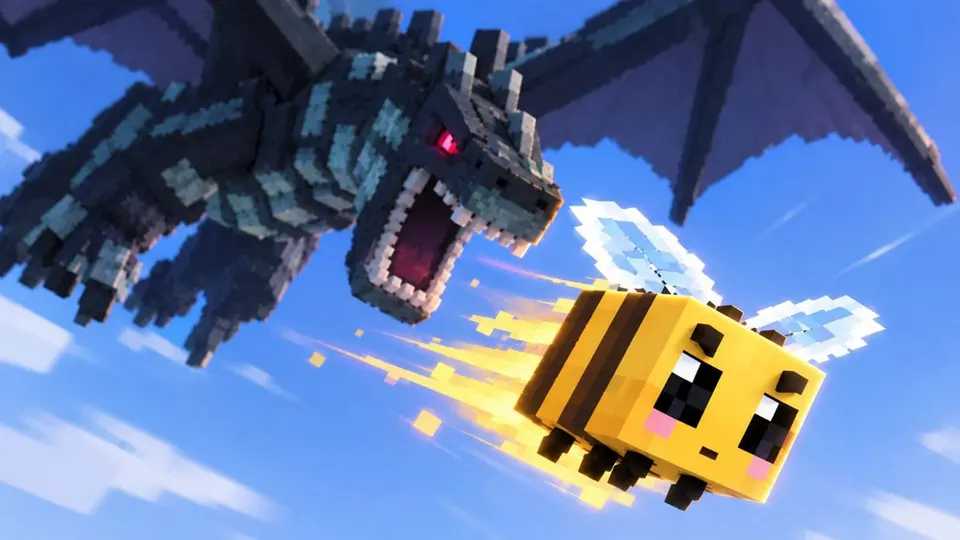
Bee Simulator: Mine
Provided by Playgama

Bee Simulator: Minevia Playgama





 Obby Eggs: Grab, Escape
 Dungeon Master - Cult & Craft
 Fix The Hoof
 Skyblock 3D: Survival
 Craftsman Land
 Grow Slime
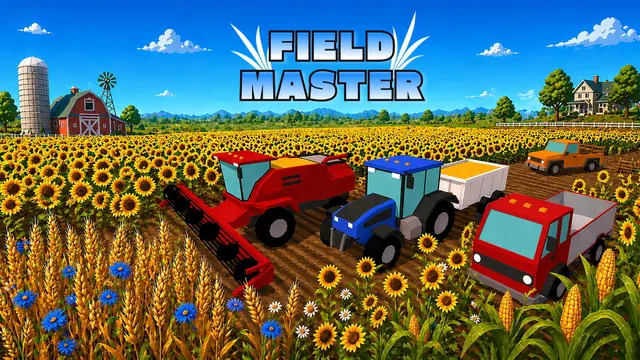 Field Master
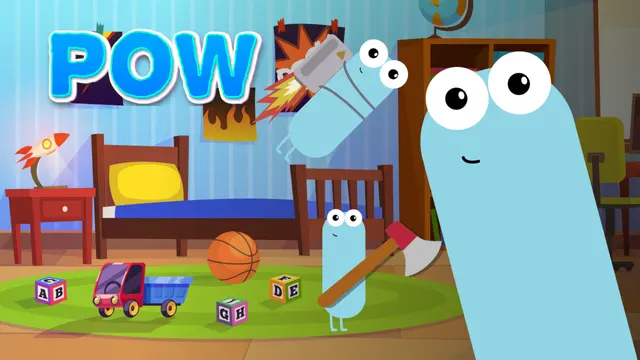 Pow
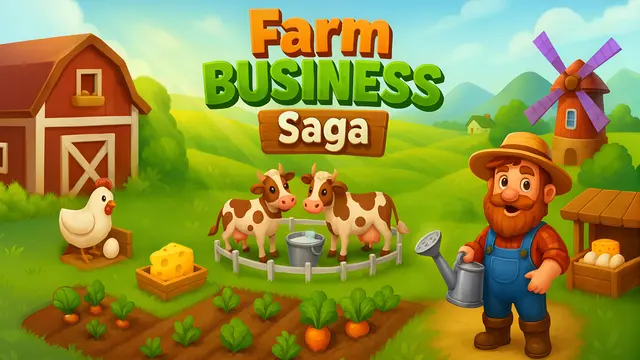 Farm Business Saga
 99 Nights In The Forest - Survival Simulator
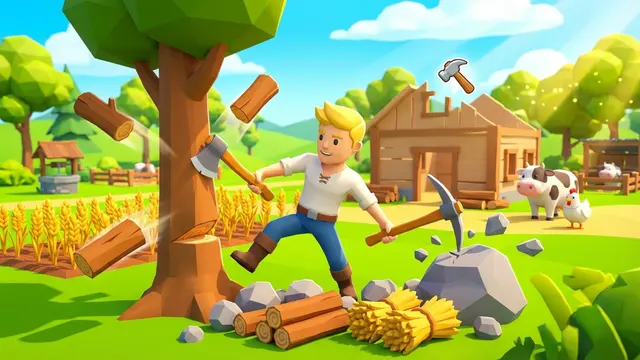 My Little Farm
 My Pet Care Salon: Obby Dress-Up 3D
 Garden Pals IDLE
 Agrarian Magnate
 Dream Home
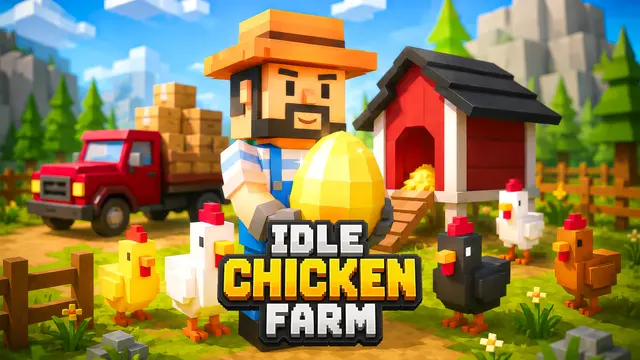 Idle Chicken Farm
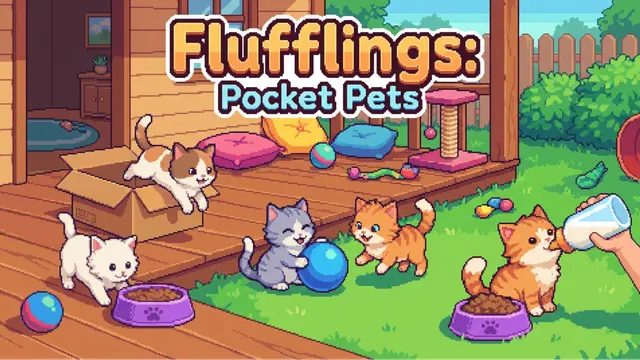 Flufflings: Pocket Pets
 Airplane Flight Manager Game
 Zoo Elephant Simulator City Attack
 Tractor Farming Farmer Life Game
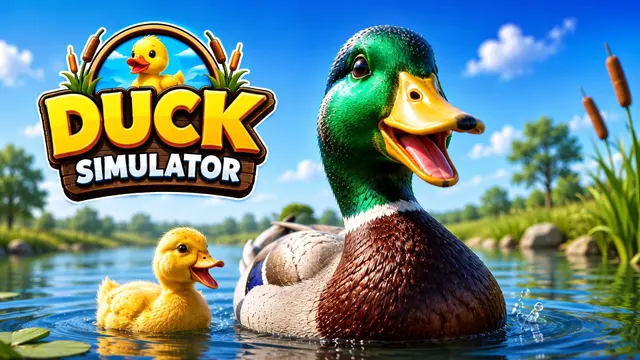 Duck Family Simulator Animal Games
 Desert Gunship
 +1 Grass Cutting: Become Stronger
 Heist Idle
 Cheat and Don't Get Caught!
 Clean The Garden
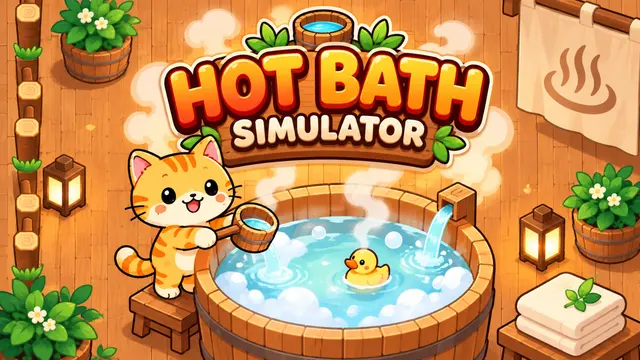 Hotbath Simulator
 Glossy Garage - Car ASMR
 Wildkin Isles
 Sheeps: Herd Them All!
 Rocket Rush
 My Cute Virtual Pet
 Relic Rush 3D
 Night Lake: Monster Fishing
 Find the Needle
 Steal a Pet!
 Cuddle Crane
 99 Night Survivor
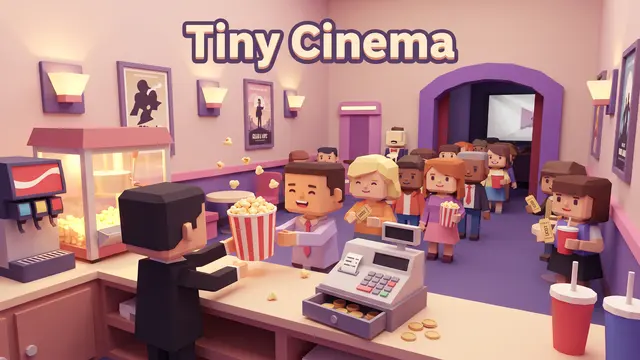 Tiny Cinema
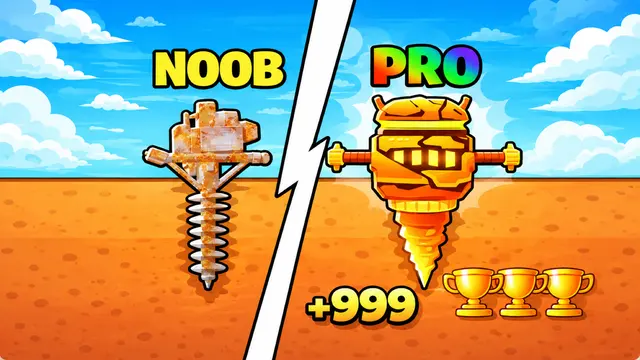 Obby: Dig to the center of the Earth
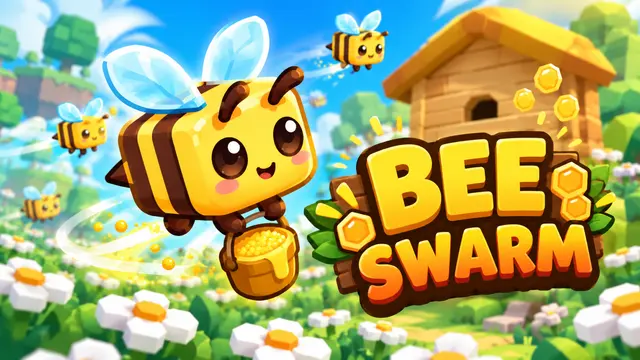 Bee Swarm
 Pocket Mart
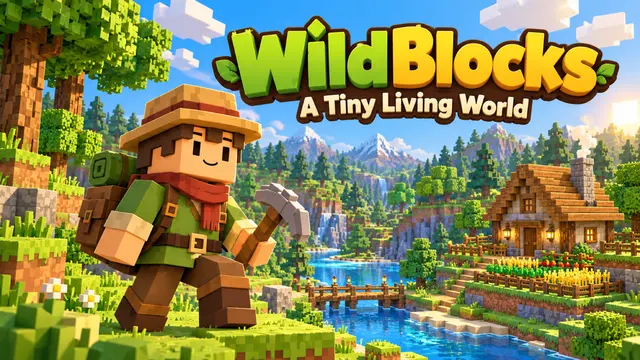 WildBlocks — A Tiny Living World
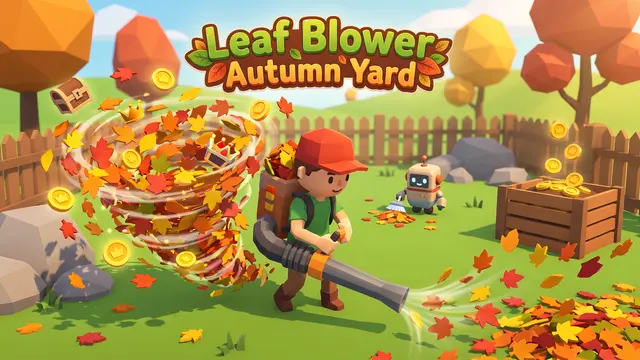 Leaf Blower: Autumn Yard
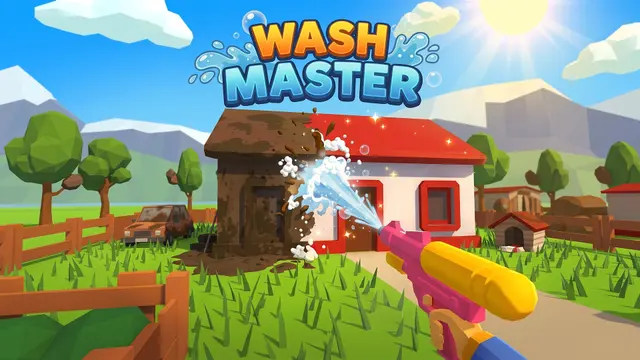 Wash Master
 ASMR Spa
 Witch's Shop: Potion Brewing
 Sunny Bay Heroes
 Blue Tractor
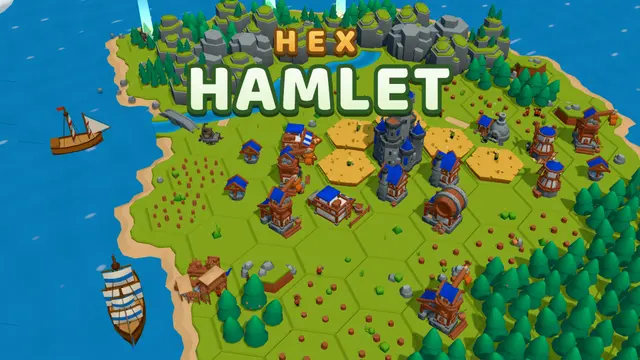 Hex Hamlet
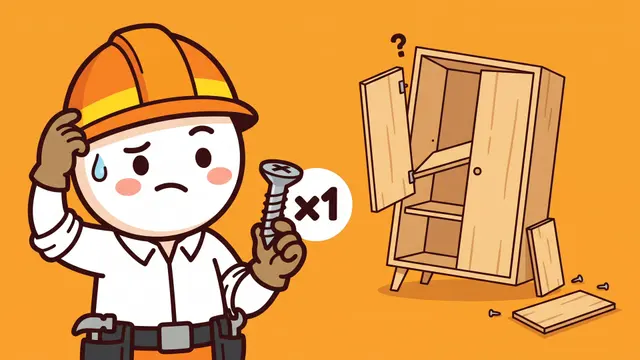 Leftover Screw: Furniture
 Noob in Mine - Sandbox & Craft
 Catcha
 Steal an Egg: Farm
 Reaper’s Graveyard Shift
 Master of Break an Eggs
 Animal Hospital 3D
 Cat Hotel 24/7
 Grow the Baby
 Obby Sail for Egg
 French Fries Tycoon: Farm to Fryer
 Pet Riders
 Farm Around
 Squishy Clicker
Play Bee Simulator: Mine online
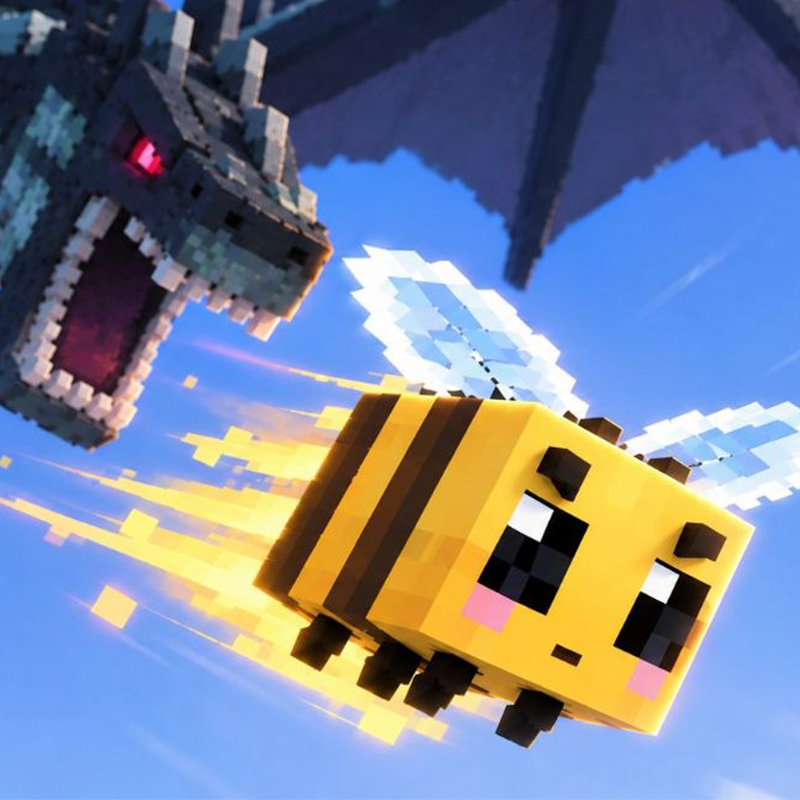
A cozy 3D game about a little bee in an open world made of cubes. Collect pollen, turn it into honey, upgrade your hive and your bee, and challenge the bosses. Free flight: fly in any direction and dash.
Explore the setting and follow the tasks described in the game. Learn how to move and interact before heading toward your next objective. Upgrades are part of the progression described by the provider. The instructions describe joystick input.
How to play Bee Simulator: Mine
Controls and instructions
On PC:
1. WASD — fly. Space — up, Ctrl — down. Shift — dash.
2. Mouse — look around. Left mouse button — sting attack.
3. E — interact (hive, bee and field upgrades, customization shop).
4. Tab — settings (volume, camera sensitivity).
5. Pollen is collected automatically: just fly up to a flower and deliver it to the hive.
On mobile: joystick on the left, buttons on the right (Attack, Dash, Action), and swipe the right part of the screen to turn the camera.
Getting started with Bee Simulator: Mine
- Check how to interact with the world before leaving the starting area.
- Compare the upgrade description with your next objective before choosing it.
- Start with a short joystick movement to judge how the character responds.
About this game
- Platform
- Web browser
- Supported devices
- Android, iOS, Desktop
- Screen orientation
- Landscape
- Languages
- American English, European Spanish, Russian (Russia), Turkish (Türkiye)
- Genres
- Adventure, Simulation, 3d, Animals, Minecraft, Cozy, Farm, Flying
- In-game purchases
- None listed by the provider
- Provider
- Playgama
- Provider audience
- Male, Female
Game features and tags
- Cube
- Customization
- Voxel
- Webgl
- Collecting
- 1 Player
- Mine
- Open World
- Pixel
- Action Adventure
Bee Simulator: Mine images

Questions about Bee Simulator: Mine
How do I start playing?
Choose Play now in the game window above to load Bee Simulator: Mine through Playgama. Read the controls and instructions above before you start.
Which devices can I play on?
The provider lists support for Android, iOS, Desktop. Play in your web browser using the controls described above.
Which languages does the game support?
American English, European Spanish, Russian (Russia), Turkish (Türkiye).
Does the game have in-game purchases?
The provider lists no in-game purchases for this game. Games may display advertisements.
Related game categories
Game facts and artwork supplied by Playgama. Descriptions adapted and getting-started guidance added by LookBear. Game content, ads and purchases are provided by Playgama and the game provider.