 Grow Slime
RestoRake: Restore the Ruins
Provided by Playgama

RestoRake: Restore the Ruinsvia Playgama







 Dungeon Master - Cult & Craft
 Idle Game Dev Simulator
 Idle Airport Tycoon
 Grow a Garden 3D
 Yarn Fever! Unravel Puzzle
 Kiki World: Kawaii Doll Decor
 Survive Lava for Brainrots!
 Chef Tycoon
 Dragon Hunter
 Scary Rooms: Idle Horror
 My Arcade Center
 Gym Boss
 Tidy Up - Satisfeel ASMR
 Money Factory - Earn a Billion
 My Town Home: Family Playhouse
 Mystery Digger
 Kinder Garden
 BS Simulator
 Monster Slayer. Idle Clicker
 Mavy The Fish Mom
 Hidden Objects: Home Sweet Home
 Home Design: Decorate House
 Craftsman Land
 Pocket Universe
 Mars Colony
 Merge Fruit Characters
 Paper Princess - Doll Dress Up
 Tile Valley
 Pretty Tidy - ASMR Organizing
 Gas Station Simulator
 Build Obby World
 Survival Tycoon: City of Zombie
 Island Expander
 Sheep Escape: Farm Sorting Challenge
 Idle Magic Academy Tycoon
 Idle Hotel Empire Tycoon
 Cozy Jigsaw Puzzles
 Obby Toilet Line
 World War Camp Company
 Lucky Brainrot Blocks Online
 Rotcalypse Idle
 Idle Vlogger Simulator
 Click Click Clicker
 Build levels – earn money!
 Draw or Delete LoveStory
 Steve Evolution Mega Clicker
 Idle Supermarket Tycoon
 Sigma Boy: Musical Clicker
 Idle Crafting Empire Tycoon
 Money Pong
 Idle Cinema Tycoon
 Click & Idle - Slimes!
 Airplane Factory - Tycoon
 Idle Tower Defense
 Money Empire
 Pow
 Shopping Simulator
 CLUTTER MASTER
 RPG Idle Clicker
 Stickman Clicker
 Click Kitty Idle
 Obby +1 Power!
 Idle Pong
 Tap Hunters
Play RestoRake: Restore the Ruins online
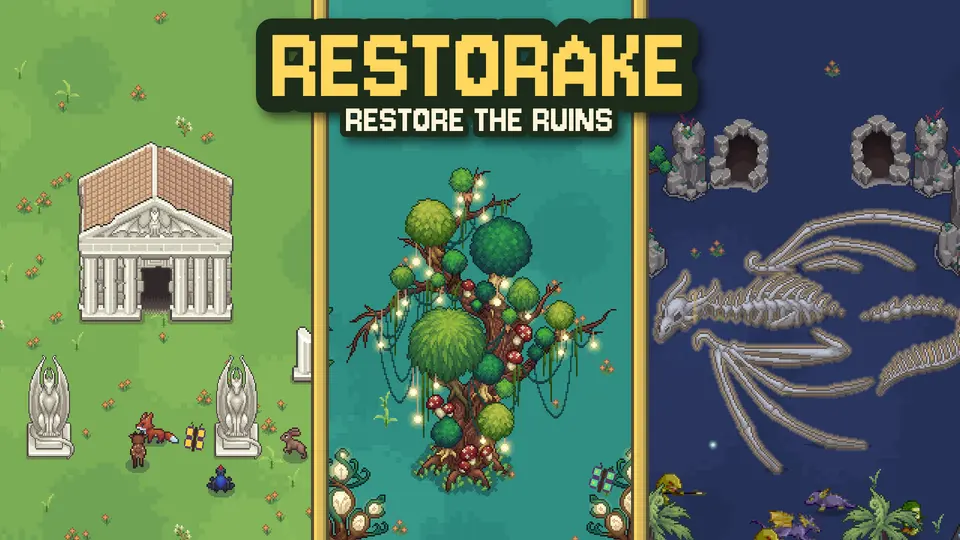
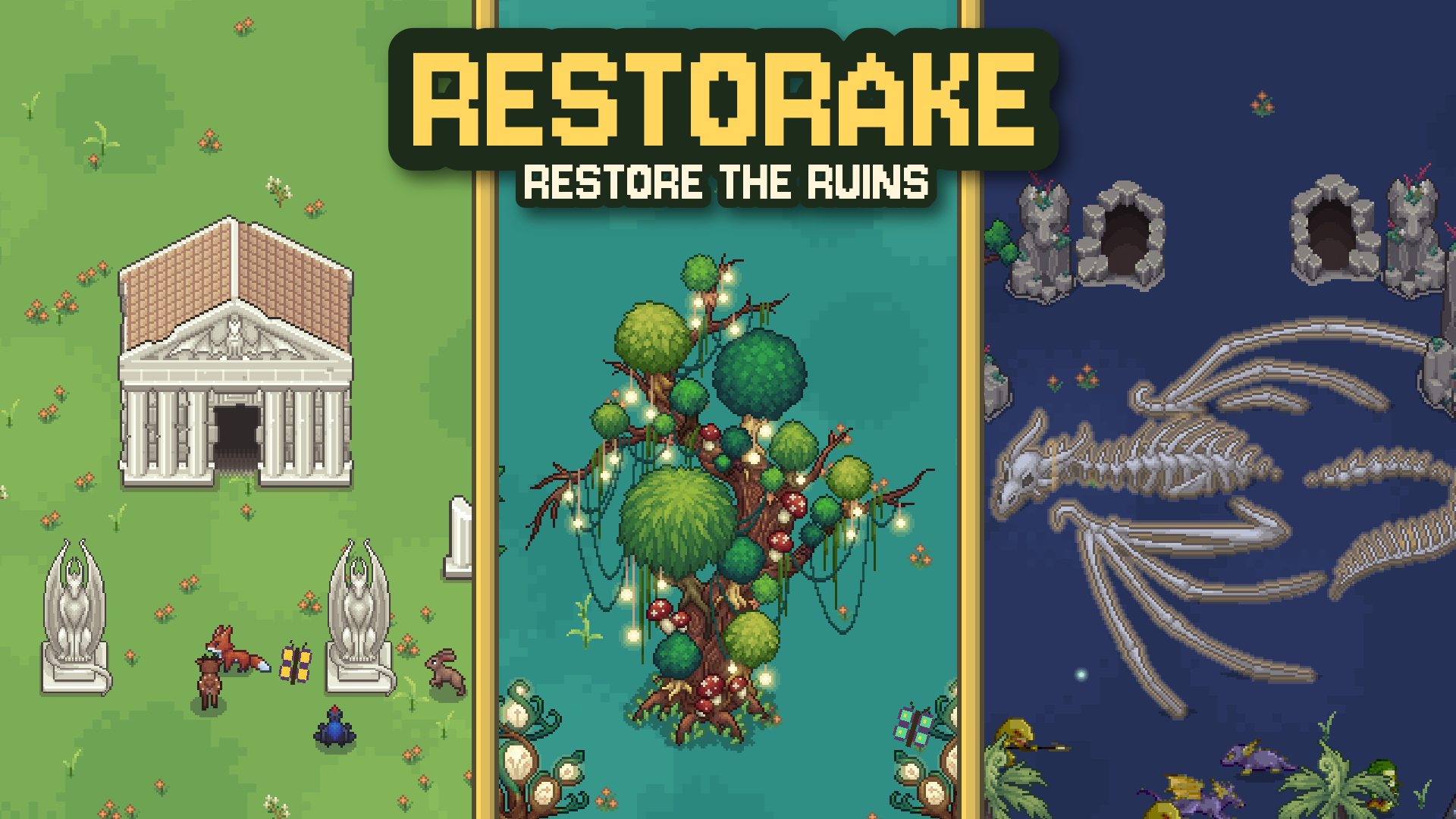
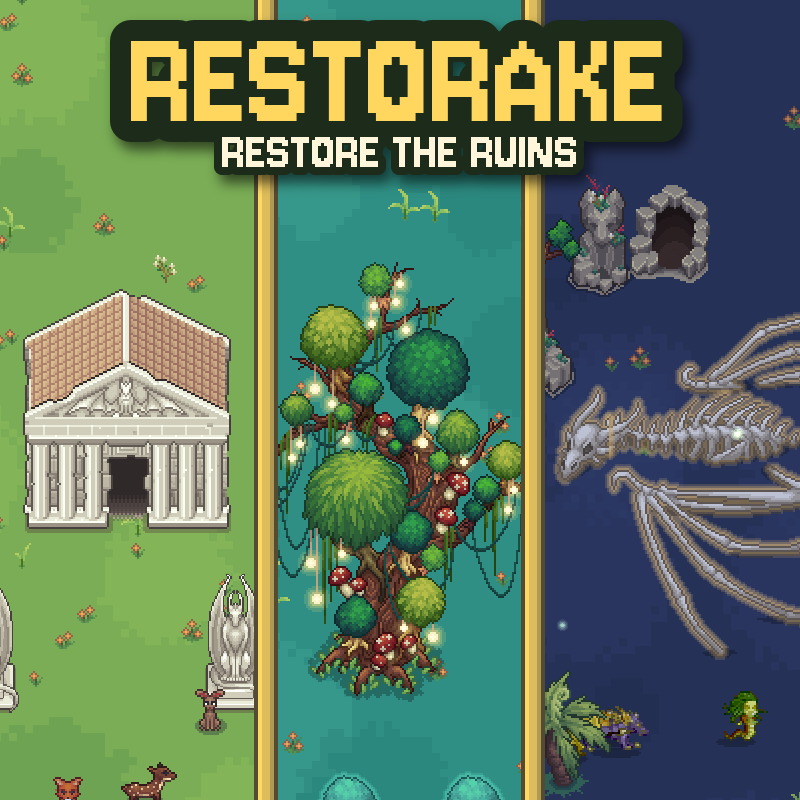
RestoRake is a cozy incremental game about bringing three lost ruins back to life, one sweep at a time. Drag the rake over the overgrowth and everything under it breaks for coins: weeds, bushes, brambles, rocks, mushrooms, slimes and crystals. Each day starts at 40 seconds and grows longer with upgrades; it ends on its timer and always pays, so there is no way to fail.
Follow the game’s progression systems and review the available upgrades. Check which actions need your input and which processes continue on their own. Searching for hidden objects or characters is one of the activities described. Coins appear in the game’s progression or objectives.
How to play RestoRake: Restore the Ruins
Controls and instructions
Sweep the rake over the overgrowth to clear it. Everything you break pays coins the moment it breaks. A day starts at 40 seconds, and Longer Day and the Long Summer elixir stretch it. It ends on its timer and always pays: there is nothing to lose. Slimes steal coins from the day while they live; pop them to get the coins back.
Goal: restore each ruin in 15 steps, the Jungle Palace first, then Glowwood Grove, then Dragon Canyon. Press START RAKING! for a day of clearing, then spend your coins in RESTORE to rebuild the next piece, and in TOOLS to clear faster and earn more. When the next piece is paid for mid-day, RESTORE NOW ends the day and builds it. Every restoration also earns coins while you are away.
Tips: break pieces quickly one after another to build a combo; a long chain sets off a frenzy that widens the rake. Grab coin trails, catch the lucky runner that dashes across, and watch for treasures hidden in the overgrowth. Tap the visitors on the grounds to pet them.
When a ruin is restored, MOVE ON to the next: you keep one tool, your treasures and your elixirs, and earn Ancient Essence to buy more elixirs. The RUINS map takes you back to any ruin you have opened, and a restored ruin can be reset to restore it again.
Controls
Mouse: move the pointer over the overgrowth, no clicking needed.
Touch: drag a finger over the overgrowth.
The pause button pauses a day.
Getting started with RestoRake: Restore the Ruins
- Read the upgrade descriptions instead of assuming every improvement has the same effect.
- Look over the visible area before moving on to a new one.
- Check what the game lets you do with coins before spending them.
About this game
- Platform
- Web browser
- Supported devices
- Android, iOS, Desktop
- Screen orientation
- Landscape and Portrait
- Languages
- American English
- Genres
- Cozy, Idle
- In-game purchases
- None listed by the provider
- Provider
- Playgama
- Provider audience
- Male, Female
Game features and tags
- Casual
- Webgl
- Touchscreen
- 1 Player
- Indie
- Incremental
- Simple
- Pixel
- Ai
RestoRake: Restore the Ruins images
Questions about RestoRake: Restore the Ruins
How do I start playing?
Choose Play now in the game window above to load RestoRake: Restore the Ruins through Playgama. Read the controls and instructions above before you start.
Which devices can I play on?
The provider lists support for Android, iOS, Desktop. Play in your web browser using the controls described above.
Which languages does the game support?
American English.
Does the game have in-game purchases?
The provider lists no in-game purchases for this game. Games may display advertisements.
Related game categories
Game facts and artwork supplied by Playgama. Descriptions adapted and getting-started guidance added by LookBear. Game content, ads and purchases are provided by Playgama and the game provider.