 Your Obby Parkour
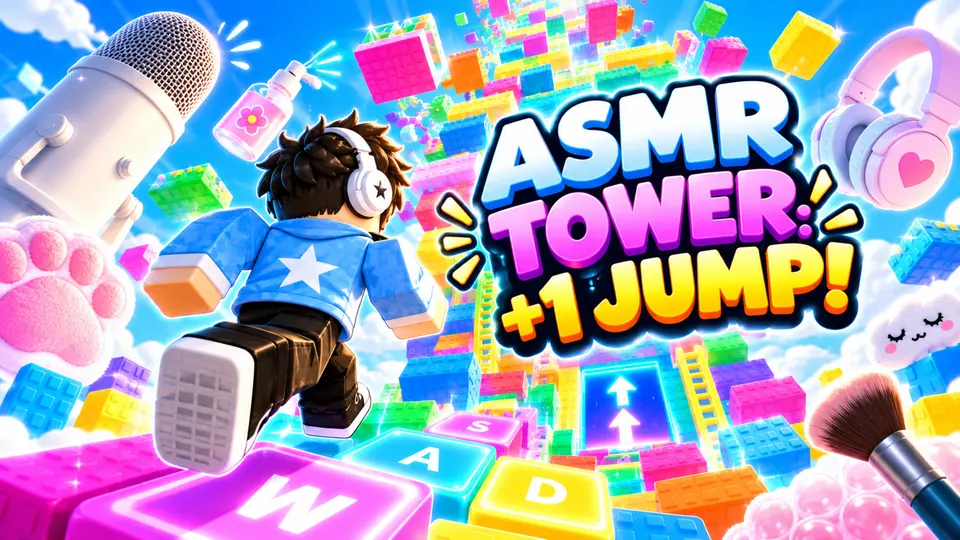
ASMR Tower: +1 Jump
Provided by Playgama
ASMR Tower: +1 Jumpvia Playgama




 Mushroom Runners
 Head Jump
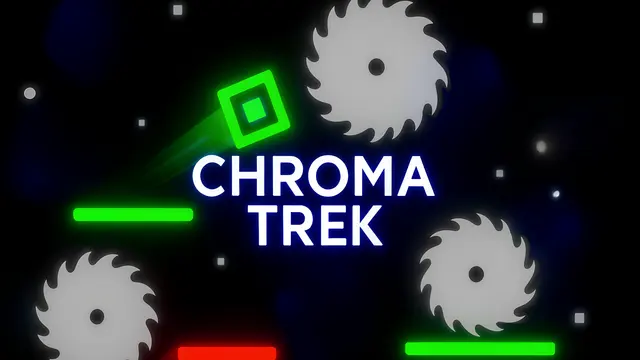 Chroma Trek
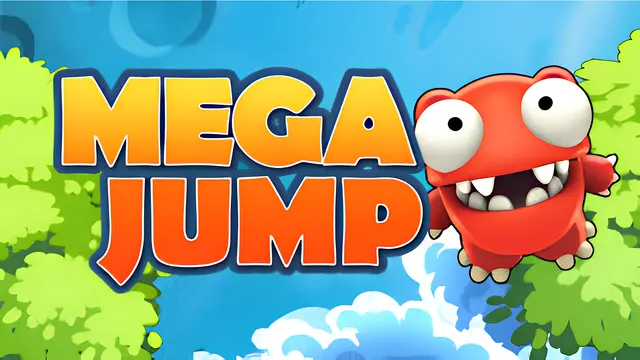 Mega Jump
 Cosmic Dash
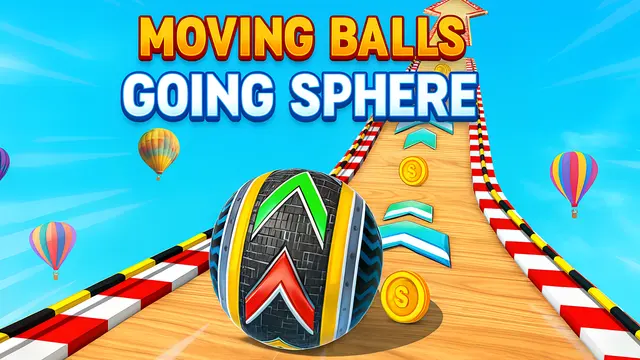 Moving Balls - Going Sphere
 Space Rolling Balls Race
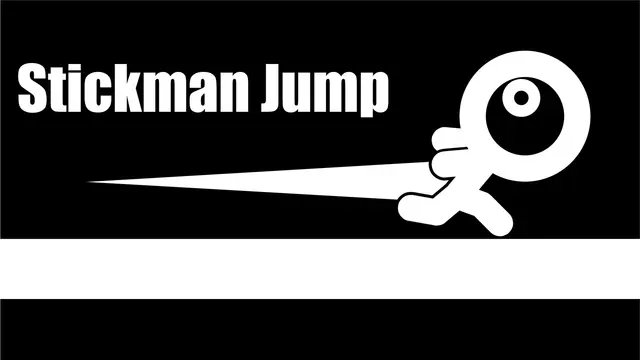 Stickman Jump
 STAIR BALL
 Sky Ball - Adventure 3D
 Your Obby Escape
 Robot Unicorn Dash
 Parkour World
 Parkour World 2
 Bottle Bottle
 Bouncy Ball
 Rolling Balls Sea Race
 Be like a Lucky Block
 Obby Rainbow Tower
 Mega Parkour: Obby Escape Run
 Obby All Games: Dash or Die
 Stickman Gun Rush
 Barrel Roller: Stack & Run 3D
 Obby: Run Star | Speed and Pets
 Brainrot Express
 Mine Obby 3D: Car Wash Tycoon
 Block Party: Obby, Robby, Mini games!
 Cube Trap
 Obby Parkour: Crazy Descent
 Wobble Run
 Go Balloons!
 Tower Of ASMR
 Keyboard Escape: +1 Speed | Sweets
 Roll Rush
 Cartoon Traffic Racing Paper Derby
 Parkour Run - 3D Runner
 Gas Station 24: Simulator
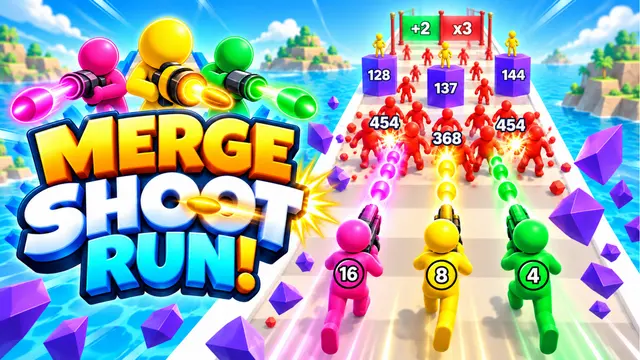 Merge Shoot Run!
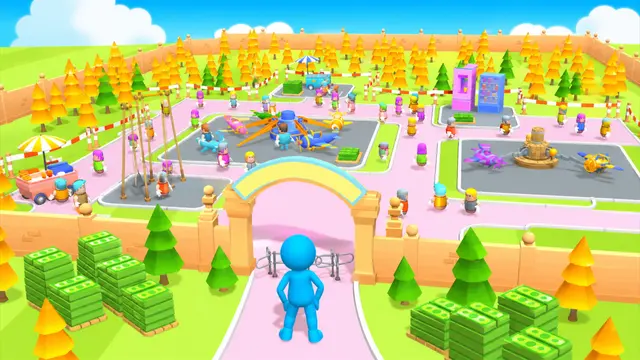 My Little Park 3D
 IDLE Warrior Tales
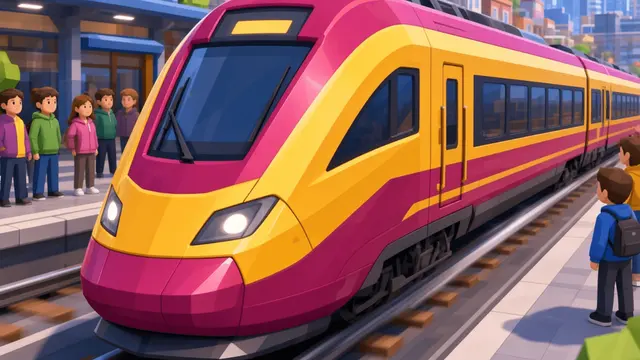 Railroad Magnate
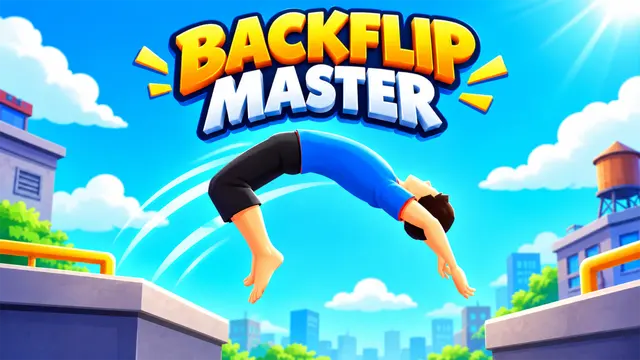 Backflip Master: Parkour Stunts
 LAST CHAIR
 Only Up Obby: Tower Climb
 My Gym Manager: Idle Tycoon
 Heist Idle
 Kingdom Master
 Steal An Egg - Grow Animals
 Obby Up: Parkour Run
 Crowd Runner
 Helix Hover
 Obby Way
 Crowd Rush
 Horizon Racer
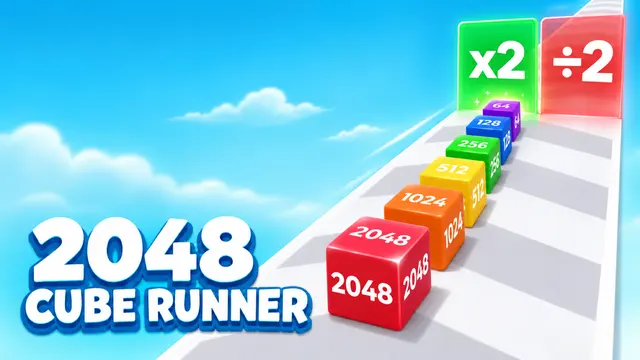 2048 Cube Runner: 3D Merge
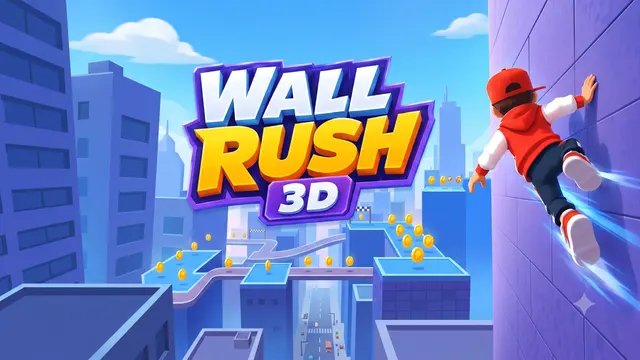 Wall Rush 3D
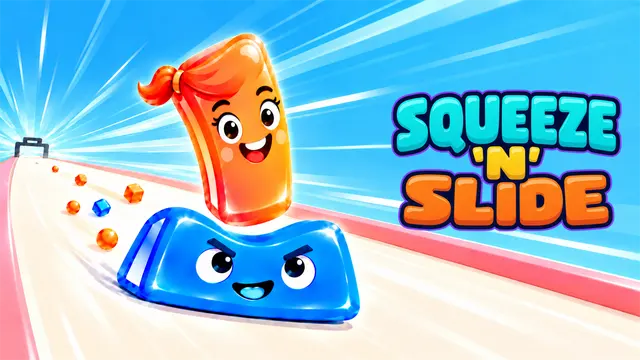 Squeeze'n'Slide
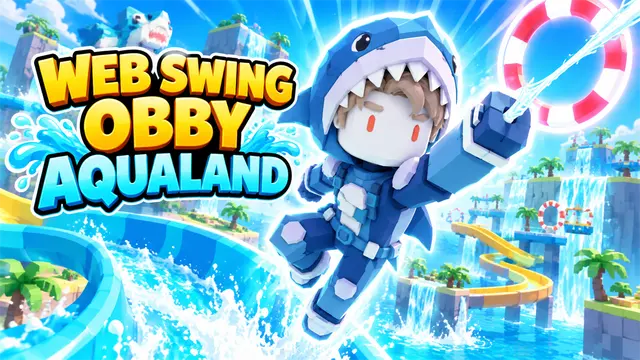 Web Swing Obby: Aqualand
 Car Wash Idle
 Army Run 3D
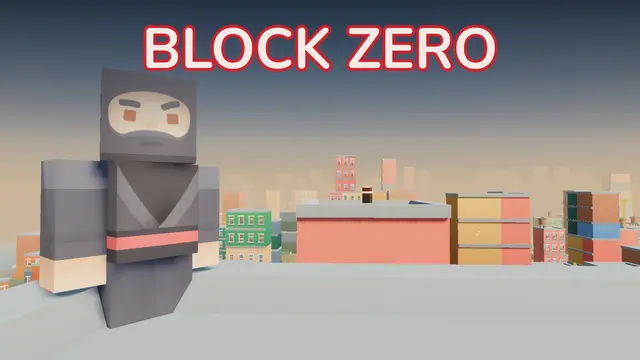 Block Zero
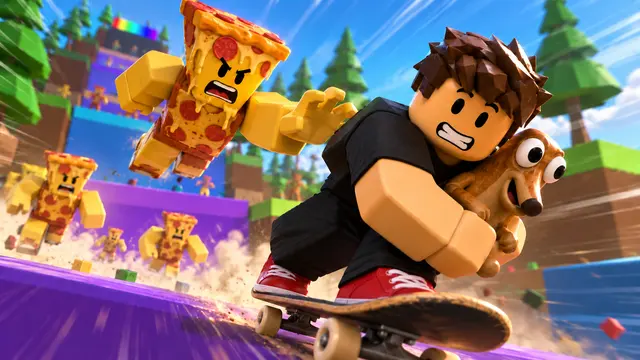 Collect Brainrots on a Skateboard Online
 Steal a Pet!
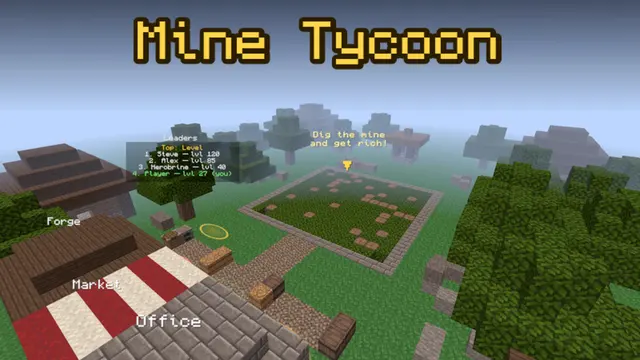 Mine Tycoon
Play ASMR Tower: +1 Jump online
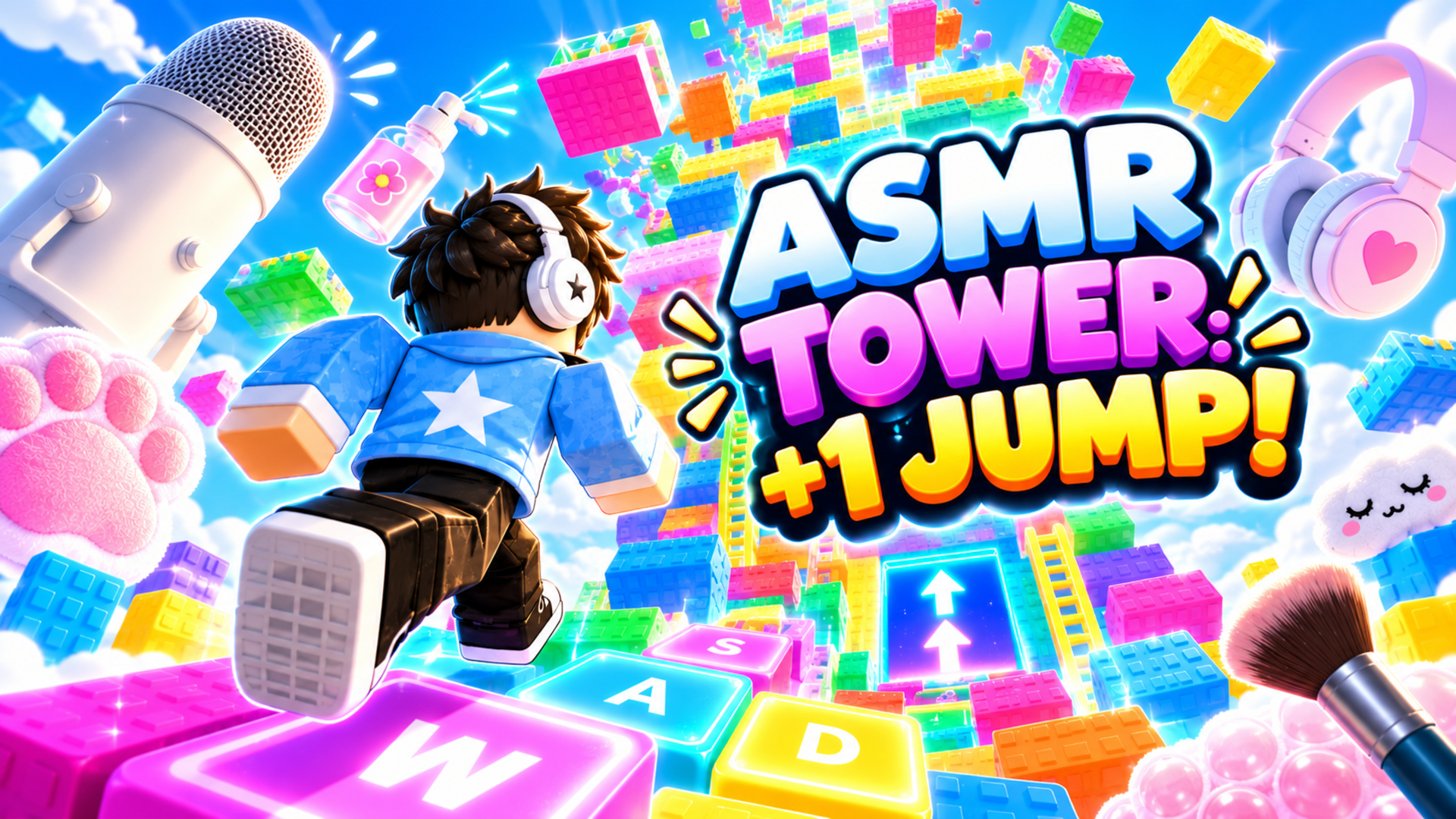
Boost your jump power with every step and climb higher! Overcome ASMR obstacles, and crush or break crunchy objects to earn bonus rewards. Train your jump and get stronger Unlock satisfying ASMR effects Buy powerful upgrades Reach the finish line and claim victory Unlock new levels and challenges Can you level up enough to conquer the entire ASMR Tower?
Follow the game’s progression systems and review the available upgrades. Check which actions need your input and which processes continue on their own. Upgrades are part of the progression described by the provider. The listed controls include WASD input.
How to play ASMR Tower: +1 Jump
Controls and instructions
## How to Play
Controls: WASD to move, mouse to control the camera.
Gain +1 jump power for every step you take.
Move around, upgrade your jump, and climb higher and higher up the ASMR tower.
Navigate satisfying, crisp ASMR obstacles, earn rewards, and unlock new upgrades.
Reach the finish line to claim victory!
Getting started with ASMR Tower: +1 Jump
- Read the upgrade descriptions instead of assuming every improvement has the same effect.
- Compare the upgrade description with your next objective before choosing it.
- Check the action mappings as well as movement; extra actions may use different keys.
About this game
- Platform
- Web browser
- Supported devices
- Android, iOS, Desktop
- Screen orientation
- Landscape and Portrait
- Languages
- American English, Russian (Russia)
- Genres
- 3d, Running, Platform, Idle
- In-game purchases
- Available
- Provider
- Playgama
- Provider audience
- Male, Female
Game features and tags
- 2d
- Casual
- Hyper Casual
- Addictive
- Dash
- Jumping
- Asmr
- 1 Player
- Incremental
ASMR Tower: +1 Jump images
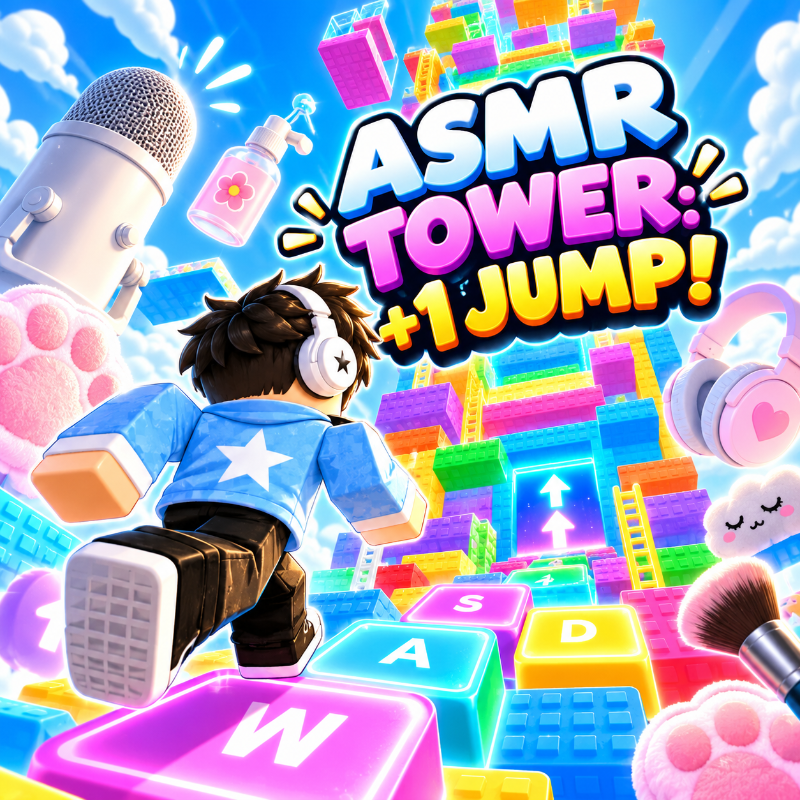
Questions about ASMR Tower: +1 Jump
How do I start playing?
Choose Play now in the game window above to load ASMR Tower: +1 Jump through Playgama. Read the controls and instructions above before you start.
Which devices can I play on?
The provider lists support for Android, iOS, Desktop. Play in your web browser using the controls described above.
Which languages does the game support?
American English, Russian (Russia).
Does the game have in-game purchases?
The provider lists optional in-game purchases. Any available purchases are handled inside the game. Games may display advertisements.
Related game categories
Game facts and artwork supplied by Playgama. Descriptions adapted and getting-started guidance added by LookBear. Game content, ads and purchases are provided by Playgama and the game provider.