 Dream Home
Cozy Art Studio
Provided by Playgama

Cozy Art Studiovia Playgama






 Vet Tycoon: Pet Hospital
 Cake Shop Simulator
 Would You Like to See My Ants?
 Fridge: Perfect Sorting
 Virtual Pet
 Clean the Moon
 Cosmic Cleaners
 Charm Studio: Jewelry Design DIY
 Little Monsters Toy 3D
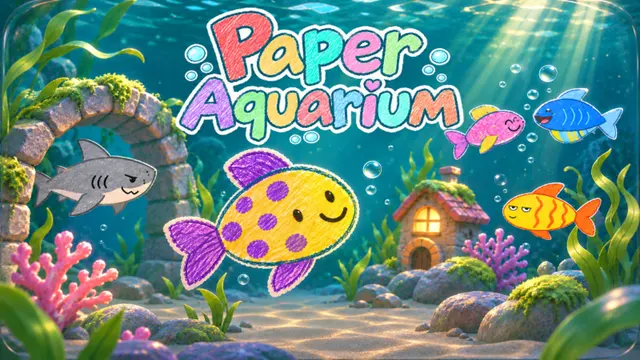 Paper Aquarium: Draw Your Own Fish!
 Ballpit Clean Master
 TB World
 Hedgies
 Zombie Derby 2
 MR RACER Stunt Mania
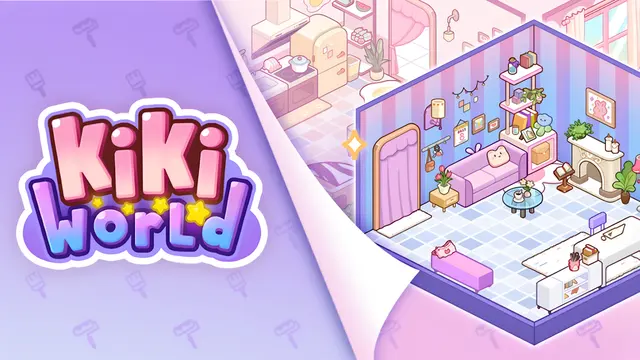 Kiki World: Kawaii Doll Decor
 My Arcade Center
 Home Design: Decorate House
 Craftsman Land
 We Are In A Simulation Simulator
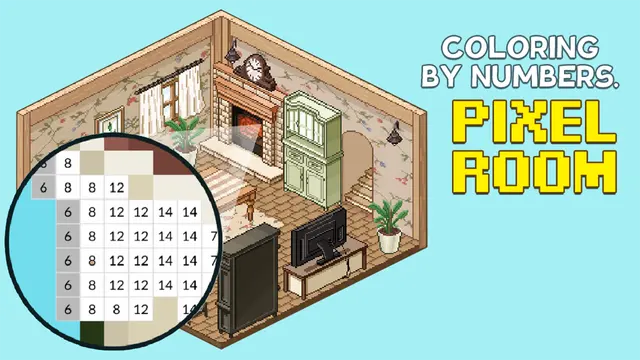 Coloring by Numbers. Pixel Room
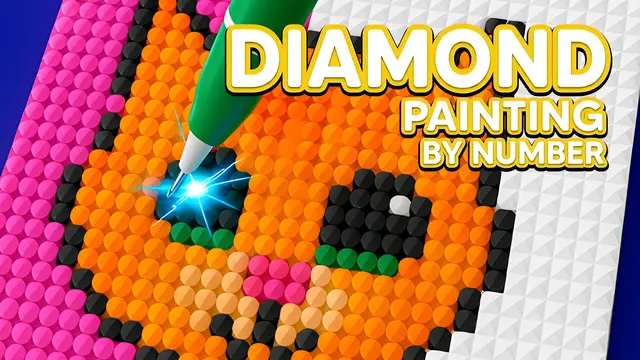 Diamond Painting by Number
 Paper Princess - Doll Dress Up
 Grow Slime
 Island Expander
 Rush Run: Need to Pee – Toilet Dash Runner Game
 Arkanoid For Painters
 Draw or Delete LoveStory
 Pow
 Winged Wheels 2
 Tiny Delivery
 Road Crosser
 Cool Tuning - Paint the Car
 Gravity Shift Sky Racers GT
 Precision Parking Pro
 Coloring book
 Home Decor Clicker
 Relaxing Games: 30 in 1
 Dream Room
 My Bakery
 My Little Farm
 Room Makeover: Design And Aesthetic
 Cozy Coloring
 Yummy Waffle Ice Cream
 Soda Sandbox
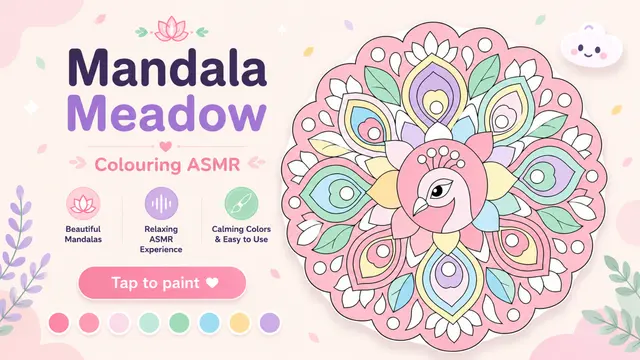 Mandala Meadow
 JUICE TYCOON
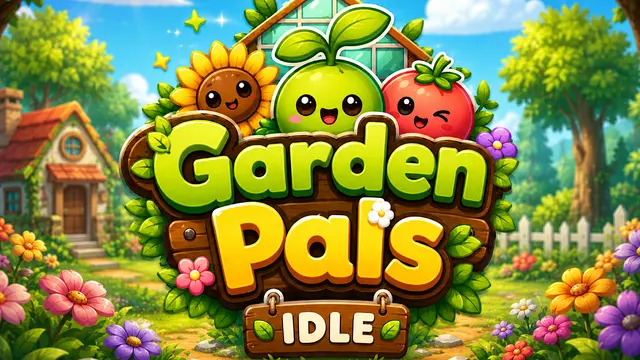 Garden Pals IDLE
 Agrarian Magnate
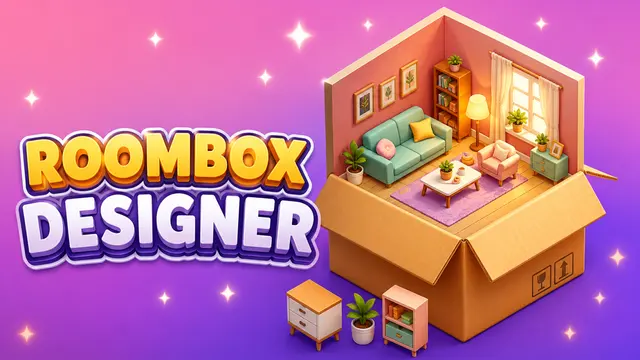 Rumbox Designer
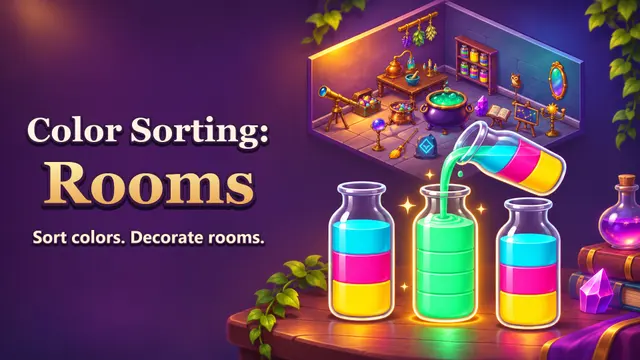 Color Sorting: Rooms
 Flufflings: Pocket Pets
 Cake Maker: Girls Cooking Games
 Dream Home: Merge Story
 Merge Adventure
 Baker City: Family Bakery
 Cozy idle village
 ColorTrail 3D
 Wild Manager
 Guess Drawing
 My Gym Manager: Idle Tycoon
 Desert Gunship
 +1 Grass Cutting: Become Stronger
 Cheat and Don't Get Caught!
Play Cozy Art Studio online
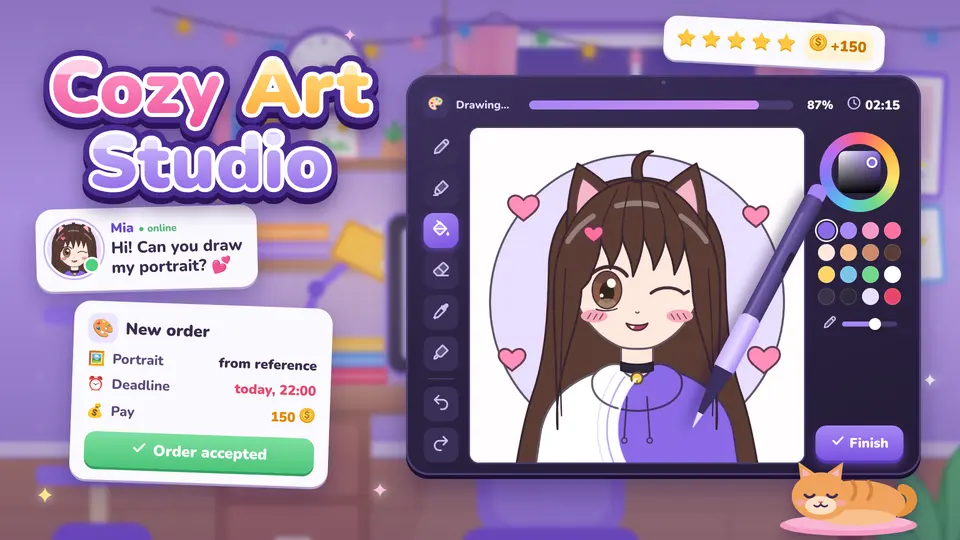
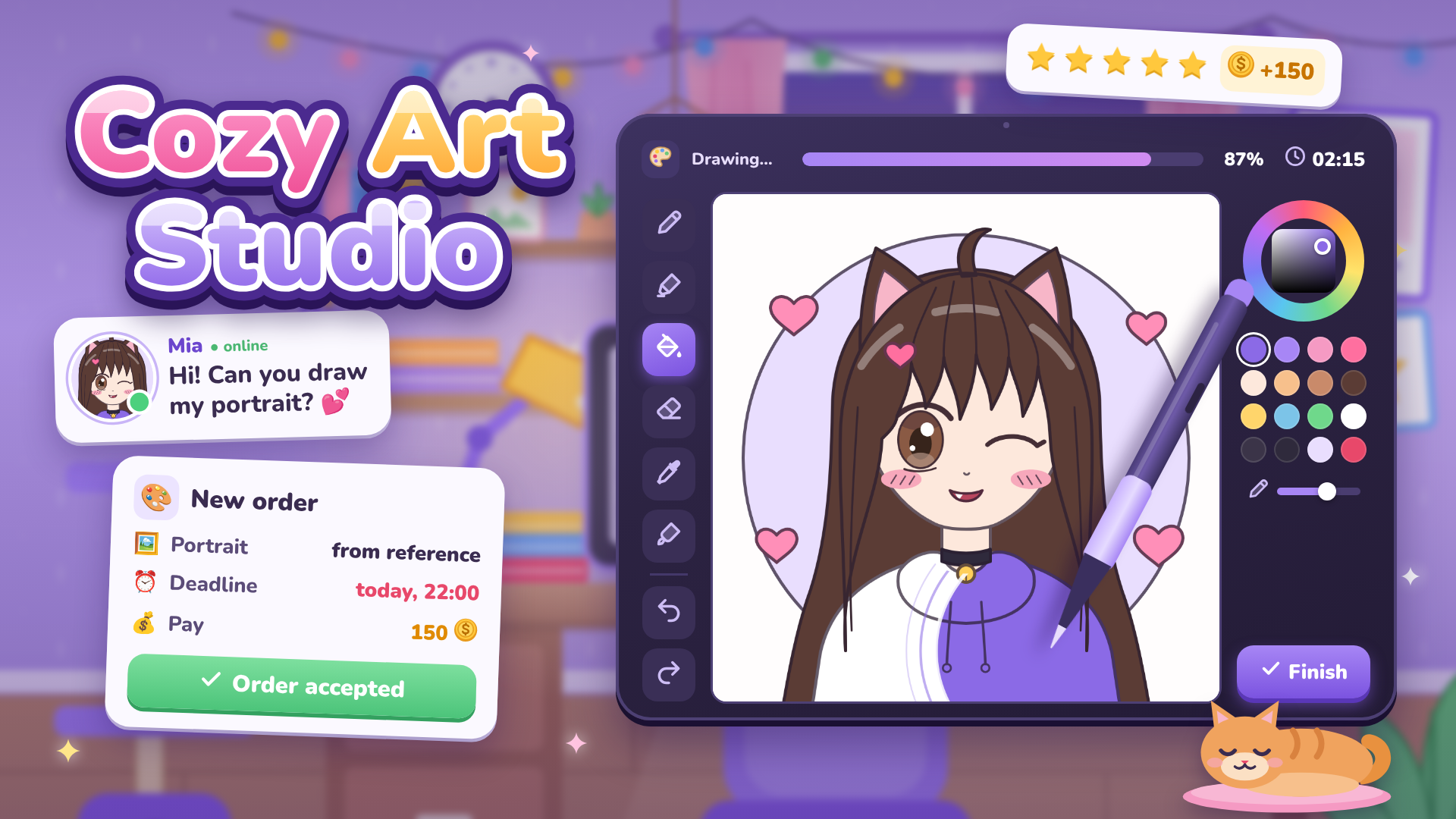
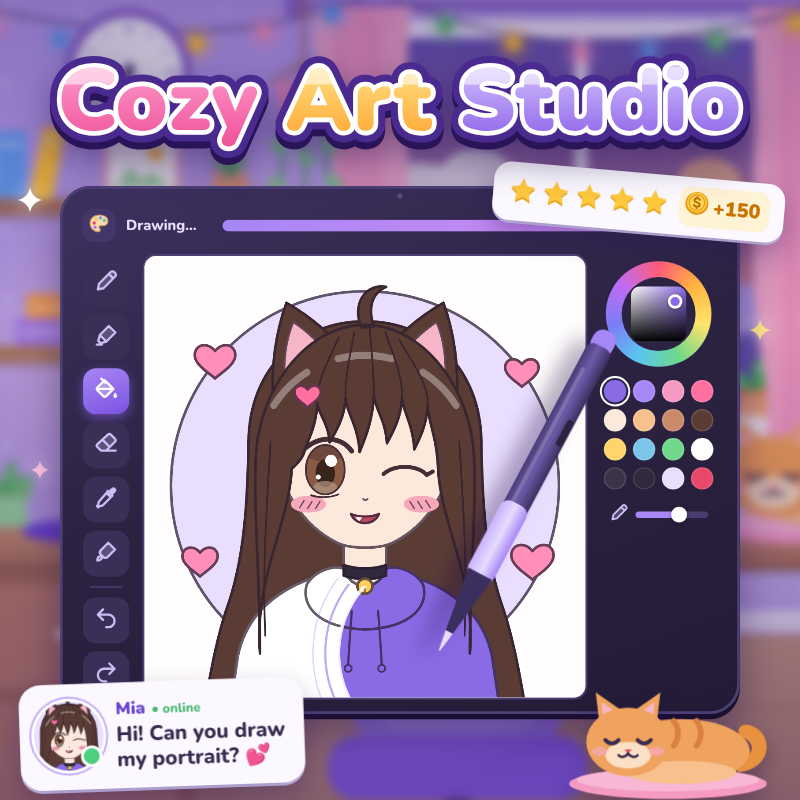
In Cozy Art Studio, run your own tiny art studio. Clients message you with their ideas, you chat, agree on a price and bring every order to life on your graphics tablet, while a sleepy cat naps beside you. Trace the light sketch, tap to fill in the colors, pick shades straight from the reference and add the little touches each client asks for.
Use the drawing tools and follow the picture’s requirements. Check how the game handles lines, colors and finishing an image before you begin. The instructions include an undo option for correcting a move. Coins appear in the game’s progression or objectives.
How to play Cozy Art Studio
Controls and instructions
Your goal is to grow from a Newbie into a Legendary artist and build the coziest studio in town.
A client writes to you. Open the chat, choose your replies and read the order: what to draw, the wishes, the pay and the deadline.
Accept the order, try to negotiate a higher price, or decline it.
Tap Draw. Trace the light sketch lines with the Pen, then pick a color and tap the areas with Fill. Use the Eyedropper on the reference to copy the exact colors, and remember the client's wishes.
Tap Finish before the time runs out. You get 1 to 5 stars and earn coins, tips, experience and reputation.
Spend coins in the Shop on tools, palettes and furniture, decorate the room in Studio, and learn Skills with the points you get for new levels and ranks.
Between orders, complete daily tasks, pet the cat, or open the Sketchbook from the Gallery and draw for fun.
Controls on a computer:
Draw with the left mouse button. Zoom with the mouse wheel. Hold Space and drag, or use the Move tool, to move the canvas.
Tools: B Pen, M Marker, F Fill, E Eraser, I Eyedropper, S Stamps, H Move.
Ctrl+Z undo, Ctrl+Y redo, [ and ] brush size, G show or hide the sketch, P pause.
Controls on a phone or tablet:
Draw with a finger or a stylus. Use two fingers to zoom and move the canvas.
Tap with two fingers to undo, with three fingers to redo.
On a phone held upright, the chat button at the bottom opens your chats, and you can swipe the room left and right.
Getting started with Cozy Art Studio
- Try a small stroke first to understand how the drawing input responds.
- Use the listed undo control when you want to reconsider an action.
- Check what the game lets you do with coins before spending them.
About this game
- Platform
- Web browser
- Supported devices
- Android, iOS, Desktop
- Screen orientation
- Landscape and Portrait
- Languages
- American English, European Spanish, European Portuguese, Russian (Russia), Turkish (Türkiye)
- Genres
- Arcade, Simulation, Decoration, Cozy, Drawing
- In-game purchases
- Available
- Provider
- Playgama
- Provider audience
- Male, Female
Game features and tags
- Customization
- Casual
- Relaxing
- Creativity
- Painting
- Cute
- Art
- Shop
- 1 Player
Cozy Art Studio images
Questions about Cozy Art Studio
How do I start playing?
Choose Play now in the game window above to load Cozy Art Studio through Playgama. Read the controls and instructions above before you start.
Which devices can I play on?
The provider lists support for Android, iOS, Desktop. Play in your web browser using the controls described above.
Which languages does the game support?
American English, European Spanish, European Portuguese, Russian (Russia), Turkish (Türkiye).
Does the game have in-game purchases?
The provider lists optional in-game purchases. Any available purchases are handled inside the game. Games may display advertisements.
Related game categories
Game facts and artwork supplied by Playgama. Descriptions adapted and getting-started guidance added by LookBear. Game content, ads and purchases are provided by Playgama and the game provider.