 My Bakery

Cake Shop Simulator
Provided by Playgama

Cake Shop Simulatorvia Playgama







 Cat Hotel 24/7
 Grow the Baby
 Hlbina
 French Fries Tycoon: Farm to Fryer
 Chicken Farm 3D
 Cat on a Vacuum: Home Cleaning Simulator
 Monster Cafe: Idle Tycoon
 Single Dad Simulator Family Life
 Nest Heist
 Big Bob's Burger Truck
 Weird Pet Shop
 Cozy Craft Co.
 Alchemy Store
 Vet Tycoon: Pet Hospital
 Would You Like to See My Ants?
 City Rush 2000
 Fix It Garage
 Pump It Up
 Hair Salon Master
 My Castle
 Pixel Farm
 Ok! I Pull Up Capybay!
 Moose Cafe
 Puppy Ranch: Pet Breeder
 Cozy Art Studio
 Charm Studio: Jewelry Design DIY
 Box buider
 Restaurant Day
 Idle Train Empire Tycoon
 TB World
 Dungeon Master - Cult & Craft
 Idle Game Dev Simulator
 Idle Airport Tycoon
 Grow a Garden 3D
 ASMR Girl: Livestream Mukbang
 Kiki World: Kawaii Doll Decor
 Chef Tycoon
 My Arcade Center
 Dead Land: Survival
 Cooking City
 Car Sales Empire Simulator
 Kinder Garden
 Paws And Pals Diner
 Hotel Manager Simulator
 Sweet Supermarket Simulator
 Mavy The Fish Mom
 Home Design: Decorate House
 Craftsman Land
 Mars Colony
 Hard Working Man
 Animal Care Tycoon
 Gas Station - Stick Simulator
 3D Acrylic Nail: Nail Art Game
 Paper Princess - Doll Dress Up
 Gas Station Simulator
 Grow Slime
 Island Expander
 Field Master
 Supermarket Manager
 Supermarket Empire
 Trash Master
 Idle Vlogger Simulator
 Idle Supermarket Tycoon
 Airport Controller
Play Cake Shop Simulator online
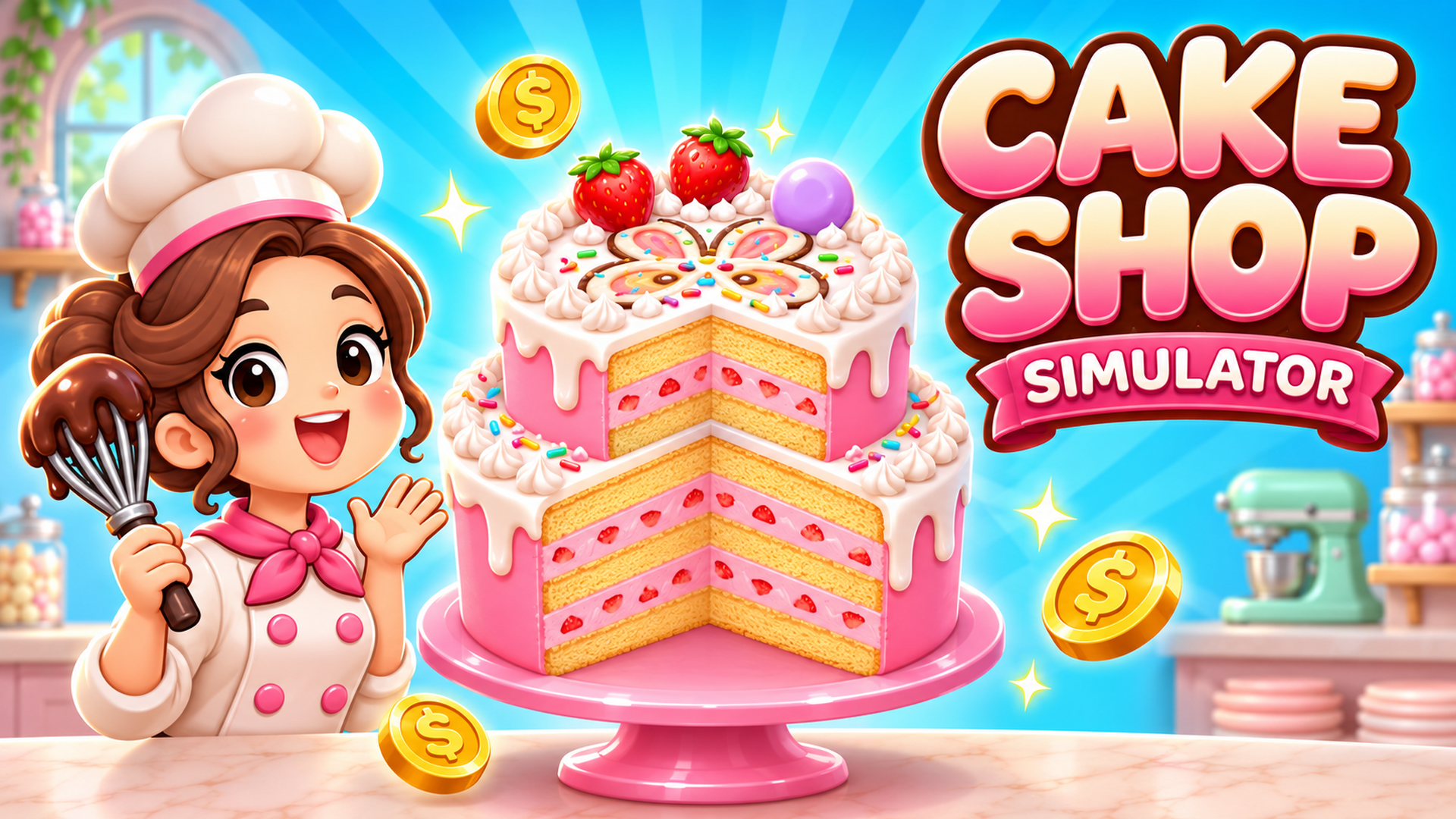
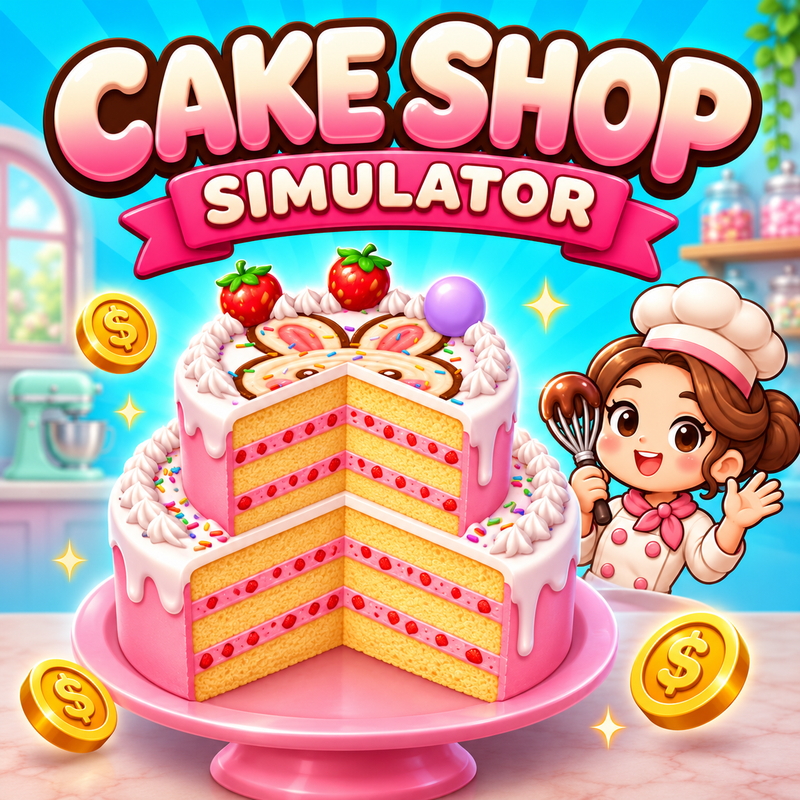
In Cake Shop Simulator, bake 3D cakes to order and sell them to customers right in the chat. Take an order, build the cake step by step - shape, tiers, glaze, drips, cream, a cream drawing on top and decorations - then send a photo to the buyer and haggle for the best price. Every buyer has a character of their own: a schoolkid counts every coin, a bride wants a three-tier cake, a reseller buys in bulk.
Follow the preparation and serving steps shown by the game. Understanding the order of actions helps you keep track of what still needs to be done. Character tasks or quests provide goals to work toward as you explore. The provider describes a ranking or leaderboard feature.
How to play Cake Shop Simulator
Controls and instructions
Open the Chats tab and tap a customer to read the order. Tap "Take the order!" and build the cake step by step: shape and tiers, glaze and drips, cream, a drawing on top and decorations. The order card at the top shows what the customer asked for: matching items turn green and raise the price.
On the Decor step pick a decoration and tap the cake to place it. Drag to spin the cake, use the mouse wheel or two fingers to zoom.
Tap "Send" and haggle: pick a friendly, fair or pricey ask, then accept the counteroffer, meet halfway or hold your price. Each hold costs one heart of the buyer's patience; when the hearts run out, the buyer leaves. Close all orders of the day and tap "New day".
Post sold cakes on Cakegram for likes and followers, and spend coins on kitchen upgrades, cake stands and interiors.
Controls: mouse on desktop, touch on mobile.
Getting started with Cake Shop Simulator
- Read the current order or task before selecting ingredients or tools.
- Check the current task before deciding where to go next.
- Read what contributes to the ranking rather than assuming it is based on time.
About this game
- Platform
- Web browser
- Supported devices
- Android, iOS, Desktop
- Screen orientation
- Portrait
- Languages
- American English, Russian (Russia), German (Germany), European Spanish, French (France), Italian (Italy), Polish (Poland), Turkish (Türkiye), Indonesian (Indonesia), Japanese (Japan), Korean (South Korea), Chinese (China), Thai (Thailand)
- Genres
- Simulation, Decoration, Management, Cozy, Cake, Cooking
- In-game purchases
- Available
- Provider
- Playgama
- Provider audience
- Male, Female
Game features and tags
- Customization
- Casual
- Business
- Chat
- Bakery
- Creativity
- Shop
- Time Management
- Building
- Ai
Cake Shop Simulator images
Questions about Cake Shop Simulator
How do I start playing?
Choose Play now in the game window above to load Cake Shop Simulator through Playgama. Read the controls and instructions above before you start.
Which devices can I play on?
The provider lists support for Android, iOS, Desktop. Play in your web browser using the controls described above.
Which languages does the game support?
American English, Russian (Russia), German (Germany), European Spanish, French (France), Italian (Italy), Polish (Poland), Turkish (Türkiye), Indonesian (Indonesia), Japanese (Japan), Korean (South Korea), Chinese (China), Thai (Thailand).
Does the game have in-game purchases?
The provider lists optional in-game purchases. Any available purchases are handled inside the game. Games may display advertisements.
Related game categories
Game facts and artwork supplied by Playgama. Descriptions adapted and getting-started guidance added by LookBear. Game content, ads and purchases are provided by Playgama and the game provider.