 Left 4 Die
Zombie Army Rush
Provided by Playgama
Zombie Army Rushvia Playgama



 TANKNAROK
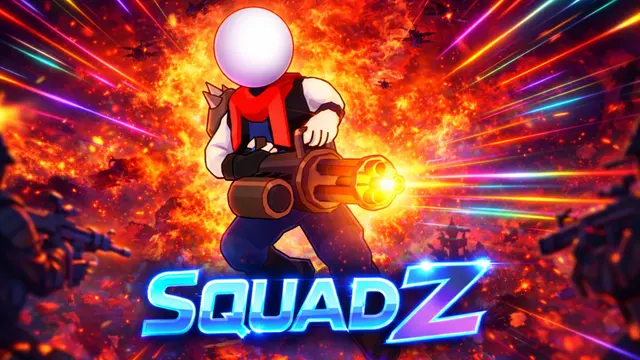 SquadZ
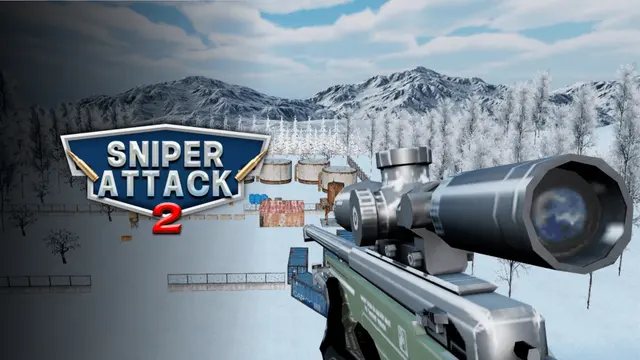 Sniper Attack2
 Snake of Bullets: Collect and Shoot!
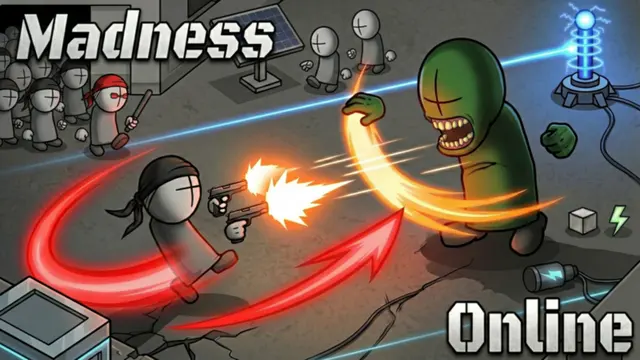 Madness Online
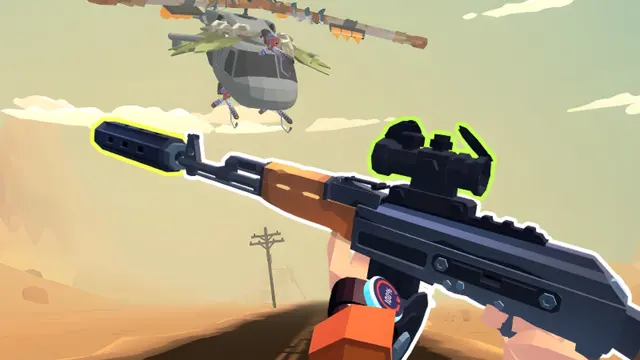 Zombie Rage: Merge 3D
 Toxic Arena: Biological Threat
 Zombie Terminator
 Elska - dog vs zombies! Multiplayer co-op
 Dead Lands Driver Open World
 Air Assault: Ship Defense
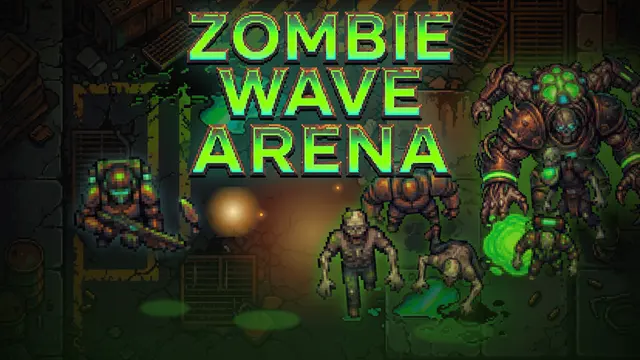 Zombie Wave Arena
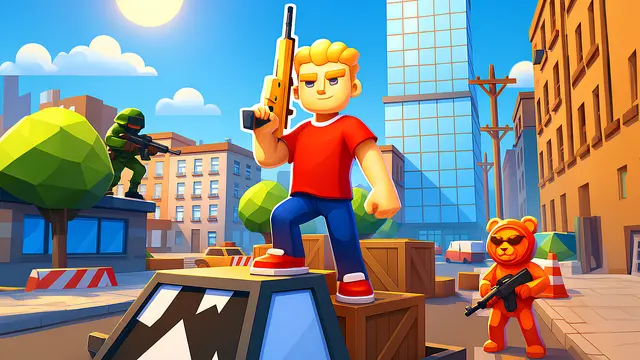 Obby: Battle Arena
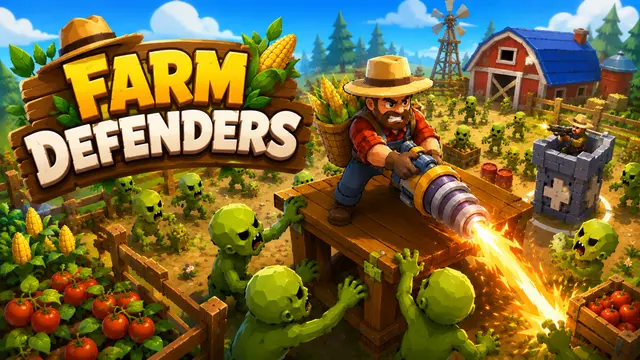 Farm Defenders
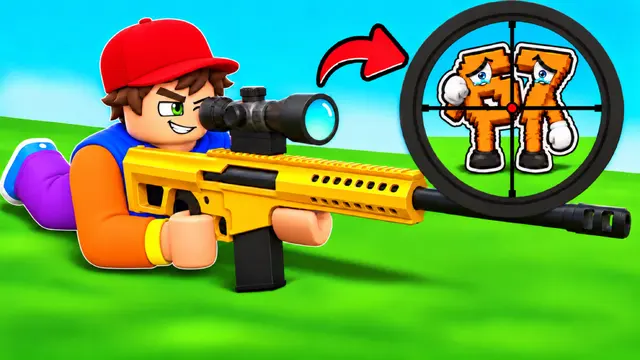 Sniper for Brainrots
 Roll Rush
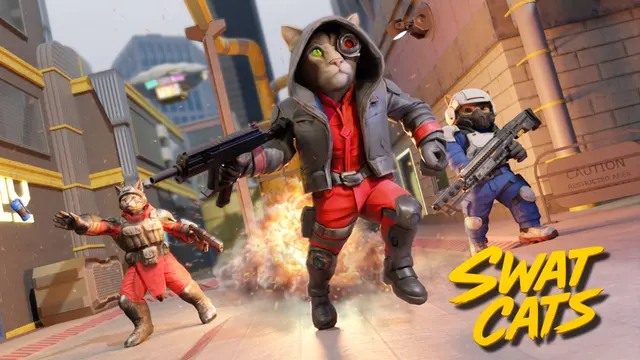 SWAT Cats
 Merge Shoot Run!
 Planet Blast: Rockets
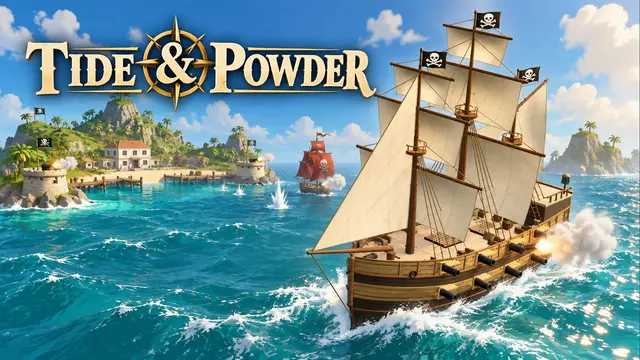 Tide & Powder
 Desert Gunship
 Horizon: Flight Into the Light
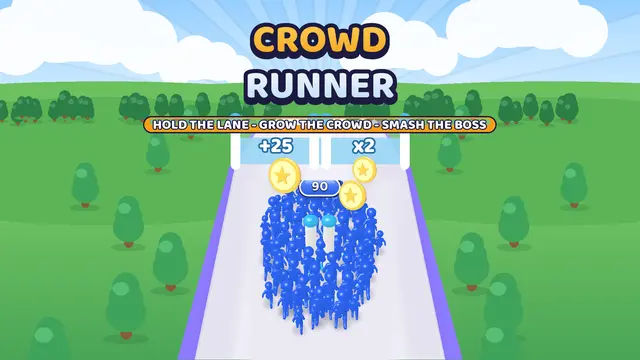 Crowd Runner
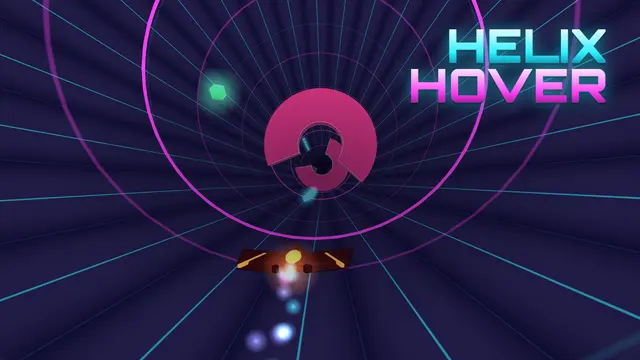 Helix Hover
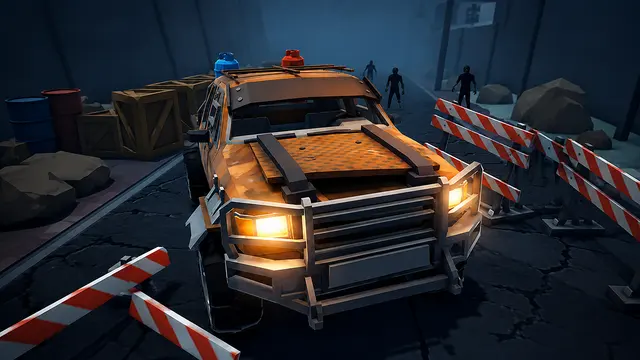 Cars vs Zombies
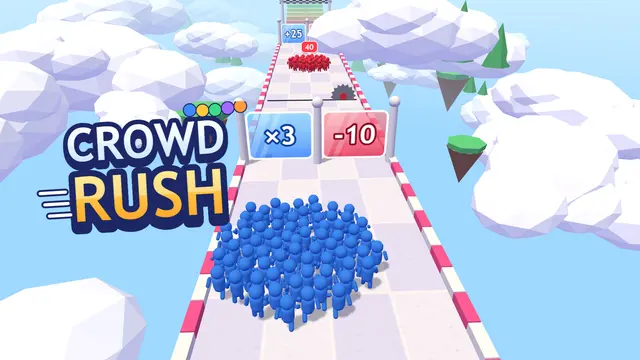 Crowd Rush
 Horizon Racer
 Road Gunner 3D
 Block Zero
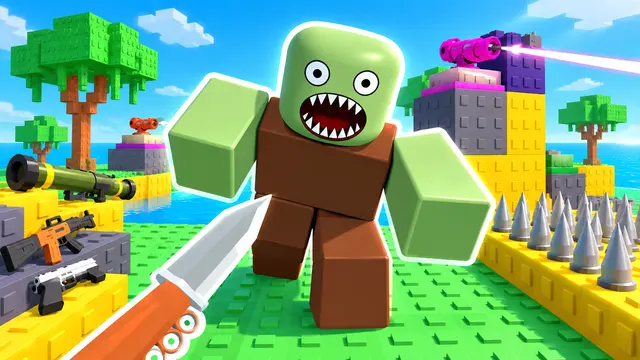 Build and Defend your Base
 Jade Toss: Arrow Challenge
 Food: Run and Battle
 Crown Guard
 SWAT OPS: Body Camera
 Hard Crash: Zombie Rush
 Sol Coalition Force
 TIME STOP
 Obby Arena: +1 Frag
 Feed Them All!
 Plane Crash Ragdoll Simulator
 Robot Scrapyard Arena
 NOVAHELM - TACTICAL STRIKE
 Build Car for Kill Zombies
 Outpost 9
 +1 Damage Evolution
 Stickman Crowd Runner 3D
 Splash Rivals
 Angry Pets: 3D Boom!
 Slow Mo: Blade Rush
 Mine And Rush Survival
 +1 Monkey Escape Speed: Obby Mode
 Obby Prison Escape: Push the Police
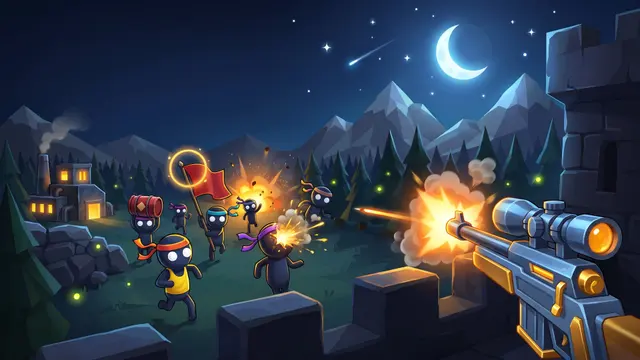 Stickman Night Defense
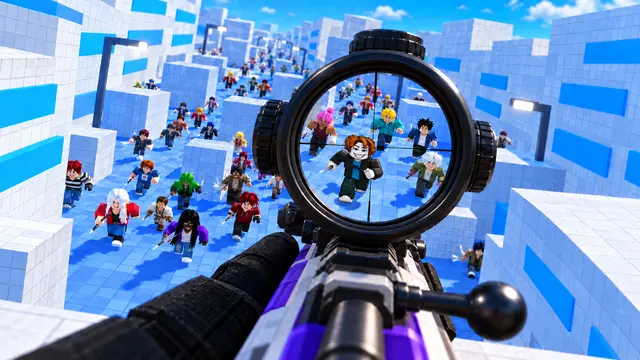 Sniper VS 99 Players
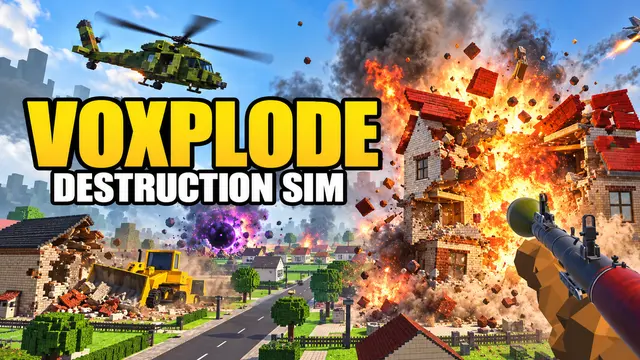 Voxplode: Destruction Sim
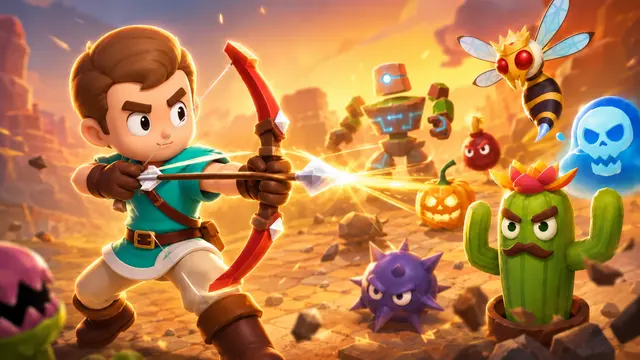 Archer: Dungeon Hero
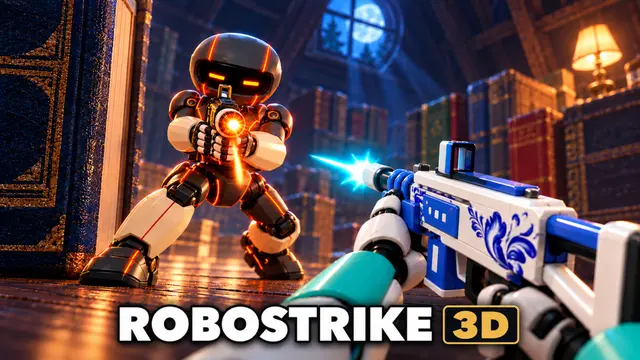 RoboStrike 3D
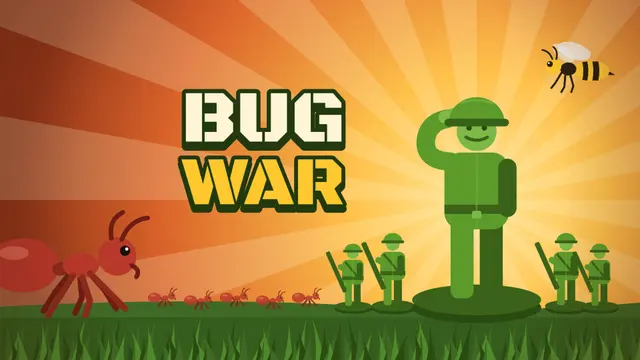 Bug War
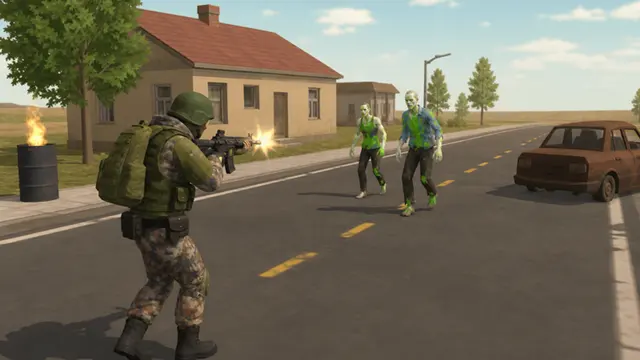 Mutant Zone: Zombie Merge Fighter
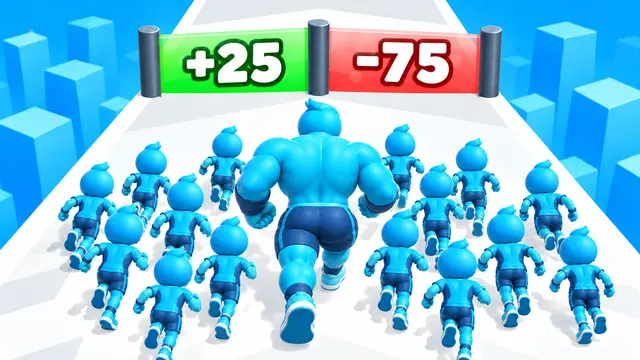 Crowd Titan
 Steal a Destruction Egg
 Goo Turf
 Nothing 2 Lose
 Steel Thunder
Play Zombie Army Rush online
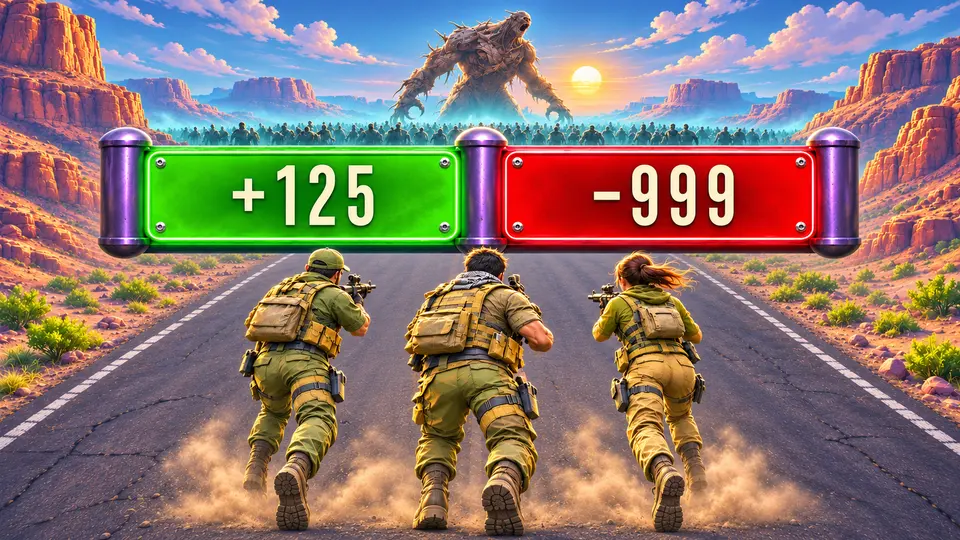
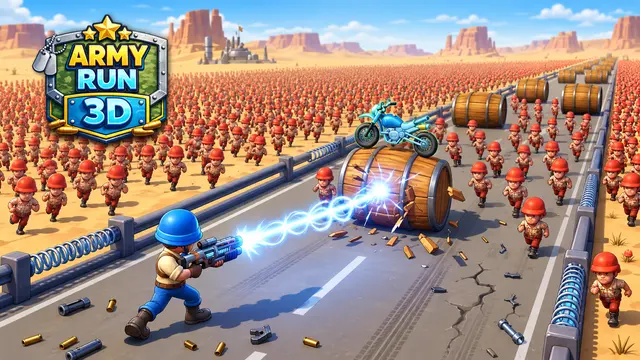
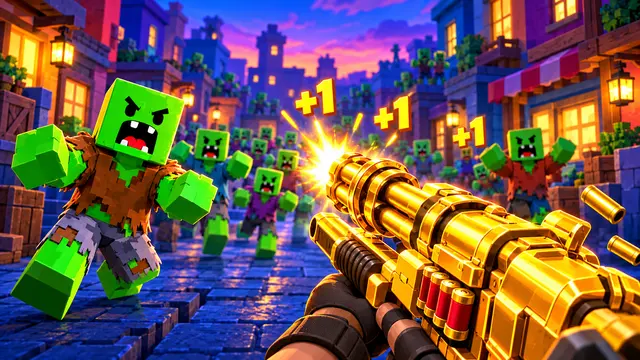
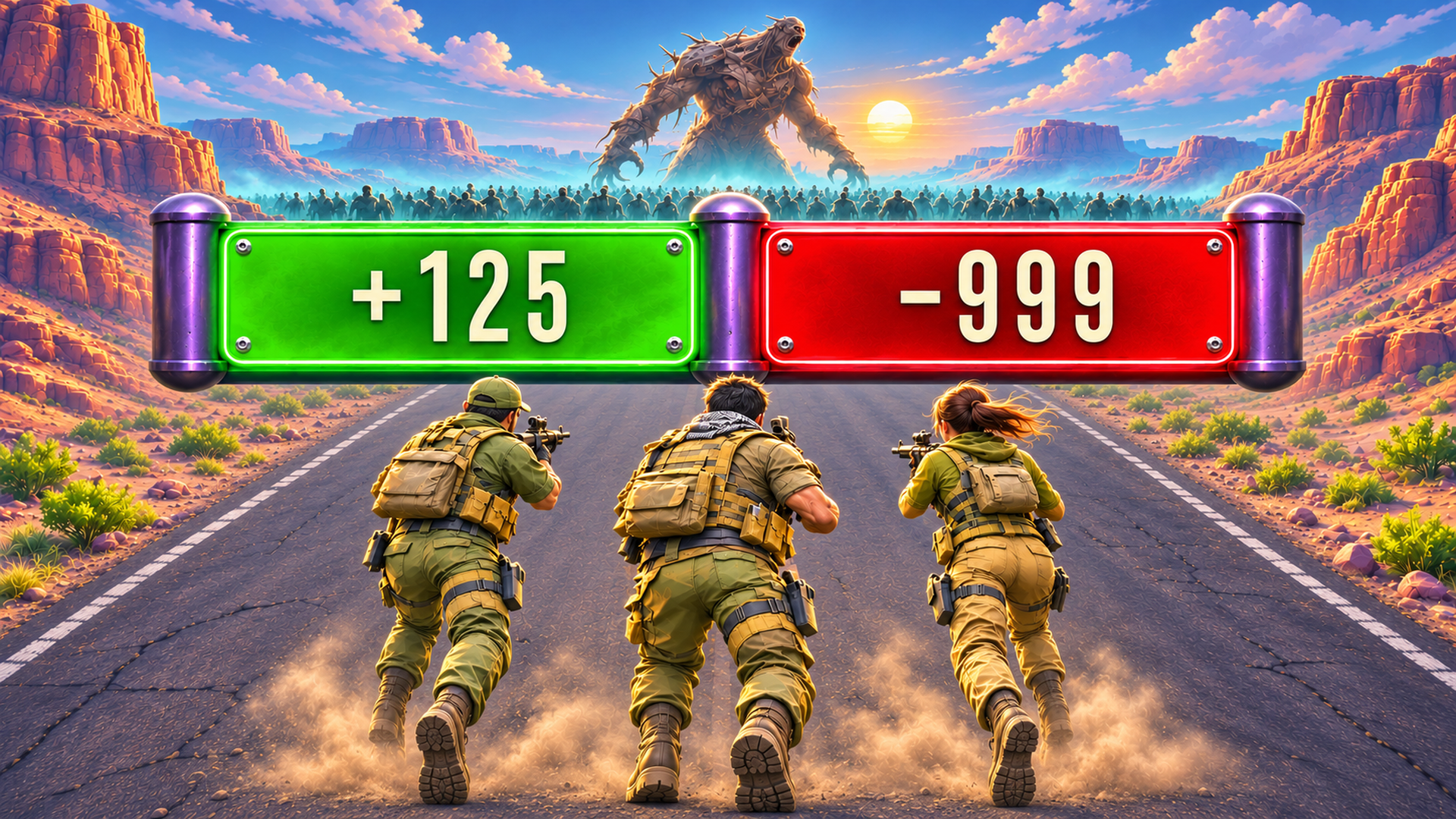
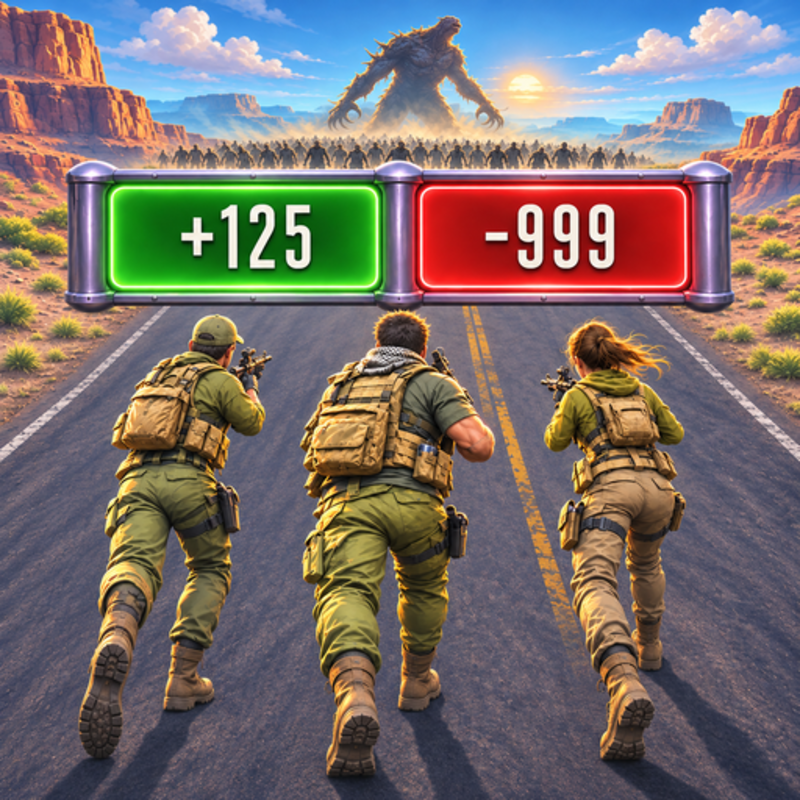
Lead a squad down a zombie-infested highway in this 3D crowd runner shooter. Steer your soldiers through multiplier gates, shoot gate numbers up, grab new weapons on the run, jump ramps and ride ziplines while your growing army mows down the horde. 100 story missions across 10 locations, giant chapter bosses and 10 mini-bosses, 9 weapons to upgrade and in-run perks like saw blades, combat drones and chain lightning.
Learn the aiming and firing controls, then follow the objective shown in the game. Movement and interaction inputs may be separate from the weapon controls. Coins appear in the game’s progression or objectives. Upgrades are part of the progression described by the provider.
How to play Zombie Army Rush
Controls and instructions
Drag left and right with the mouse or a finger (or use A/D and the arrow keys) to steer the squad. Soldiers run and shoot automatically. Pick gates that add or multiply soldiers; shooting a gate raises its number. Blow up red barrels, smash locks to take new weapons, fill the adrenaline bar to choose an upgrade and defeat the boss at the end of the mission. Spend coins in HQ and the Arsenal between missions. P pauses the game.
Getting started with Zombie Army Rush
- Check aiming, firing and movement inputs individually before combining them.
- Check what the game lets you do with coins before spending them.
- Compare the upgrade description with your next objective before choosing it.
About this game
- Platform
- Web browser
- Supported devices
- Android, iOS, Desktop
- Screen orientation
- Landscape and Portrait
- Languages
- American English, Russian (Russia)
- Genres
- Action, 3d, Shooting, Zombie, Runner
- In-game purchases
- Available
- Provider
- Playgama
- Provider audience
- Male, Female
Game features and tags
- Bullet
- Jumping
- Webgl
- Shoot Em Up
- Horde Survival
- Arcade Shooter
Zombie Army Rush images
Questions about Zombie Army Rush
How do I start playing?
Choose Play now in the game window above to load Zombie Army Rush through Playgama. Read the controls and instructions above before you start.
Which devices can I play on?
The provider lists support for Android, iOS, Desktop. Play in your web browser using the controls described above.
Which languages does the game support?
American English, Russian (Russia).
Does the game have in-game purchases?
The provider lists optional in-game purchases. Any available purchases are handled inside the game. Games may display advertisements.
Related game categories
Game facts and artwork supplied by Playgama. Descriptions adapted and getting-started guidance added by LookBear. Game content, ads and purchases are provided by Playgama and the game provider.