 Capy Market

Ok! I Pull Up Capybay!
Provided by Playgama

Ok! I Pull Up Capybay!via Playgama







 Alchemy Store
 Evolution Simulator
 Vet Tycoon: Pet Hospital
 Real Survival: Not Fake
 City Rush 2000
 Sunny Island: Farm
 Fix It Garage
 Pump It Up
 Hair Salon Master
 Clean the Moon
 My Little Hospital
 Moose Cafe
 Puppy Ranch: Pet Breeder
 Little Monsters Toy 3D
 Restore Garage 3D: Car Restoration
 Hedgies
 Grow a Garden 3D
 Kinder Garden
 Burger Restaurant Simulator 3D
 Field Master
 Egg Thief
 My Bakery
 Dream Supermarket: 3D Shop
 Shop Cashier Simulator 3D
 Agrarian Magnate
 Dream Home
 Mine Blogger Simulator 3D
 Chop Up!
 FISH FACTORY
 Baker City: Family Bakery
 Gas Station 24: Simulator
 My Gym Manager: Idle Tycoon
 +1 Grass Cutting: Become Stronger
 My Little Kingdom
 Heist Idle
 Cheat and Don't Get Caught!
 Kingdom Master
 Rich Mom Family Simulator Luxury Life
 Steal An Egg - Grow Animals
 Wild Wolf Simulator Animal Games
 Mowmentum
 The Last Company
 My Cute Virtual Pet
 Busy Bites Tycoon
 Car Wash Idle
 Restore Lab
 Relic Rush 3D
 Night Lake: Monster Fishing
 Backrooms Craft
 Steal a Pet!
 Roll Kingdoms
 99 Night Survivor
 FAKE HUNTER
 Wooden Vest
 Obby: Dig to the center of the Earth
 Crumb Bandit
 Scoop Empire
 Fishing Island
 Steals Eggs From Animals
 Mining Master
 Wash Master
 Army Base
 Egg Escape Tycoon
 Washing Toilets
Play Ok! I Pull Up Capybay! online
Explore a colorful island world as a capybara. Gather resources, craft items, operate production stations and complete orders to unlock new areas.
Make decisions about the resources and activities under your control. The instructions explain how purchases, tasks and improvements fit together. The instructions describe joystick input. The listed controls include WASD input.
How to play Ok! I Pull Up Capybay!
Controls and instructions
Move with WASD or the arrow keys, or click or tap where you want to go. Drag on the game area to use the floating joystick. Use E, Space or Enter to interact with the nearest object. Gather resources, craft goods and complete orders to progress and unlock areas.
Getting started with Ok! I Pull Up Capybay!
- Find the current goal and resource requirements before making a purchase.
- Start with a short joystick movement to judge how the character responds.
- Check the action mappings as well as movement; extra actions may use different keys.
About this game
- Platform
- Web browser
- Supported devices
- Android, iOS, Desktop
- Screen orientation
- Landscape
- Languages
- American English, Chinese (China), German (Germany), European Spanish, French (France), Italian (Italy), Japanese (Japan), European Portuguese, Russian (Russia), Turkish (Türkiye)
- Genres
- Adventure, Simulation, Kids, 3d, Management, Cozy
- In-game purchases
- None listed by the provider
- Provider
- Playgama
- Provider audience
- Male, Female
Game features and tags
- Capybara
- Casual
- Cute
- Collecting
- Resource Management
Ok! I Pull Up Capybay! images
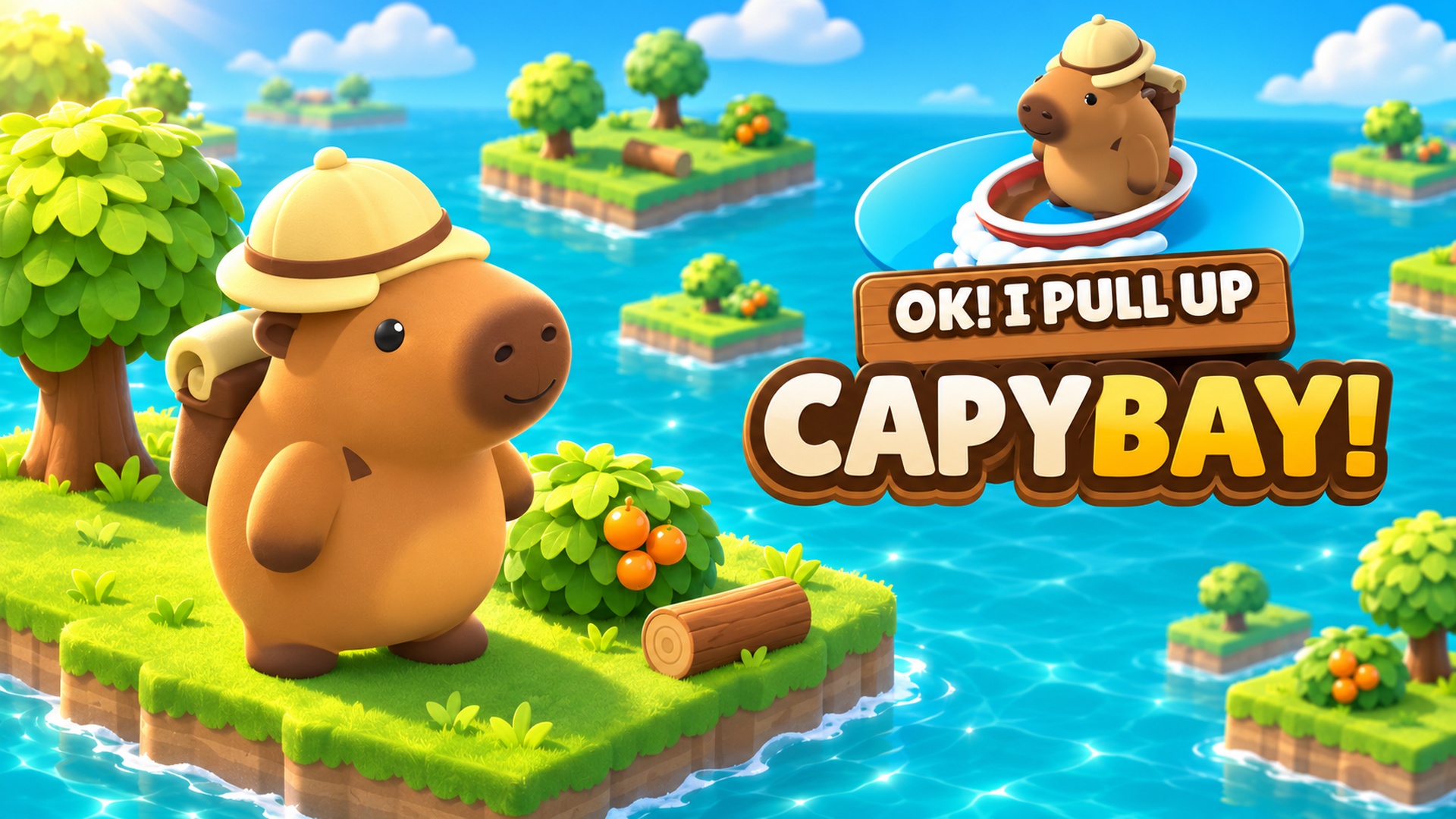

Questions about Ok! I Pull Up Capybay!
How do I start playing?
Choose Play now in the game window above to load Ok! I Pull Up Capybay! through Playgama. Read the controls and instructions above before you start.
Which devices can I play on?
The provider lists support for Android, iOS, Desktop. Play in your web browser using the controls described above.
Which languages does the game support?
American English, Chinese (China), German (Germany), European Spanish, French (France), Italian (Italy), Japanese (Japan), European Portuguese, Russian (Russia), Turkish (Türkiye).
Does the game have in-game purchases?
The provider lists no in-game purchases for this game. Games may display advertisements.
Related game categories
Game facts and artwork supplied by Playgama. Descriptions adapted and getting-started guidance added by LookBear. Game content, ads and purchases are provided by Playgama and the game provider.