 Survival Tycoon: City of Zombie
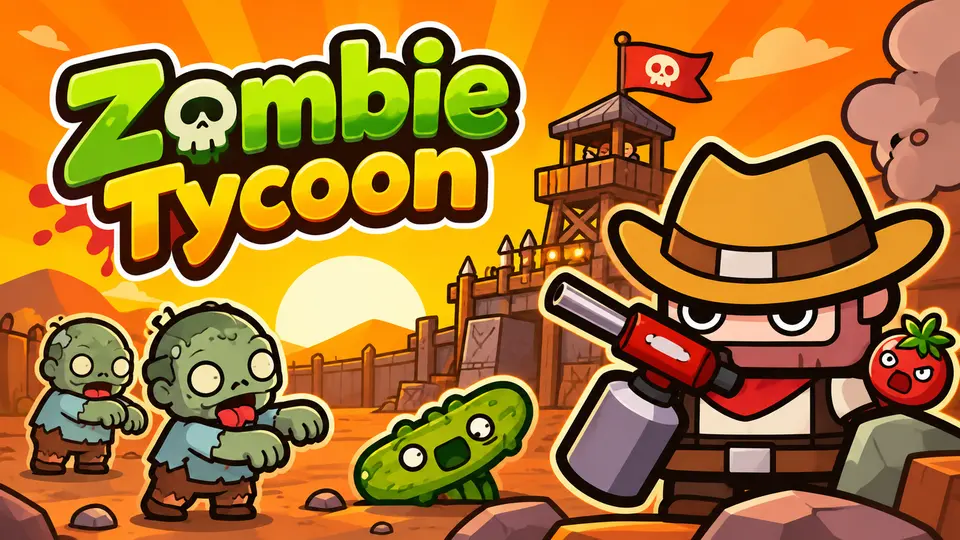
Zombie Tycoon
Provided by Playgama
Zombie Tycoonvia Playgama






 Idle Cinema Tycoon
 Airplane Factory - Tycoon
 Money Empire
 Farm Business Saga
 Millionaire Factory
 Idle Cookie Tycoon
 Merge Plane Tycoon
 My Phone Store
 PC Cafe Simulator 3D
 Idle Zoo Tycoon
 Money Factory: Tycoon Idle Game
 Trash Baron
 Mine Mining Islands 2: Skyblock City!
 Shawarma Kiosk Anomaly Game
 ObbyTycoon: Money Tycoon
 Garage Boss
 JUICE TYCOON
 My resale. Cases and sales
 OIL RIG Driller
 The Hustler
 Agrarian Magnate
 My Army Base
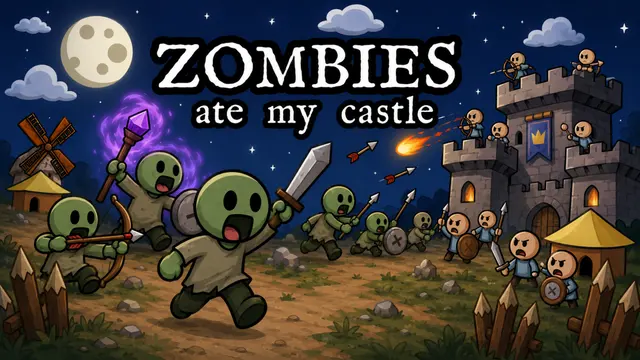 Zombies ate my Castle
 Chop Up!
 FISH FACTORY
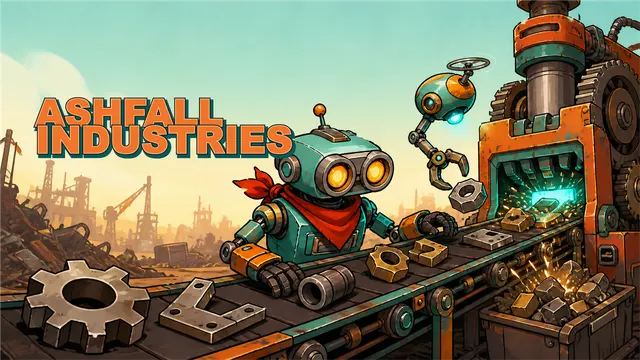 Ashfall Industries
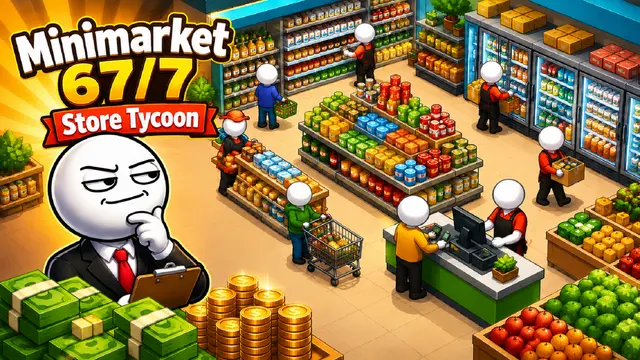 Minimarket 67/7: Store Tycoon
 Sell Lemons Idle
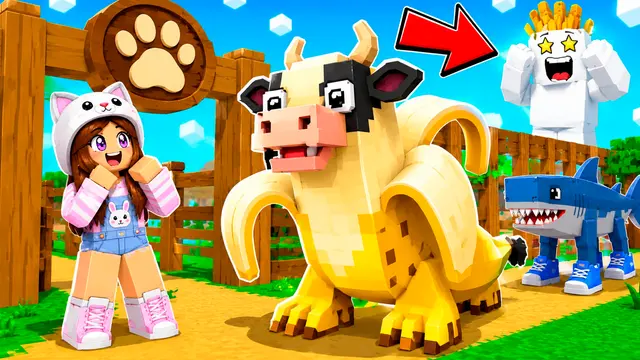 Steal Memerot: Zoo Tycoon
 Gas Station 24: Simulator
 My Little Park 3D
 Capitalist Hunter
 Wild Manager
 Railroad Magnate
 My Gym Manager: Idle Tycoon
 My Little Kingdom
 Braveward
 Drift Tycoon
 Open to Offers!
 Busy Bites Tycoon
 Car Wash Idle
 Restore Lab
 Wooden Vest
 Tiny Cinema
 Farm Care Tycoon
 Pocket Mart
 Scoop Empire
 Fishing Island
 Leaf Blower Tycoon
 Army Base
 Burger Bay
 Grave: Necromancer Mortician
 Kickoff Academy: Football Tycoon
 Dungeon Shop Rush
 Chicken Farm
 Bank Tycoon Simulator Money Empire
 Capy Market
 Reaper’s Graveyard Shift
 Bun Boss
 Peel the Potato
 Grow the Baby
 Park Tycoon
 Colonora: Colony Survival
 French Fries Tycoon: Farm to Fryer
Play Zombie Tycoon online
The world fell apart, but the survivors still have to eat. You’re a dusty cowboy with a torch and a dream: running the only food outpost left in the zombie wasteland. Head into the monster fields, take down mutant tomatoes and cucumbers, and haul their goods back to your kitchen.
Manage the activity at the center of the game and decide where to put your resources next. Read how income, purchases and improvements are connected. Character tasks or quests provide goals to work toward as you explore. Coins appear in the game’s progression or objectives.
How to play Zombie Tycoon
Controls and instructions
Move: WASD or arrow keys on PC, or drag anywhere on screen to use the joystick on mobile.
Interact: just walk onto a zone. Picking up, dropping off, paying and collecting all happen automatically.
Menus: click or tap buttons. On PC, Space or Enter also skips through dialog.
Getting started with Zombie Tycoon
- Identify the next purchase requirement before committing your resources.
- Check the current task before deciding where to go next.
- Check what the game lets you do with coins before spending them.
About this game
- Platform
- Web browser
- Supported devices
- Android, iOS, Desktop
- Screen orientation
- Landscape and Portrait
- Languages
- American English
- Genres
- Tycoon, Zombie, Monster, Management
- In-game purchases
- None listed by the provider
- Provider
- Playgama
- Provider audience
- Male, Female
Game features and tags
- Mission
- Casual
- Business
- Addictive
- Cute
- Apocalypse
- Collecting
- 1 Player
- Incremental
- Resource Management
Zombie Tycoon images
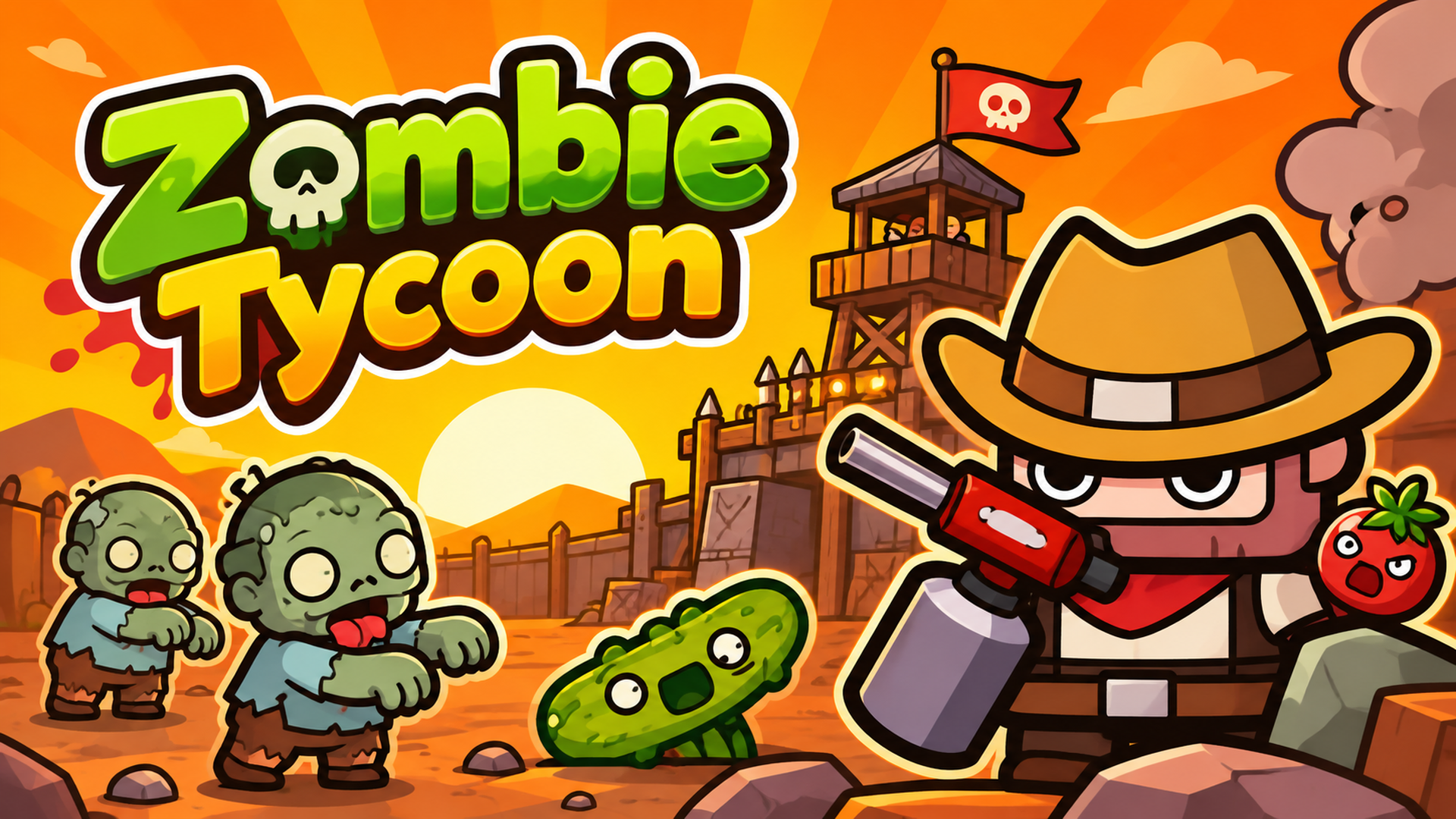

Questions about Zombie Tycoon
How do I start playing?
Choose Play now in the game window above to load Zombie Tycoon through Playgama. Read the controls and instructions above before you start.
Which devices can I play on?
The provider lists support for Android, iOS, Desktop. Play in your web browser using the controls described above.
Which languages does the game support?
American English.
Does the game have in-game purchases?
The provider lists no in-game purchases for this game. Games may display advertisements.
Related game categories
Game facts and artwork supplied by Playgama. Descriptions adapted and getting-started guidance added by LookBear. Game content, ads and purchases are provided by Playgama and the game provider.