 Island Expander
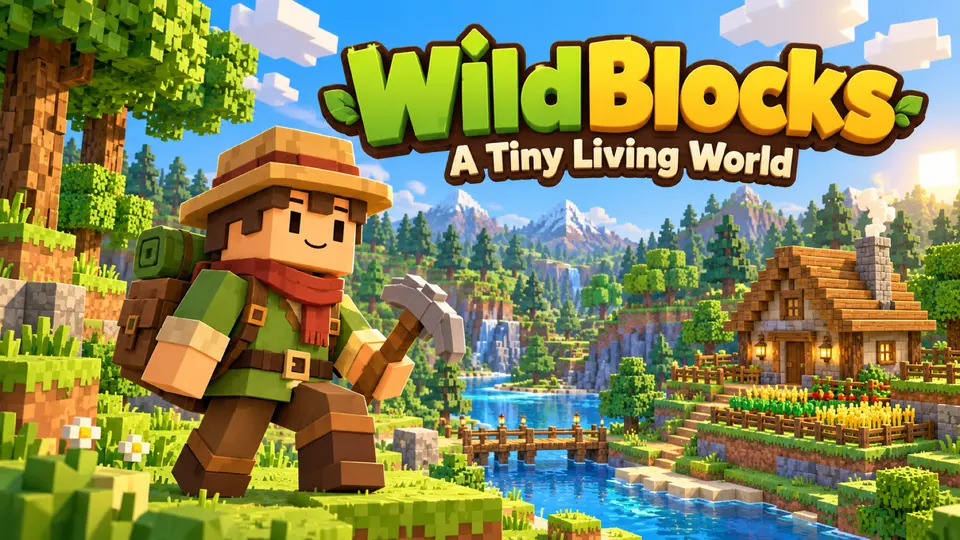
WildBlocks — A Tiny Living World
Provided by Playgama
WildBlocks — A Tiny Living Worldvia Playgama


 Yenemy
 Idle Crafting Empire Tycoon
 99 Nights In The Forest - Survival Simulator
 Survival Sandbox for 99 Nights
 Loopvival
 Build an Aquapark
 99 Nights In The Forest
 Obby: Survival Island
 Mine Miner 3D: Mayor of Dream Island
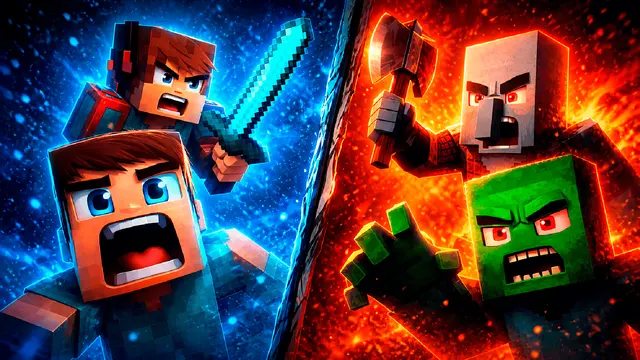 Mine Mining Islands 2: Skyblock City!
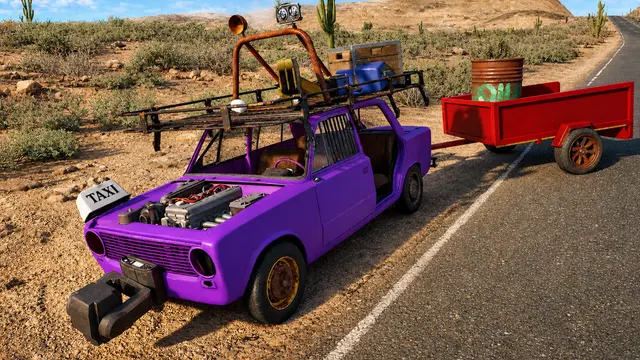 Long Drive to Horizons Sim
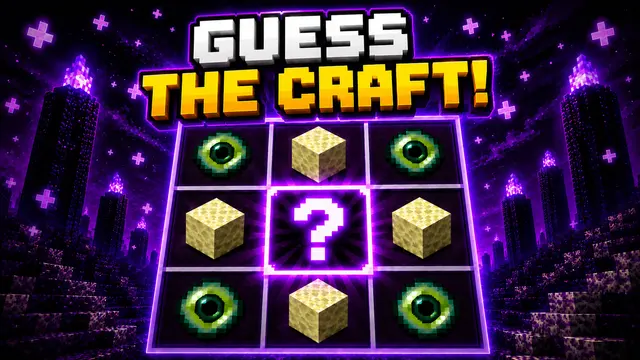 Guess the Craft: Blocky Recipes
 +1 Grass Cutting: Become Stronger
 Heist Idle
 Cheat and Don't Get Caught!
 Steal An Egg - Grow Animals
 Wild Wolf Simulator Animal Games
 Relic Rush 3D
 Night Lake: Monster Fishing
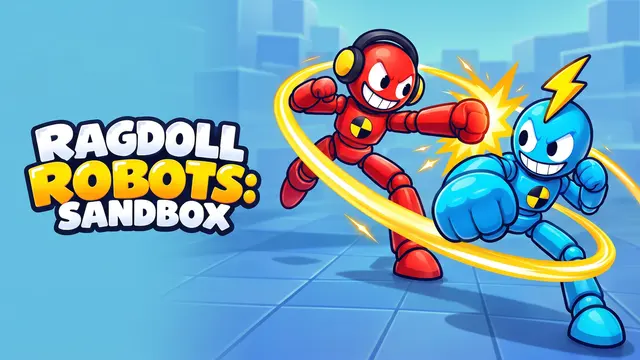 Ragdoll Robots: Sandbox
 Steal a Pet!
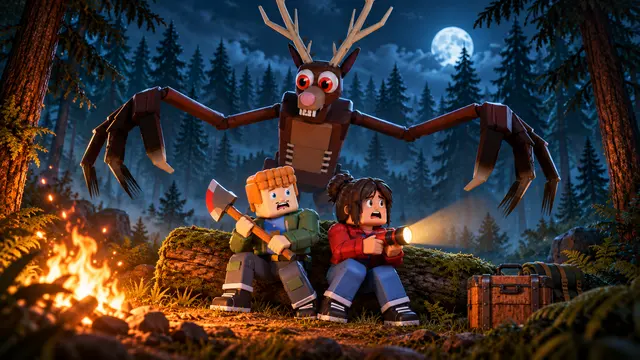 99 Night Survivor
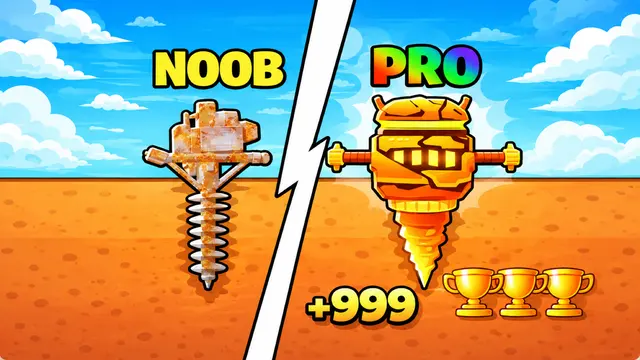 Obby: Dig to the center of the Earth
 Pocket Mart
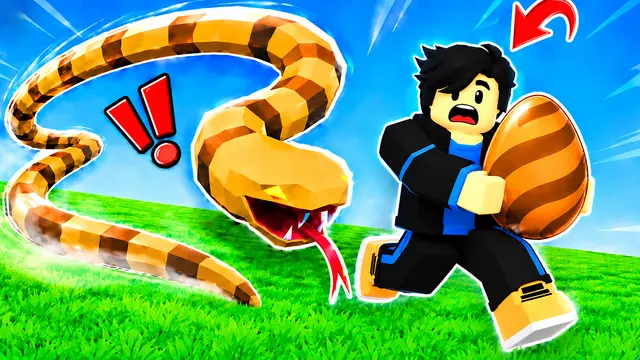 Steals Eggs From Animals
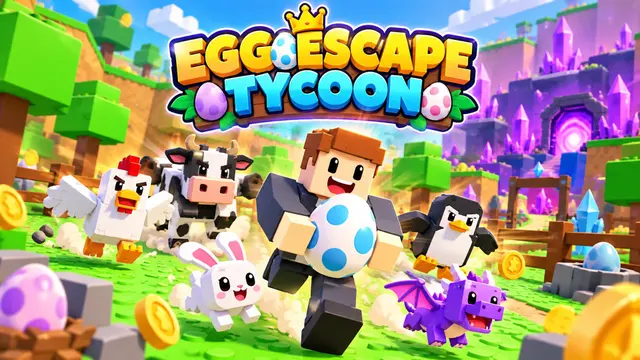 Egg Escape Tycoon
 Sunny Bay Heroes
 Obby: Steal an Egg - The Great Escape
 Master of Riding a Pet
 Smash and Steal an Egg!
 Ultimate Horse Simulator
 Noob in Mine - Sandbox & Craft
 Capy Market
 Animal Hospital 3D
 Wild Camp
 Colonora: Colony Survival
 Obby Sail for Egg
 Crown & Crafts
 Steal an Egg 3D
 Hexlands
 Obby Break an Egg
 TerraBlox
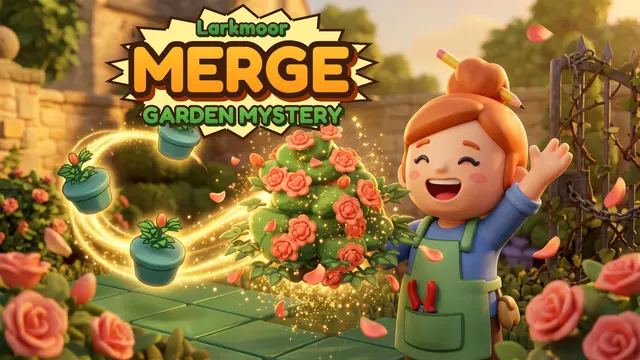 Larkmoor: Merge Garden Mystery
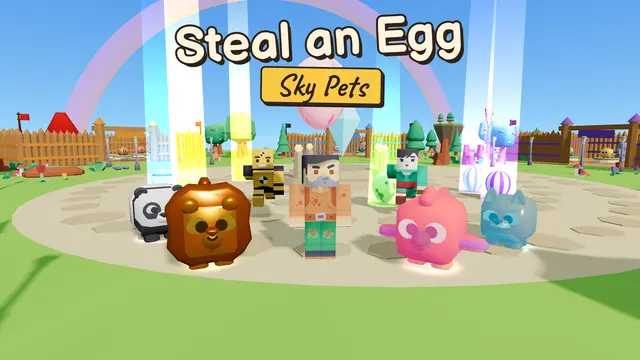 Steal an Egg: Sky Pets
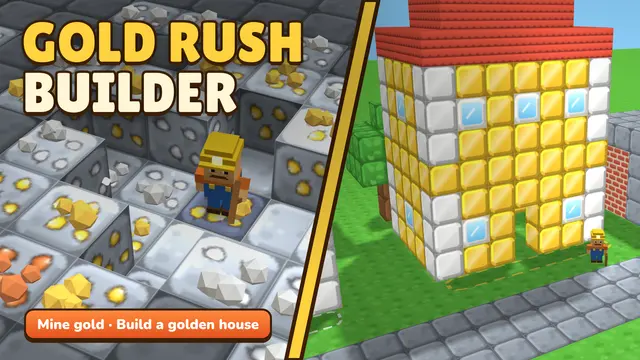 Gold Rush Builder
 Nest Heist
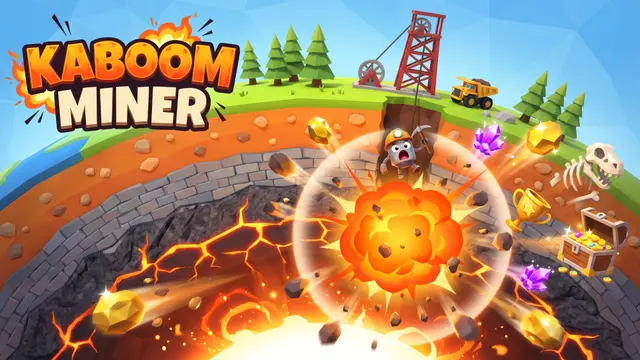 Kaboom Miner
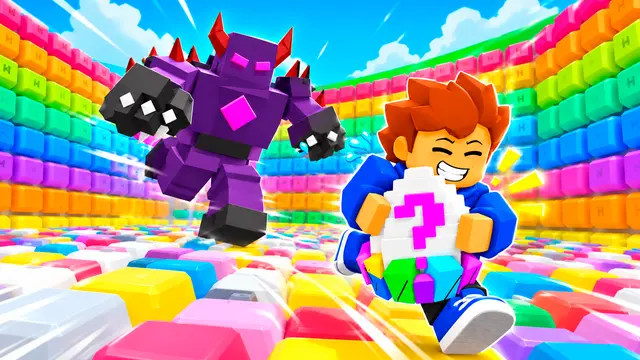 Grow an Egg: Brainrot Pets Online
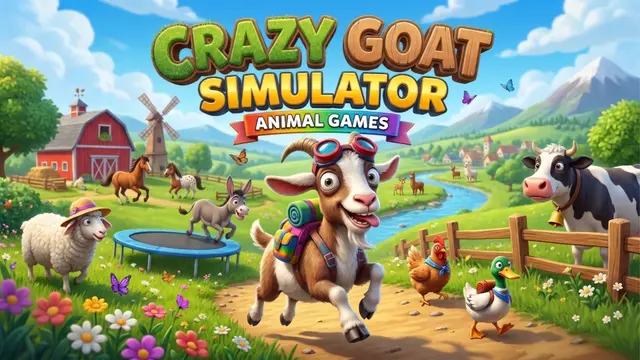 Crazy Goat Simulator Animal Games
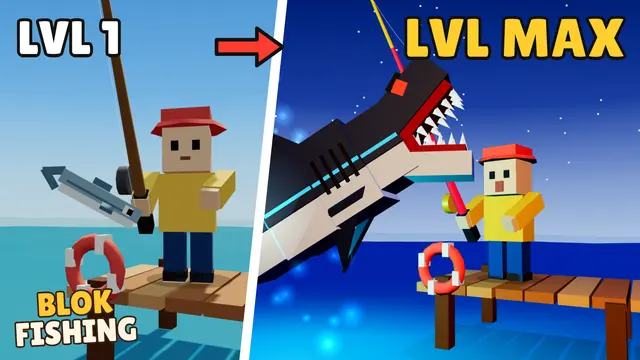 Blok Fishing
 Alchemy Store
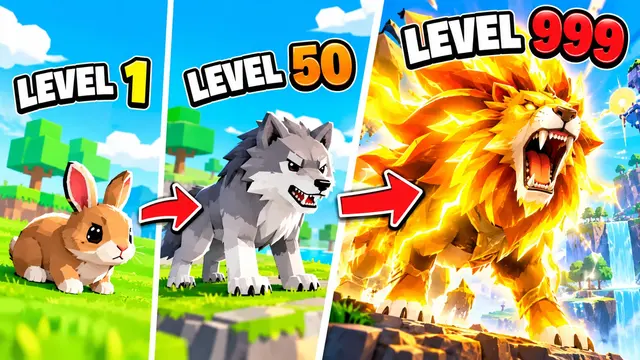 Evolution Simulator
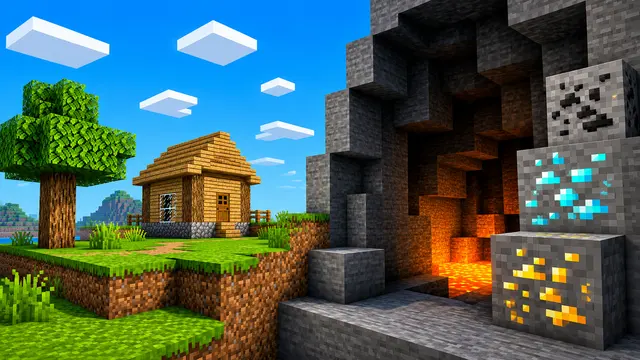 Mine - Survival & Creative
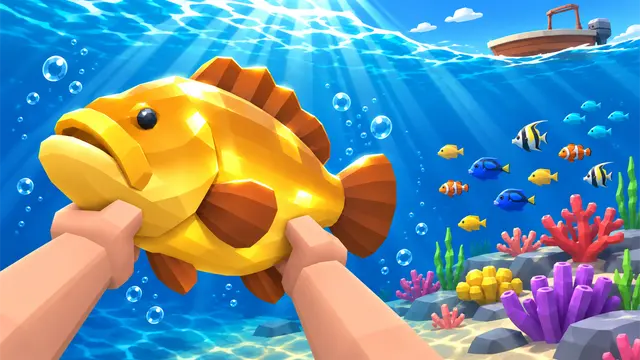 Catch a Fish
 Real Survival: Not Fake
 Break the Egg and Run away!
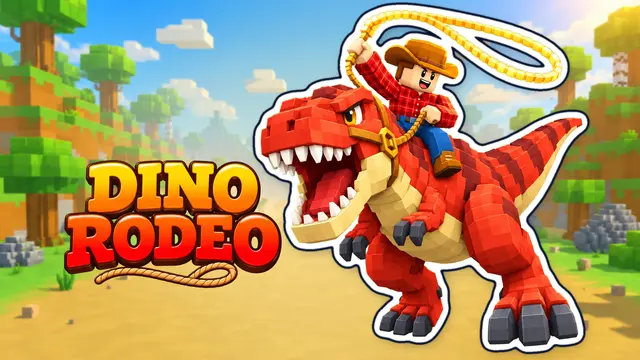 Dino Rodeo 3D
 Clean the Moon
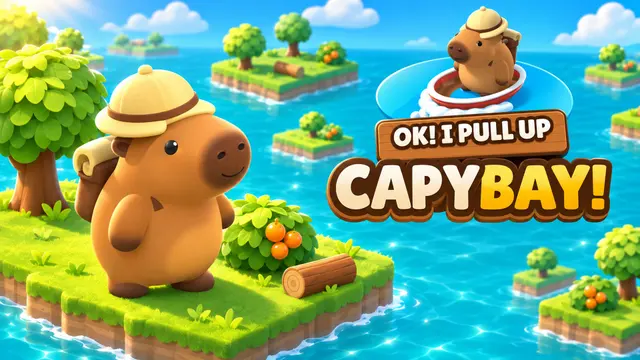 Ok! I Pull Up Capybay!
 Gym Simulator: Pump Town
 Snowed In
 Needle in a Haystack
 No Rules Fishing
 Wife Threw My Cards Away
Play WildBlocks — A Tiny Living World online
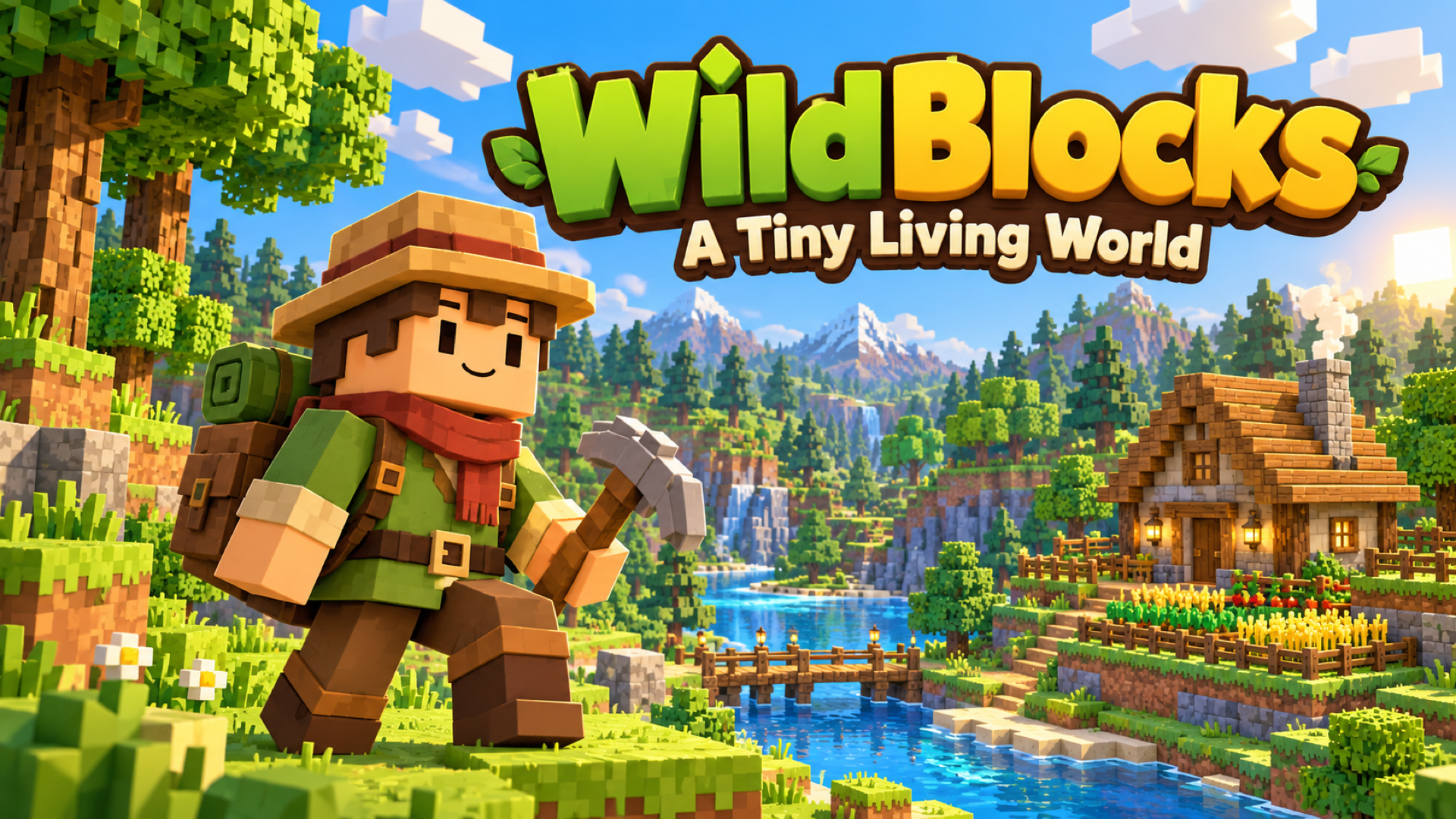
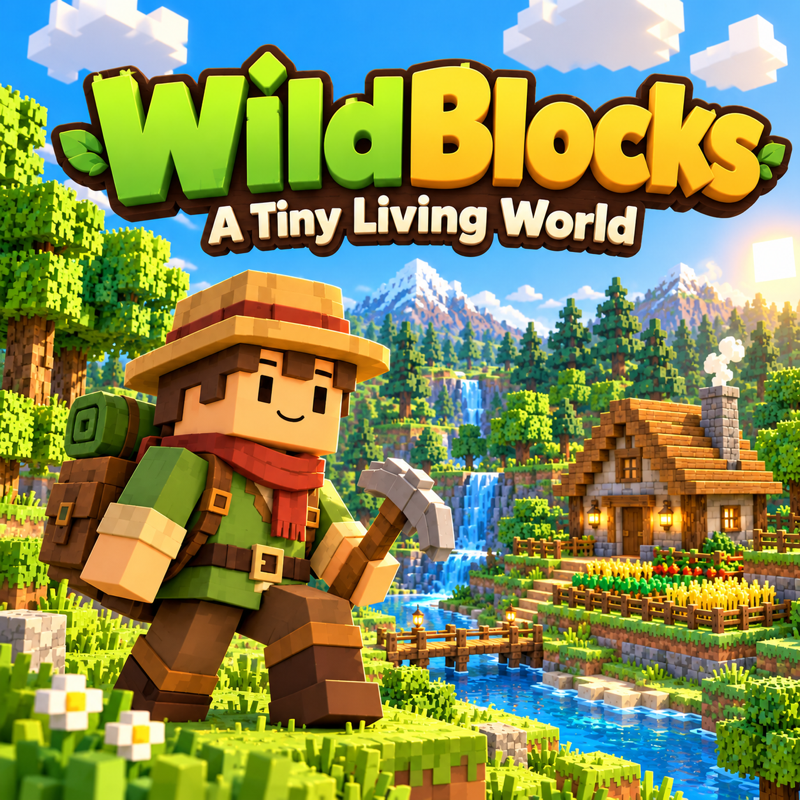
Make a tiny living world your own in WildBlocks, a cozy voxel adventure about exploring, crafting, and building a place to call home. Wander through meadows, forests, rivers, caves, and ancient ruins. Chop trees, gather resources, craft tools, grow crops, cook food, and meet the creatures that share your world.
Gather and use the materials described in the game to work toward your next task. Check the recipe or requirement before spending a resource. Character tasks or quests provide goals to work toward as you explore. The instructions include an undo option for correcting a move.
How to play WildBlocks — A Tiny Living World
Controls and instructions
Choose New World to start an adventure, or Build Home to create with unlimited materials. In Survival, follow the starting quests, gather wood and other resources, then open the Backpack and Recipe Book to craft tools and useful items. Build a shelter, plant crops, prepare food, and explore to improve your Homestead. Aim at objects to use them, and keep your favorite tools in the hotbar.
Desktop: Move with WASD and look around with the mouse. Press Space to jump, Shift to sprint, and Ctrl or C to crouch. Hold the left mouse button to chop, mine, or attack. Use the right mouse button to place blocks or use the item you are holding. Press F to interact, E for the Backpack and Recipe Book, J for the Journal, M for the map, and Esc for the pause menu. Select hotbar items with 1–9 or the mouse wheel. Click the game view to capture the mouse when prompted.
Phone or tablet: Turn your device to landscape. Move with the left joystick and drag the right side of the screen to look around. Tap the screen to use the selected item, and press and hold to break blocks. Use the onscreen buttons for jumping, placing, interacting, and opening the Backpack. Tap hotbar slots to select items. The in-game How to Play guide explains the touch controls and each mode.
Build Home: Open the catalog with B, choose a material or object, and use the building tools to place and shape your home. R rotates, X selects the remove tool, and Ctrl+Z / Ctrl+Y undo and redo. On touch devices, use the tool drawer and onscreen actions. Open How to Play for the complete building guide.
Menu when you finish a session. Choose **Continue** or select a saved world to return. Multiplayer requires an internet connection; create or join a room and share its code with friends using Save & Quit.
Desktop controls reference
| Action | Default control |
| --- | --- |
| Move / look | WASD / mouse |
| Jump / sprint / crouch | Space / Shift / Ctrl or C |
| Chop, mine, break, or attack | Hold left mouse button |
| Place a block or use held item | Right mouse button |
| Interact with objects and creatures | F |
| Backpack and Recipe Book | E |
| Select hotbar item | 1–9 or mouse wheel |
| Journal / map | J / M |
| First / third-person view | V |
| Free cursor / return to mouse-look | Backtick |
| Pause menu | Esc |
These are the default bindings. Players can change supported bindings in Settings → Controls. Build Home and Deathmatch also have mode-specific controls in the in-game guide.
Getting started with WildBlocks — A Tiny Living World
- Read the next item’s requirements before deciding what to collect.
- Check the current task before deciding where to go next.
- Use the listed undo control when you want to reconsider an action.
About this game
- Platform
- Web browser
- Supported devices
- Android, iOS, Desktop
- Screen orientation
- Landscape
- Languages
- American English
- Genres
- Adventure, Simulation, Minecraft, Crafting
- In-game purchases
- None listed by the provider
- Provider
- Playgama
- Provider audience
- Male, Female
Game features and tags
- Mineblock
- Casual
- Webgl
- 1 Player
- Indie
- Sandbox
- Building
- Open World
- Ai
WildBlocks — A Tiny Living World images
Questions about WildBlocks — A Tiny Living World
How do I start playing?
Choose Play now in the game window above to load WildBlocks — A Tiny Living World through Playgama. Read the controls and instructions above before you start.
Which devices can I play on?
The provider lists support for Android, iOS, Desktop. Play in your web browser using the controls described above.
Which languages does the game support?
American English.
Does the game have in-game purchases?
The provider lists no in-game purchases for this game. Games may display advertisements.
Related game categories
Game facts and artwork supplied by Playgama. Descriptions adapted and getting-started guidance added by LookBear. Game content, ads and purchases are provided by Playgama and the game provider.