 Dungeon Master - Cult & Craft
Catch a Fish
Provided by Playgama
Catch a Fishvia Playgama







 Relic Rush 3D
 Night Lake: Monster Fishing
 Backrooms Craft
 Steal a Pet!
 Mine Tycoon
 Wooden Vest
 Tiny Cinema
 Obby: Dig to the center of the Earth
 Farm Care Tycoon
 Scoop Empire
 Fishing Island
 Mining Master
 Army Base
 Reel & Slash II - Beach Legends
 Sunny Bay Heroes
 Obby: Steal an Egg - The Great Escape
 Master of Riding a Pet
 Smash and Steal an Egg!
 Ultimate Horse Simulator
 Noob in Mine - Sandbox & Craft
 Bank Tycoon Simulator Money Empire
 Reaper’s Graveyard Shift
 Peel the Potato
 Grow the Baby
 Monster Card Shop
 Park Tycoon
 Obby Sail for Egg
 French Fries Tycoon: Farm to Fryer
 Steal an Egg 3D
 Snack Stack
 Hexlands
 Haystack Works
 Thief Steal a Monster Egg
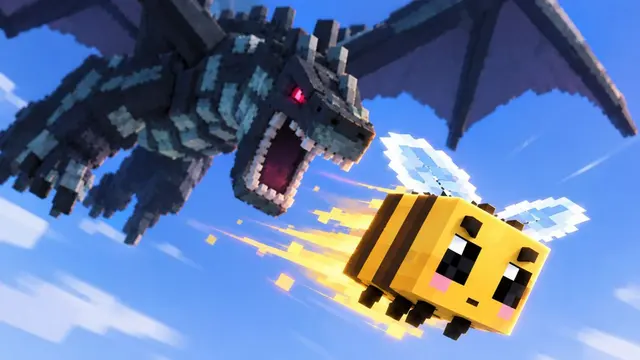 Bee Simulator: Mine
 Farm mart
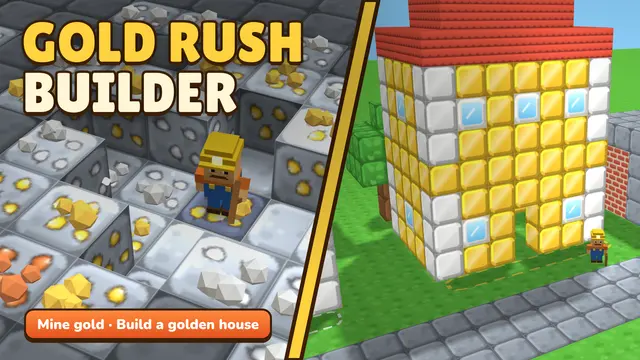 Gold Rush Builder
 Obby: Build a Car Farm
 Nest Heist
 Kaboom Miner
 Steal a Destruction Egg
 Rusty Park
 Crazy Goat Simulator Animal Games
 City Gas Station Simulator
 Happy Supermarket 3D Simulator
 Evolution Simulator
 +1 Wings for Eggs
 Vet Tycoon: Pet Hospital
 Car Inspection Tycoon
 Lumberjack Simulator
 Real Survival: Not Fake
 Break the Egg and Run away!
 Throw Foods For Pets
 Build a Winter Resort
 City Rush 2000
 Obby Steal a Car
 Pump It Up
 Dino Rodeo 3D
 Clean the Moon
 Wasteland Gas Station
 Market Hero
 Ok! I Pull Up Capybay!
 My Pet Hotel
 Needle in a Haystack
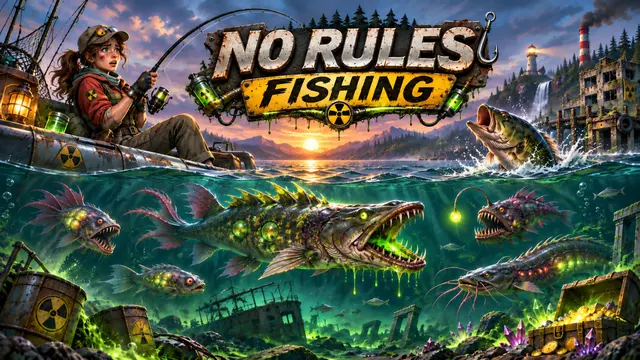 No Rules Fishing
Play Catch a Fish online
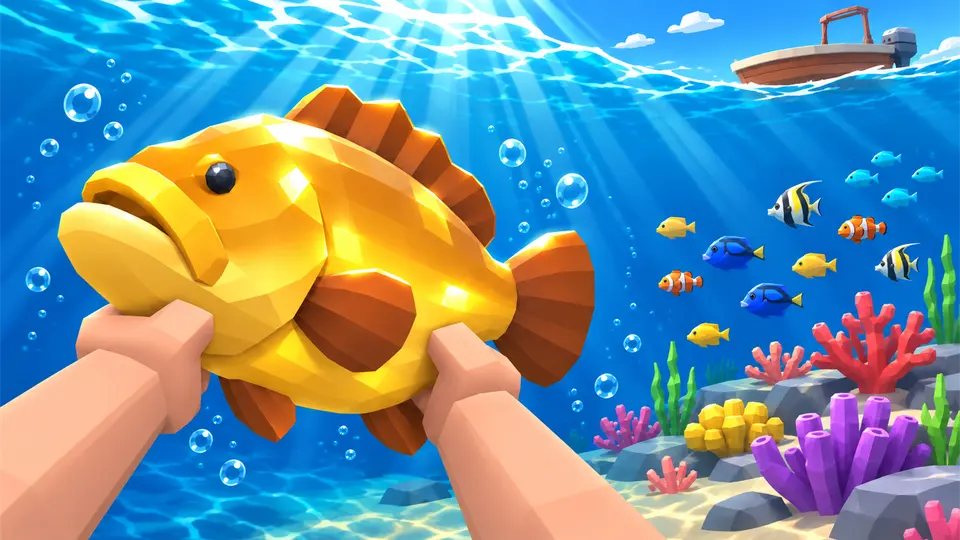
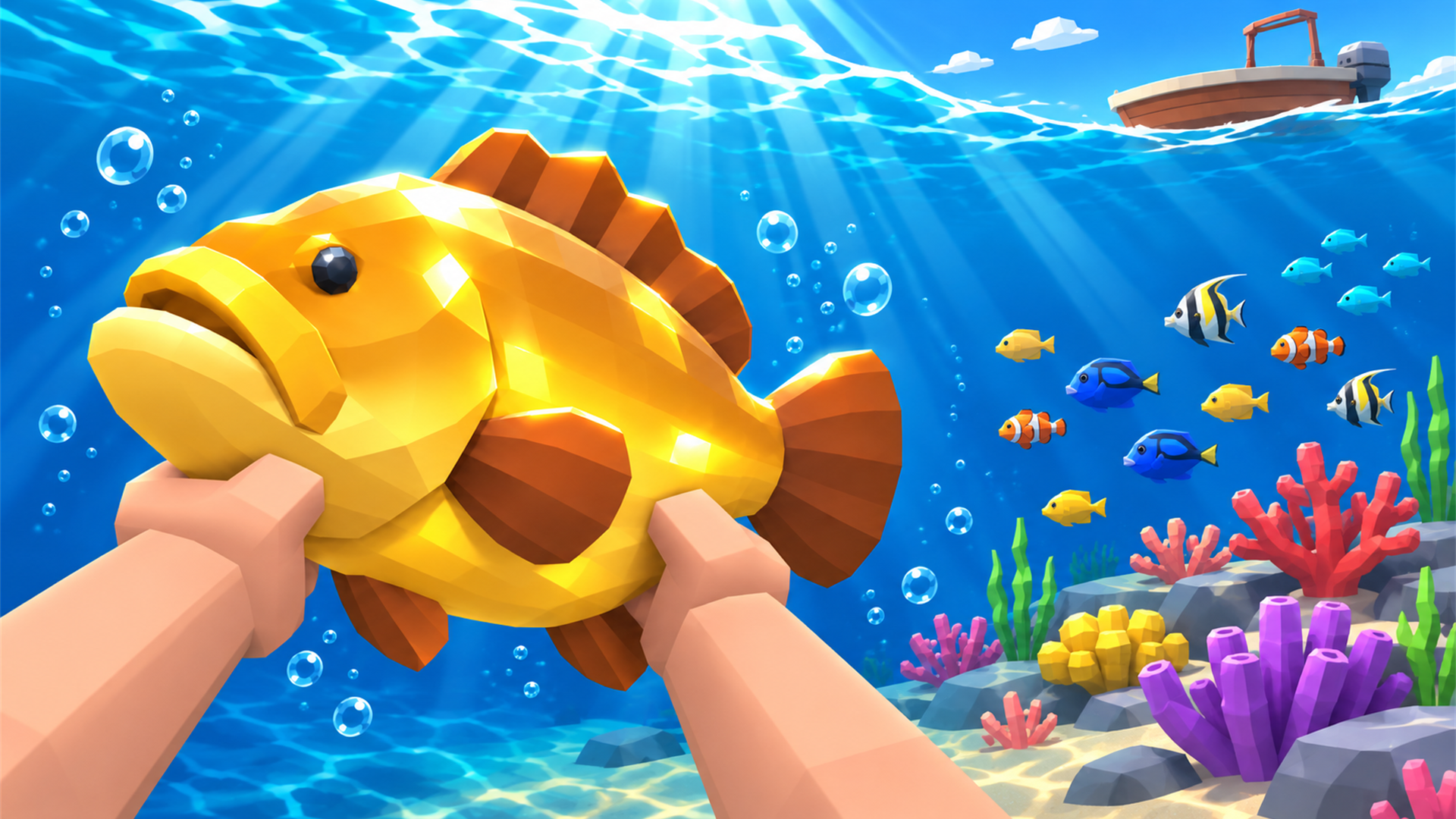
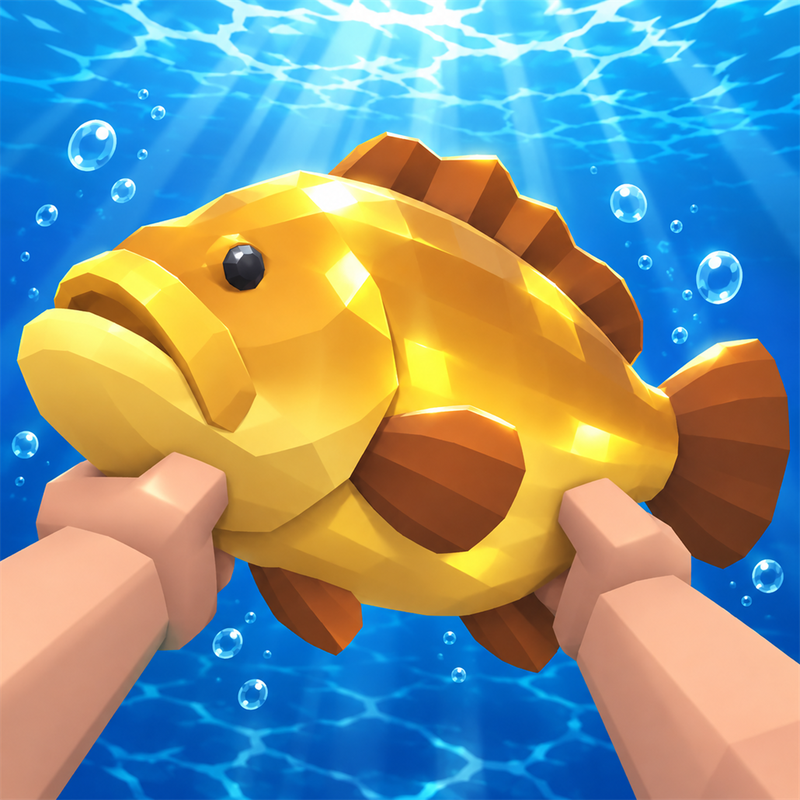
Dive off the pier and catch fish with your bare hands! Swim through five sea zones — a sunny bay, a coral reef, a kelp forest, the open blue and the dark abyss — knocking out fish, scooping them into your bag and racing back before your air runs out. Sell your catch at the market, upgrade your air, bag and tools, buy a harpoon and a net, then a boat to reach a hidden island and its rare fish.
Follow the game’s fishing interactions and watch the cues for your next action. The instructions explain how to handle the equipment and progress. Upgrades are part of the progression described by the provider. The listed controls include WASD input.
How to play Catch a Fish
Controls and instructions
Catch fish, sell them, upgrade, and explore deeper seas. Watch your air: if it runs out you pass out and lose part of your catch. Desktop: WASD to move, mouse to look, left click to punch, throw the harpoon or sweep the net, Space to jump or swim up, C to swim down, 1 / 2 or the mouse wheel to switch tools, B for the bag, P for settings. Mobile: left stick to move, drag to look, the action button to catch, and the on-screen buttons to swim up and down.
Getting started with Catch a Fish
- Learn the casting or interaction controls before focusing on rewards.
- Compare the upgrade description with your next objective before choosing it.
- Check the action mappings as well as movement; extra actions may use different keys.
About this game
- Platform
- Web browser
- Supported devices
- Android, iOS, Desktop
- Screen orientation
- Landscape
- Languages
- American English, Chinese (China), German (Germany), European Spanish, French (France), Italian (Italy), Japanese (Japan), Korean (South Korea), Polish (Poland), European Portuguese, Russian (Russia), Turkish (Türkiye)
- Genres
- Adventure, Simulation, 3d, Tycoon, Fishing, First Person Shooter
- In-game purchases
- Available
- Provider
- Playgama
- Provider audience
- Male, Female
Game features and tags
- 2d
- Water
- Collecting
- Agility
- 1 Player
- Resource Management
- Action Adventure
Catch a Fish images
Questions about Catch a Fish
How do I start playing?
Choose Play now in the game window above to load Catch a Fish through Playgama. Read the controls and instructions above before you start.
Which devices can I play on?
The provider lists support for Android, iOS, Desktop. Play in your web browser using the controls described above.
Which languages does the game support?
American English, Chinese (China), German (Germany), European Spanish, French (France), Italian (Italy), Japanese (Japan), Korean (South Korea), Polish (Poland), European Portuguese, Russian (Russia), Turkish (Türkiye).
Does the game have in-game purchases?
The provider lists optional in-game purchases. Any available purchases are handled inside the game. Games may display advertisements.
Related game categories
Game facts and artwork supplied by Playgama. Descriptions adapted and getting-started guidance added by LookBear. Game content, ads and purchases are provided by Playgama and the game provider.