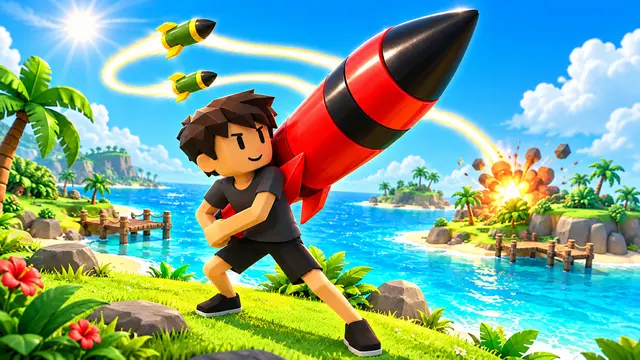
 Rocket Islands
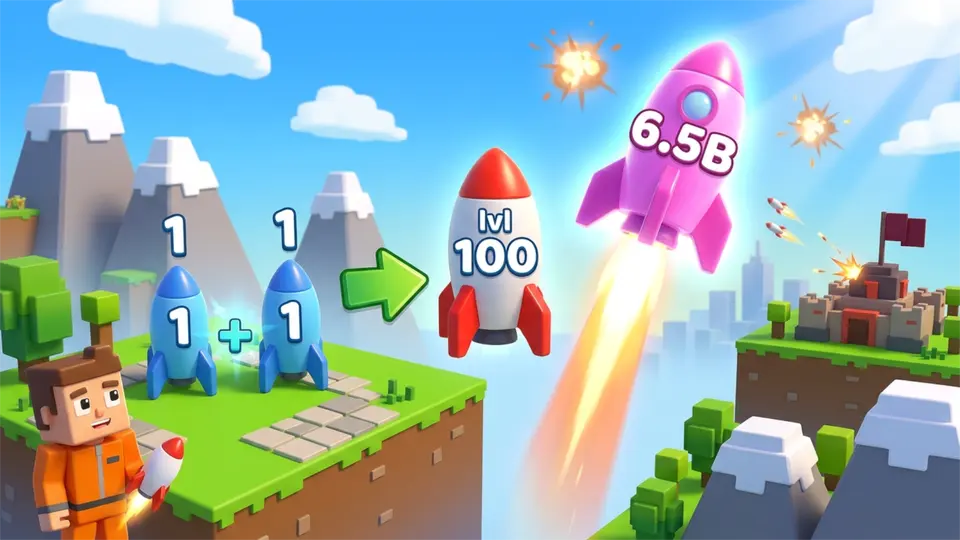
Merge a Rocket!
Provided by Playgama
Merge a Rocket!via Playgama

 Stalker 2033: The Path of the Survivor
 Car Destruction King
 Echolocation Shooter
 MFPS:Military Combat
 Blocks Shooter 3D! Run, Shoot, Merge Weapons!
 RIVALS FPS: Online Shooter
 Squad Assembler: Merge
 World War Camp Company
 SlowMo Sniper
 Imposter 3D
 Block Mine Fuse TNT
 Rift of Hell - Demons War
 BOMBAMAN 3D
 Destruction Simulator
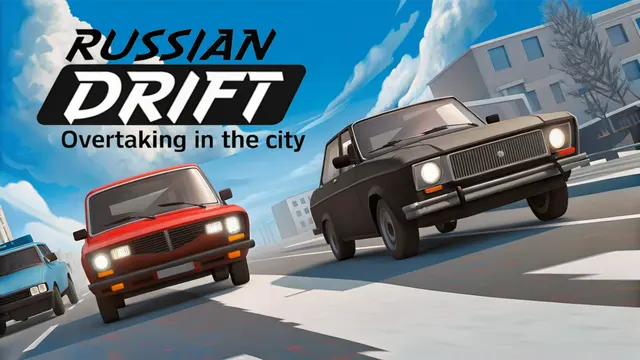 Russian Drift: Overtaking in the City
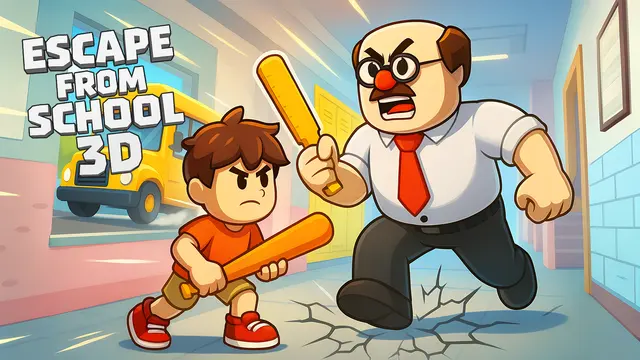 Escape from School 3D
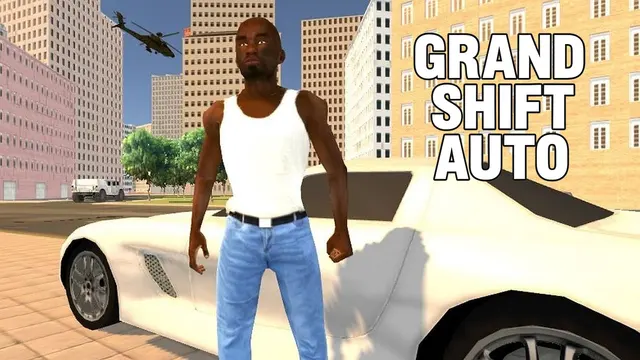 Grand Shift Auto
 Money Maker
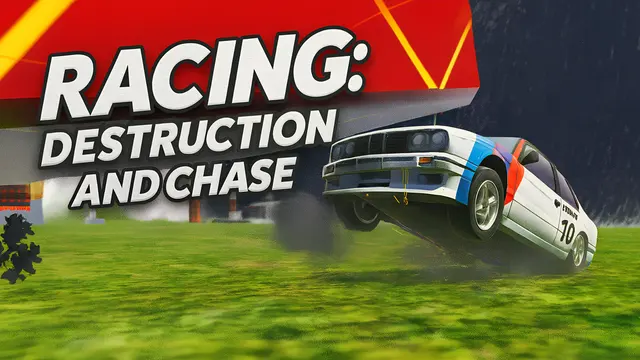 Racing: Destruction and Chase
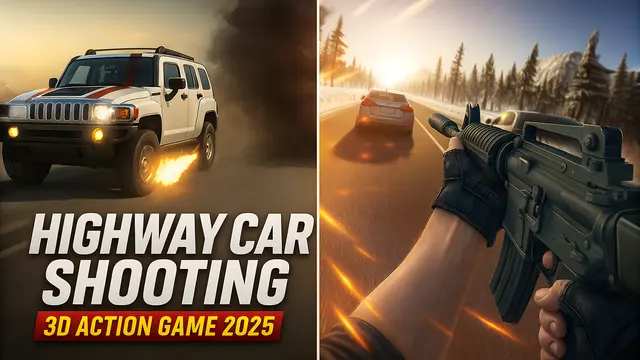 Highway Car Shooting 3D Action Game 2025
 Gravity Shift Sky Racers GT
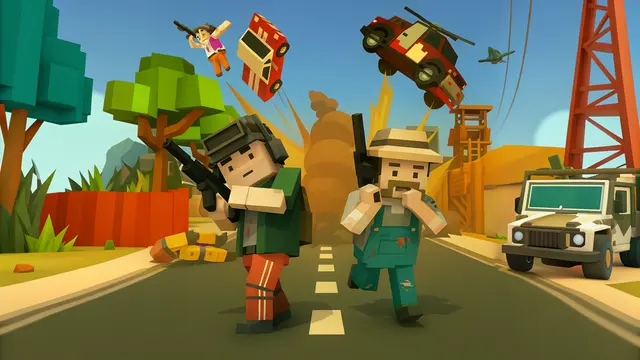 Cube shooter
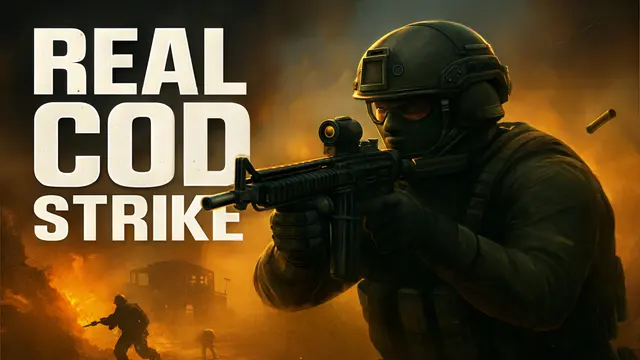 Real COD Strike
 Project: Survival
 Super Car Soccer Arena
 Shot a Brainrot!
 TANKNAROK
 Find a Pair 3D
 The cow of the apocalypse
 SquadZ
 Sniper Attack2
 Merge Plane Tycoon
 A deadly car crash
 Clicker Knights Vs Dragons
 Sword Master: Slice Your Enemies!
 Big Boom! Building Smash!
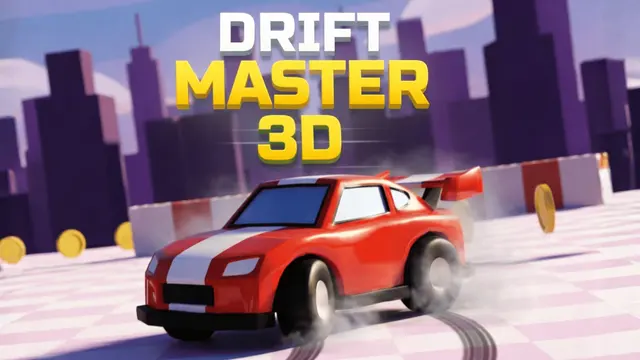 Drift Master 3D
 Ragdoll Battle Royale! Throw Down the Enemy!
 Mine Fight! Cut Mob Army!
 Squid Game Evolution: All Characters!
 Zombie Rage: Merge 3D
 Arrows Idle
 Money cutter idle
 Ninja Survival Simulator
 Poppy Playtime 5 Merge: All Characters
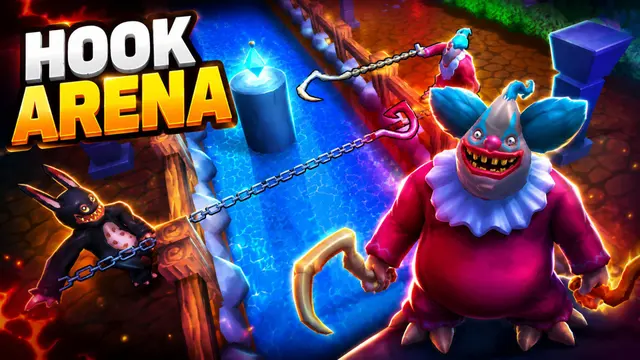 Hook Arena 3D
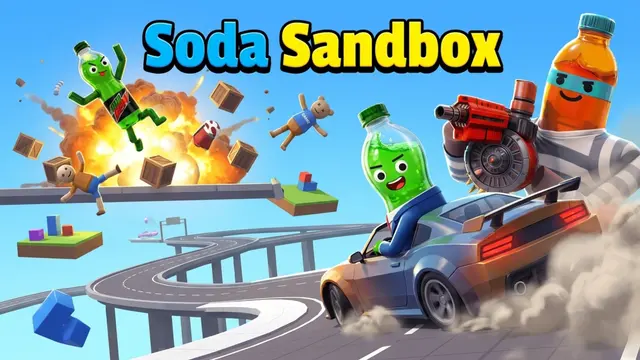 Soda Sandbox
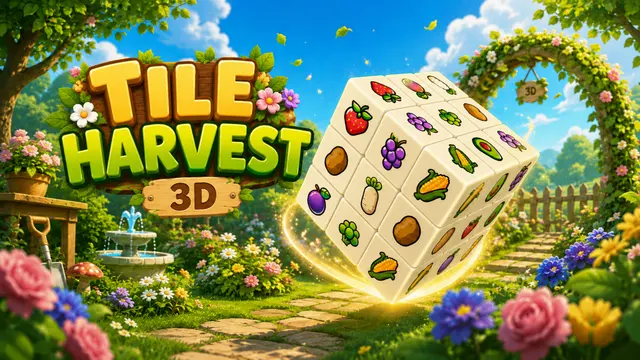 Tile Harvest 3D
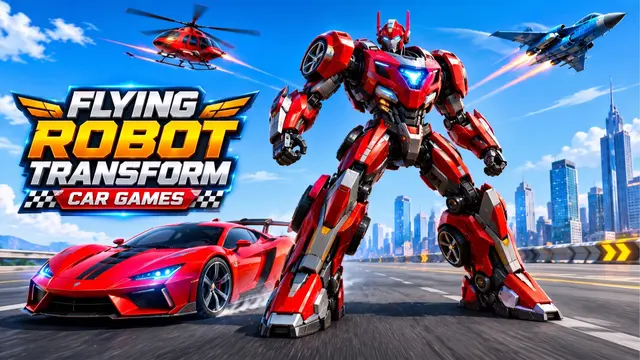 Flying Robot Transform Car Games
 Stickman Gun Rush
 Magic Castle Invasion: Idle RPG
 Air Assault: Ship Defense
 Merge Guns
 Merge Rush Attack
 Mine Obby 3D: Car Wash Tycoon
 Obby: Battle Arena
 Smash and Break
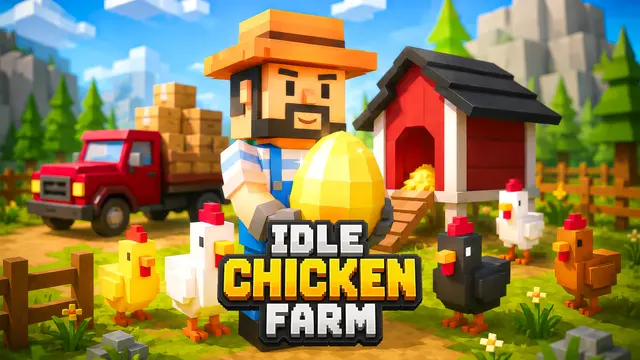 Idle Chicken Farm
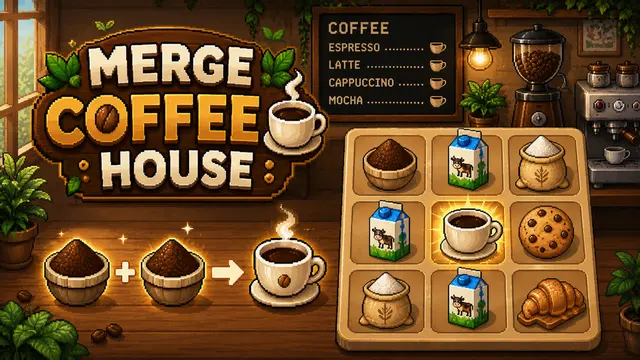 Coffe Merge House
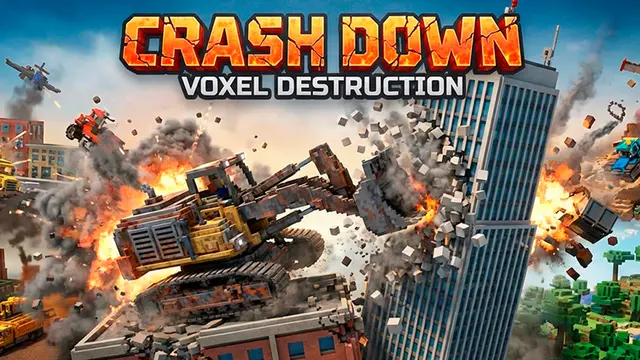 CrashDown Voxel Destruction
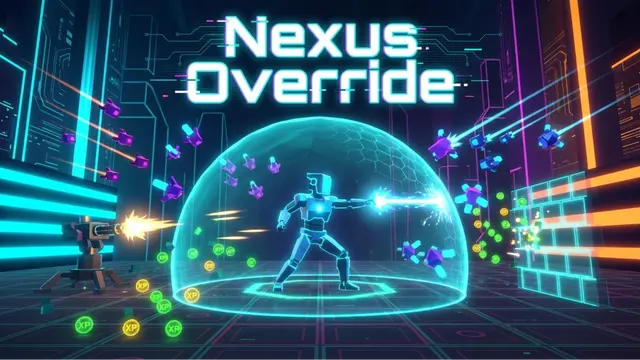 Nexus Override
 Merge Rockets: Obby
 3D Block Gladiator: Sword Draw
 Sniper for Brainrots
Play Merge a Rocket! online
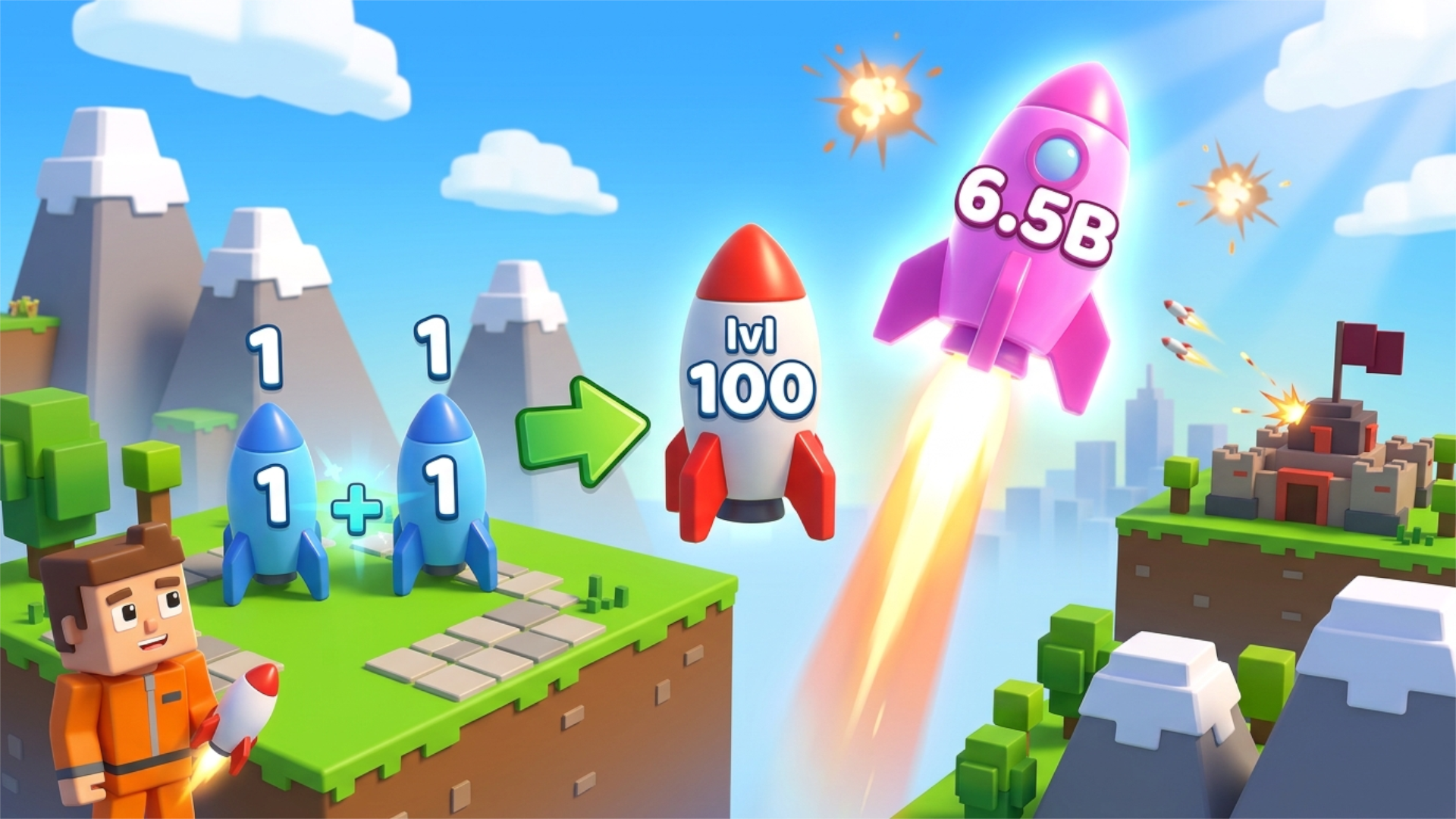
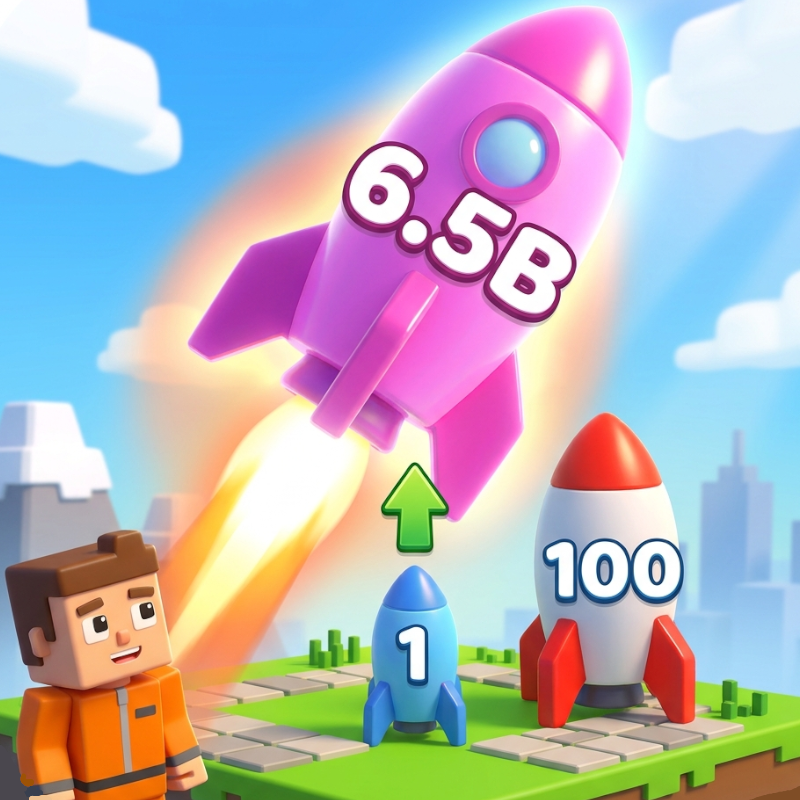
Merge rockets and defend your city! Pick up rockets, combine two of the same level to make a stronger one, then launch them at the enemy base before it destroys your town. Spend in-game coins on upgrades, raise your shield for protection, and use Rebirth to start over with bigger in-game bonuses.
Bring matching pieces together and consider how each combination changes your available space or resources. The instructions explain which items can be combined. Coins appear in the game’s progression or objectives. The instructions describe joystick input.
How to play Merge a Rocket!
Controls and instructions
Walk up to a rocket to pick it up.
Carry it to another rocket of the same level to merge them into a higher-level rocket.
Press Launch to fire your rocket at the enemy base, or Drop to put it down.
Collect in-game coins and open Upgrades to get better rockets and carry more of them. Activate the Shield when the enemy attacks.
Reset your progress for an in-game bonus. You can also watch an optional ad to boost your rocket's damage or double your in-game coins using Rebirth.
Controls:
PC: WASD or arrow keys to move, mouse to look around, Space to jump, Shift to sprint.
Mobile: on-screen joystick to move, swipe the screen to look around, Jump button to jump.
Use the on-screen buttons for Launch, Drop, Shield, Upgrades, Shop, Rebirth and the sound toggle.
Getting started with Merge a Rocket!
- Check the matching requirements before combining pieces.
- Check what the game lets you do with coins before spending them.
- Start with a short joystick movement to judge how the character responds.
About this game
- Platform
- Web browser
- Supported devices
- Android, iOS, Desktop
- Screen orientation
- Landscape
- Languages
- American English, Chinese (China), European Spanish, Russian (Russia), Turkish (Türkiye)
- Genres
- Action, 3d, Merge, Idle
- In-game purchases
- None listed by the provider
- Provider
- Playgama
- Provider audience
- Male, Female
Game features and tags
- Destruction
- Destroy
- Addictive
- Rocket
- 1 Player
- Incremental
Merge a Rocket! images
Questions about Merge a Rocket!
How do I start playing?
Choose Play now in the game window above to load Merge a Rocket! through Playgama. Read the controls and instructions above before you start.
Which devices can I play on?
The provider lists support for Android, iOS, Desktop. Play in your web browser using the controls described above.
Which languages does the game support?
American English, Chinese (China), European Spanish, Russian (Russia), Turkish (Türkiye).
Does the game have in-game purchases?
The provider lists no in-game purchases for this game. Games may display advertisements.
Related game categories
Game facts and artwork supplied by Playgama. Descriptions adapted and getting-started guidance added by LookBear. Game content, ads and purchases are provided by Playgama and the game provider.